CloudBox User Manual 100
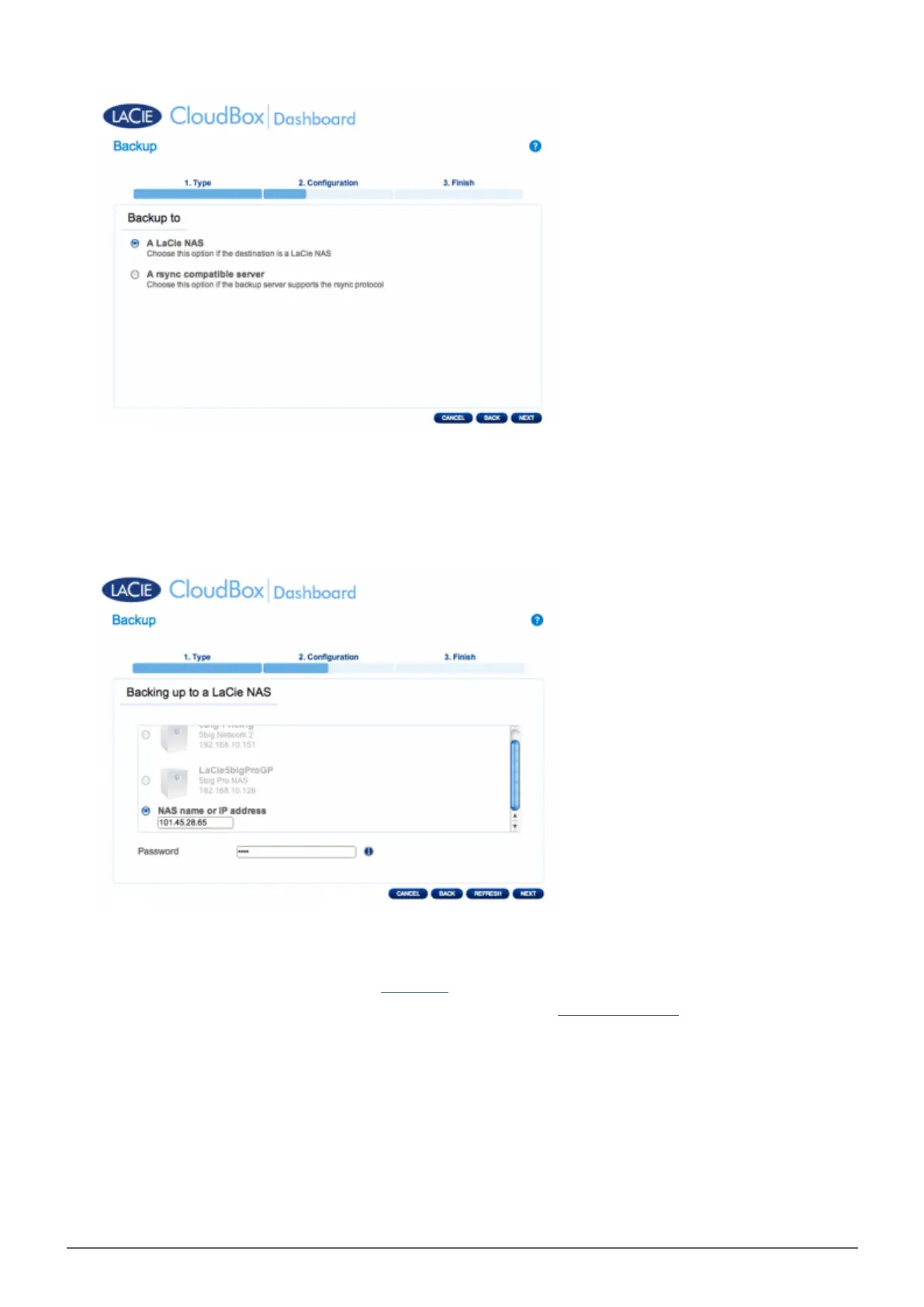
Click NEXT.6.
To send the backup to the offsite Destination NAS, choose NAS name or IP address then enter the public7.
IP address. If you do not know the public address for the Destination NAS, please refer to the user manual
for the offsite network router or contact the internet service provider. Select NEXT to continue.
The Backup & Restore Wizard will search for the Destination NAS. If the Destination NAS cannot be found,8.
please make certain that:
It is powered on and out of sleep mode (Eco Mode).
■
NetBackup Server has been enabled. See the instructions above, NetBackup Share.
■
The proper IP address has been entered. You must use the public IP address rather than the IP address
■
generated for the network.
The Advanced Parameters window lists four options for your backup (Please note that you do not have to9.
select one or more of the Advanced parameters to continue with the backup.):















 To Next Page