CloudBox User Manual 101
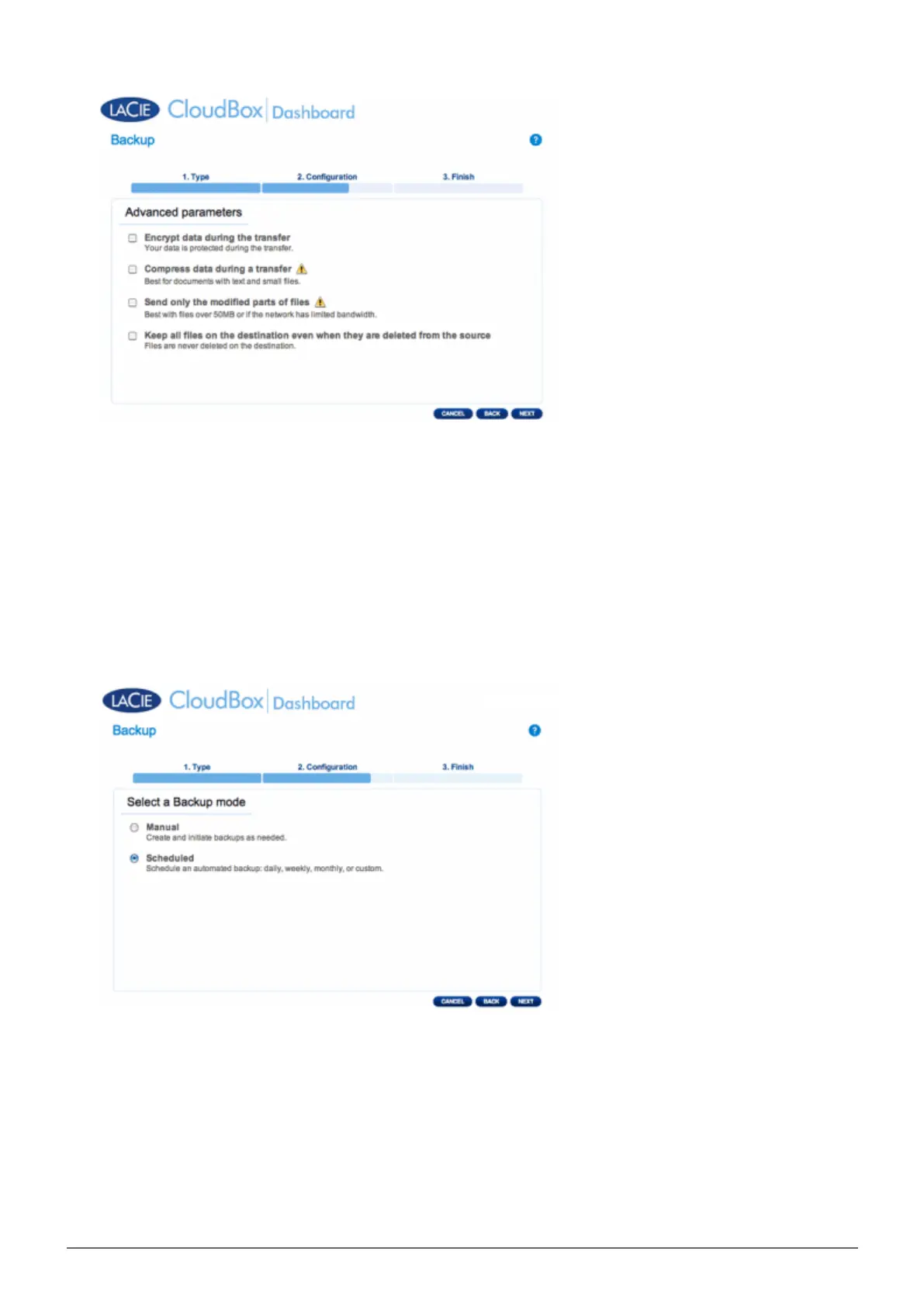
Encryption provides secure data transfers over the network. This is ideal for offsite backups.
■
Compressing data will optimize data transmission rates. This is ideal for low bandwidth networks.
■
Sending modified parts of files is best used with backups that include files larger than 50MB. For example, if
■
you edit a Word document that has already been backed up, only the edits will be copied during the next
backup.
You can leave data on the Destination NAS even if it is deleted from your LaCie CloudBox. Please note that
■
this will take up a good amount of storage on your Destination NAS.
Click NEXT.10.
Select the frequency of the backup.11.
Manual: You must initiate the backup.
■
Scheduled: The backup will begin at the scheduled time.
■















 To Next Page