CloudBox User Manual 11
Windows 8
If you are in Windows 8 view, click on Desktop.1.
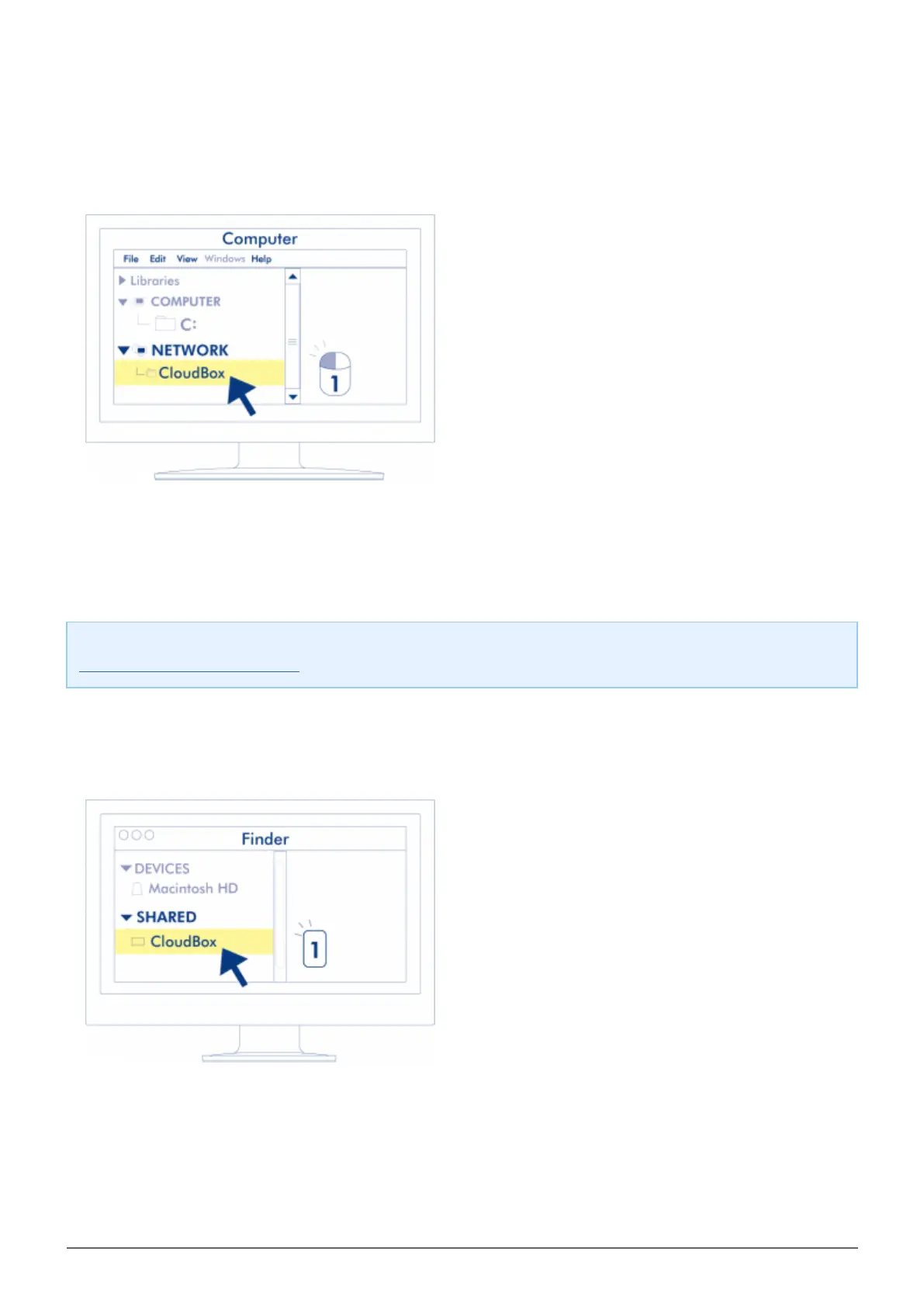
On the lower left of the screen, click on the icon for Libraries.2.
Click on Network.3.
Click twice on LaCie-CloudBox.4.
Open the folder Family.5.
Click twice on CLOUDBOX-HELP.6.
Click on Discover your CloudBox to view the CloudBox Tutorials.7.
Important info: If your version of Windows 8 encounters difficulty reaching the Network, please see
www.lacie.com/cloudbox-install for alternative instructions on accessing your LaCie CloudBox.
Mac
Open the Finder1.
Under SHARED, click on LaCie-CloudBox.2.
Open the folder Family3.
Click twice on CLOUDBOX-HELP.4.
Click on Discover your CloudBox to view the CloudBox Tutorials.5.















 To Next Page