CloudBox User Manual 12
2.B WHAT IS THE FAMILY FOLDER?
The Family folder is available to all the computers connected to the same router as the LaCie CloudBox. Since it
is a public access folder, any computer in your home can copy files to or from Family.
The LaCie CloudBox Family folder includes free music, photo, and video files that you can use. They are
organized by folder within the Family folder. LaCie highly recommends that you organize your files in a similar
fashion. For example, copy your photos in the folder Photos, music within Music, etc.
You can also create folders of your own within Family as well as inside each subfolder (Photos, Videos, Music,
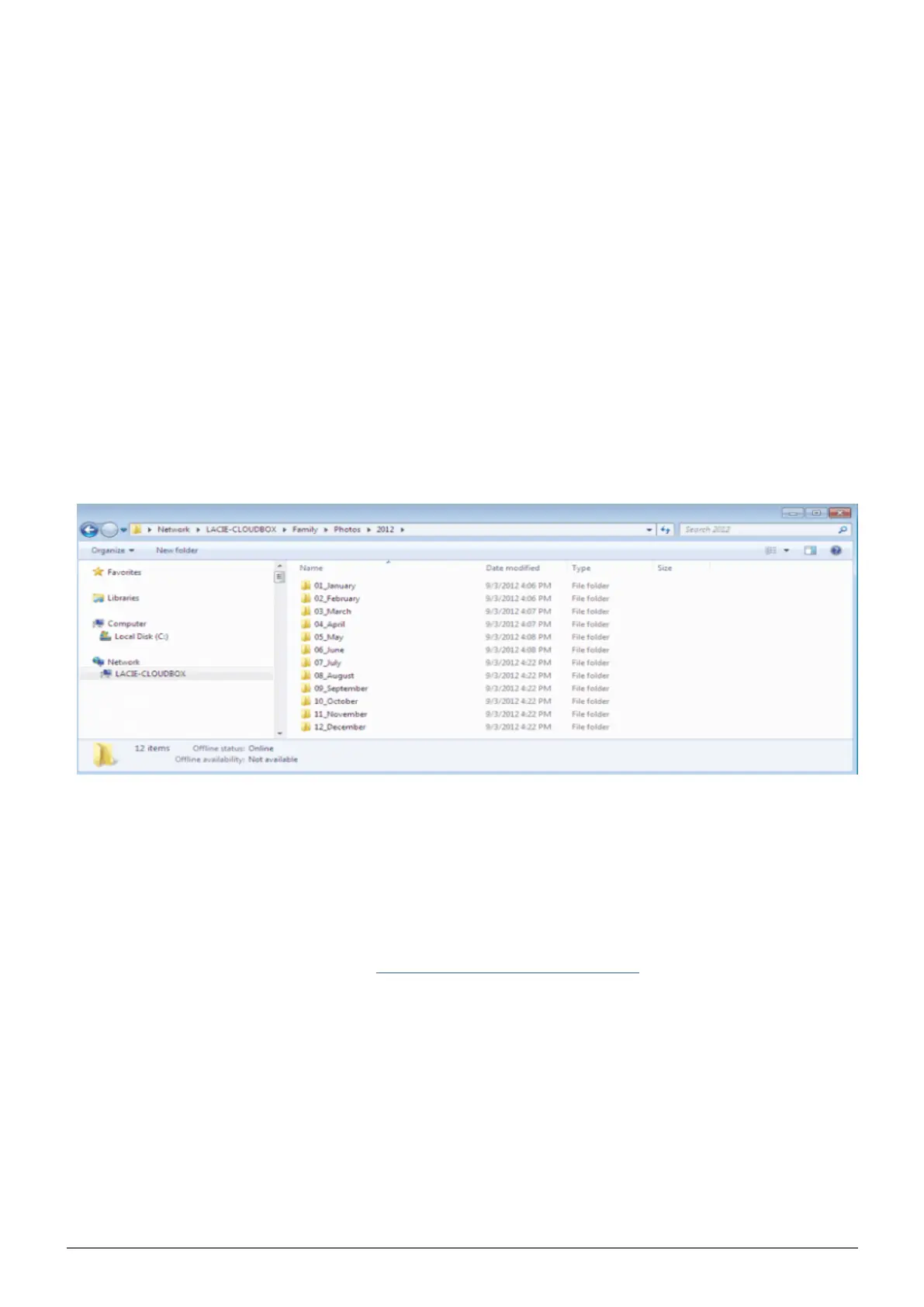
etc.). A brief example is your growing collection of digital photos. For precise organization, create a folder
structure that breaks down your pictures by month of the year:
LaCie-CloudBox > Family > Photos > 2012 > 01_January
■
LaCie-CloudBox > Family > Photos > 2012 > 02_February, etc.
■
FOLDERS AT THE ROOT LEVEL
Please note that folders cannot be created at the LaCie CloudBox root level next to the Family folder. You must
open the Family folder or one of its subfolders to create new folders and copy files. You may create personal
folders for each member of your home. See USERS: Add Users and Private Access for details.















 To Next Page