CloudBox User Manual 131
ACCESS LACIE MYNAS AT A REMOTE LOCATION
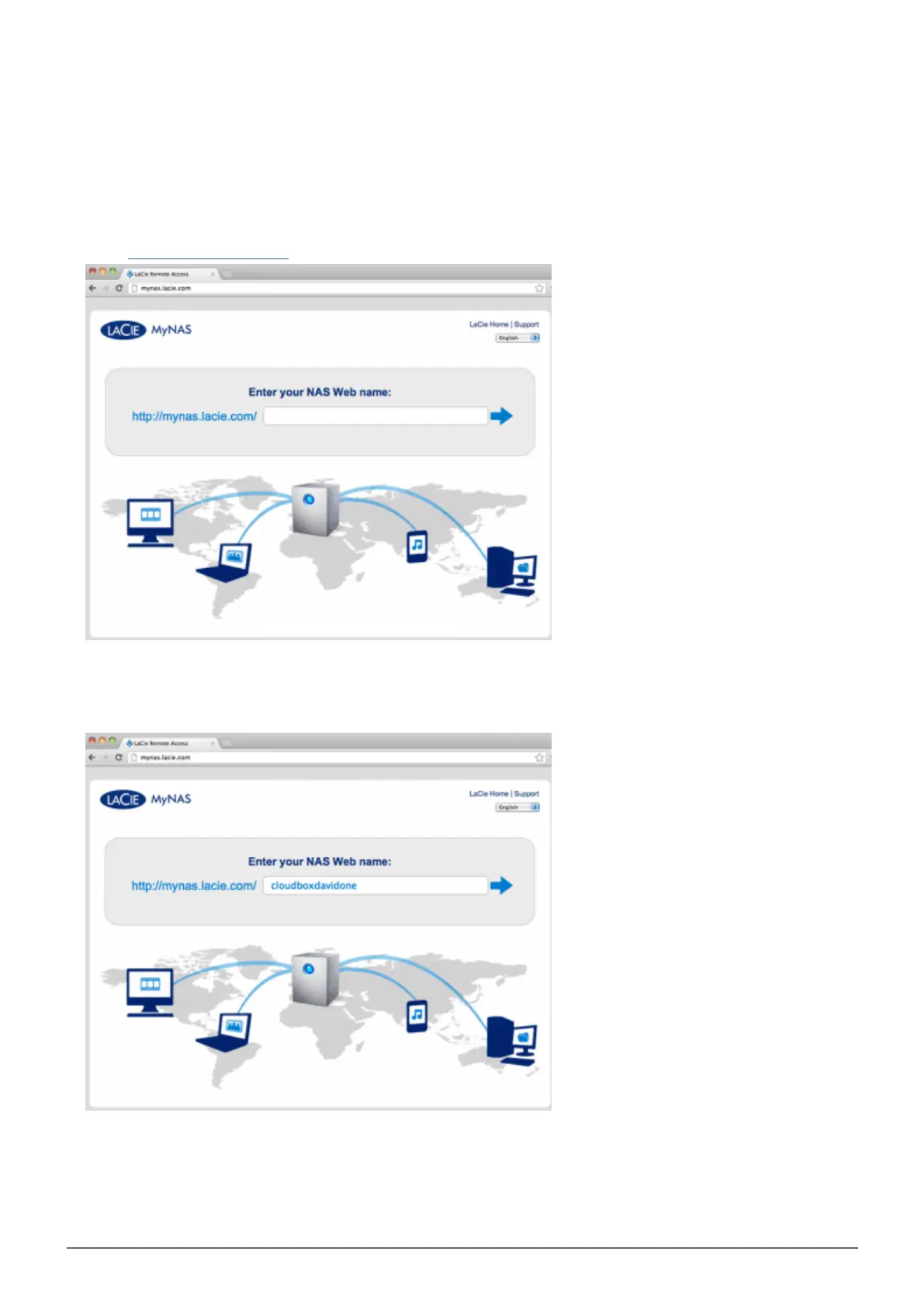
Launch an internet browser on a computer that is connected to a network separate from your CloudBox. For1.
example, your friend's PC.
Go to http://mynas.lacie.com2.
MyNAS Logon
Enter your MyNAS name in the available field then click on the arrow.3.
Enter your login name and password for the Dashboard.4.















 To Next Page