CloudBox User Manual 132
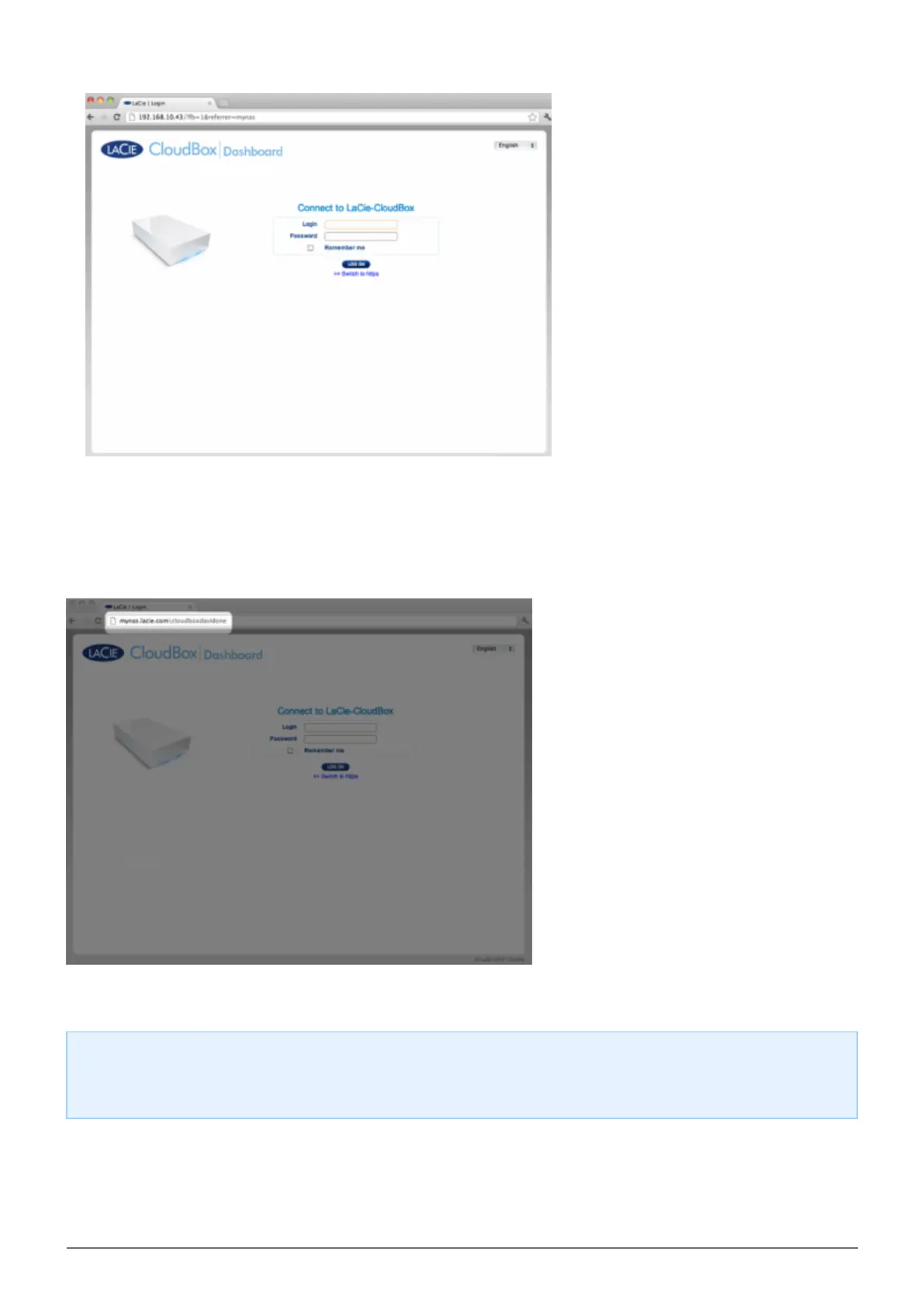
A more direct alternative to logging into LaCie MyNAS is to include your CloudBox nickname in the address bar:
mynas.lacie.com/nickname. The nickname is the name that you assigned to your LaCie CloudBox when
configuring MyNAS in the Dashboard. In this example: mynas.lacie.com/cloudboxdavidone.
Note on MyNAS and Users: Any CloudBox user can view and download their files from remote locations
using LaCie MyNAS. Each user will have access to his personal folder and the Family folder. A user may also
change his password using the Dashboard.















 To Next Page