CloudBox User Manual 133
SHARE LARGE FILES WITHOUT REVEALING YOUR ADMINISTRATOR
PASSWORD
As described in the Tutorial Share Large Files, LaCie MyNAS makes it easy to share photos and videos with
family and friends outside the home. To avoid sending your administrator login and password, you can create a
unique user and password in the Dashboard. When sending the LaCie MyNAS credentials, your family and
friends will receive the login and password of the unique user with rights similar to other members of household.
Therefore, access to your Dashboard settings will be limited and you can select the files you wish to share with
those outside of the home.
Step 1: Create a special user in the LaCie CloudBox Dashboard
Log on to the LaCie CloudBox Dashboard as the administrator (Log On To the CloudBox Dashboard).1.
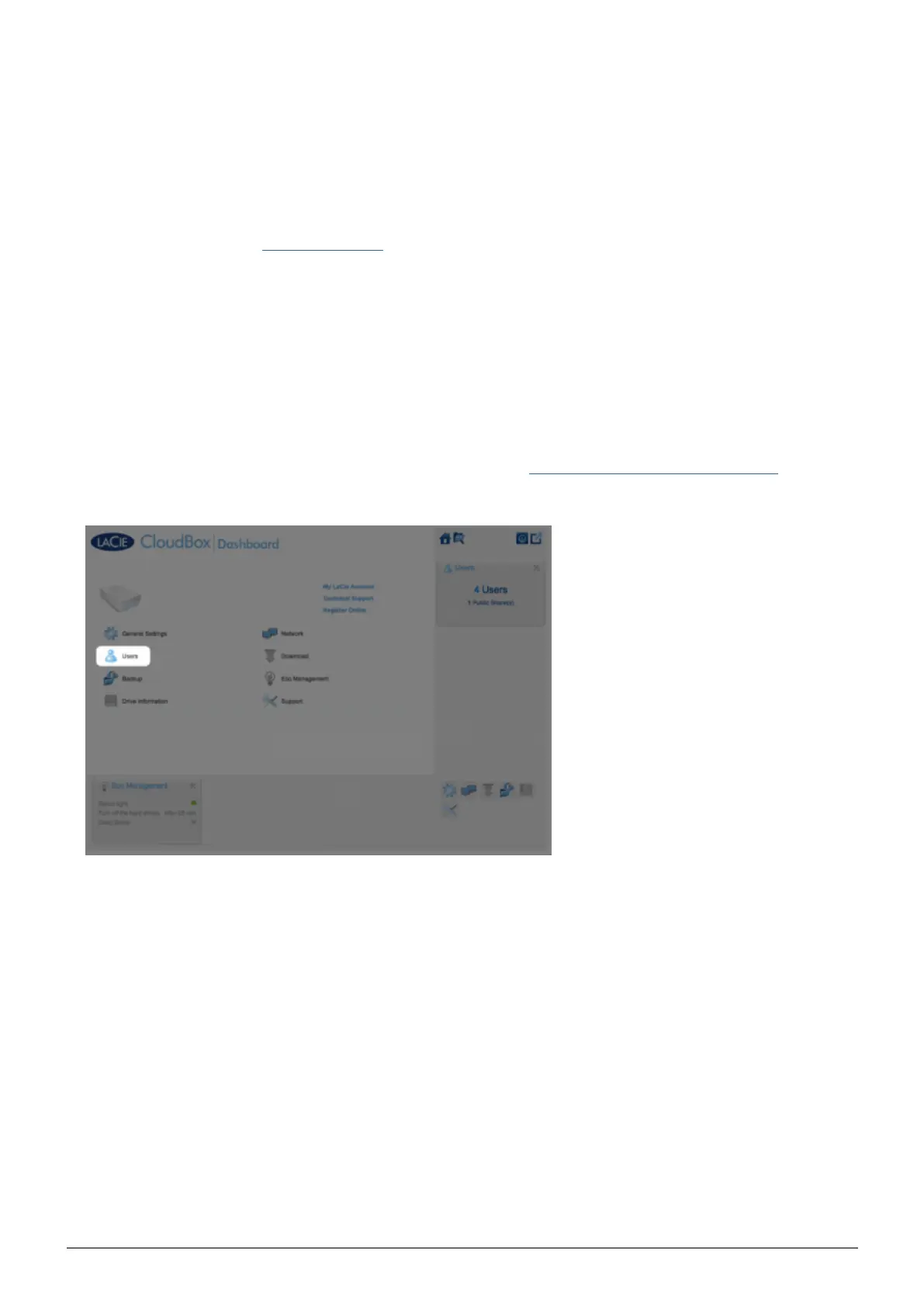
Click on Users.2.
Click ADD USER.3.















 To Next Page