CloudBox User Manual 137
6.B DOWNLOAD FILES VIA FTP
The FTP protocol is used to transfer files from one computer to another via the local network or the internet.
This protocol allows you to exchange files with your friends or relatives securely, as only people with a user
account will have access. For a detailed explanation of the benefits of using FTP, please see
http://en.wikipedia.org/wiki/FTP.
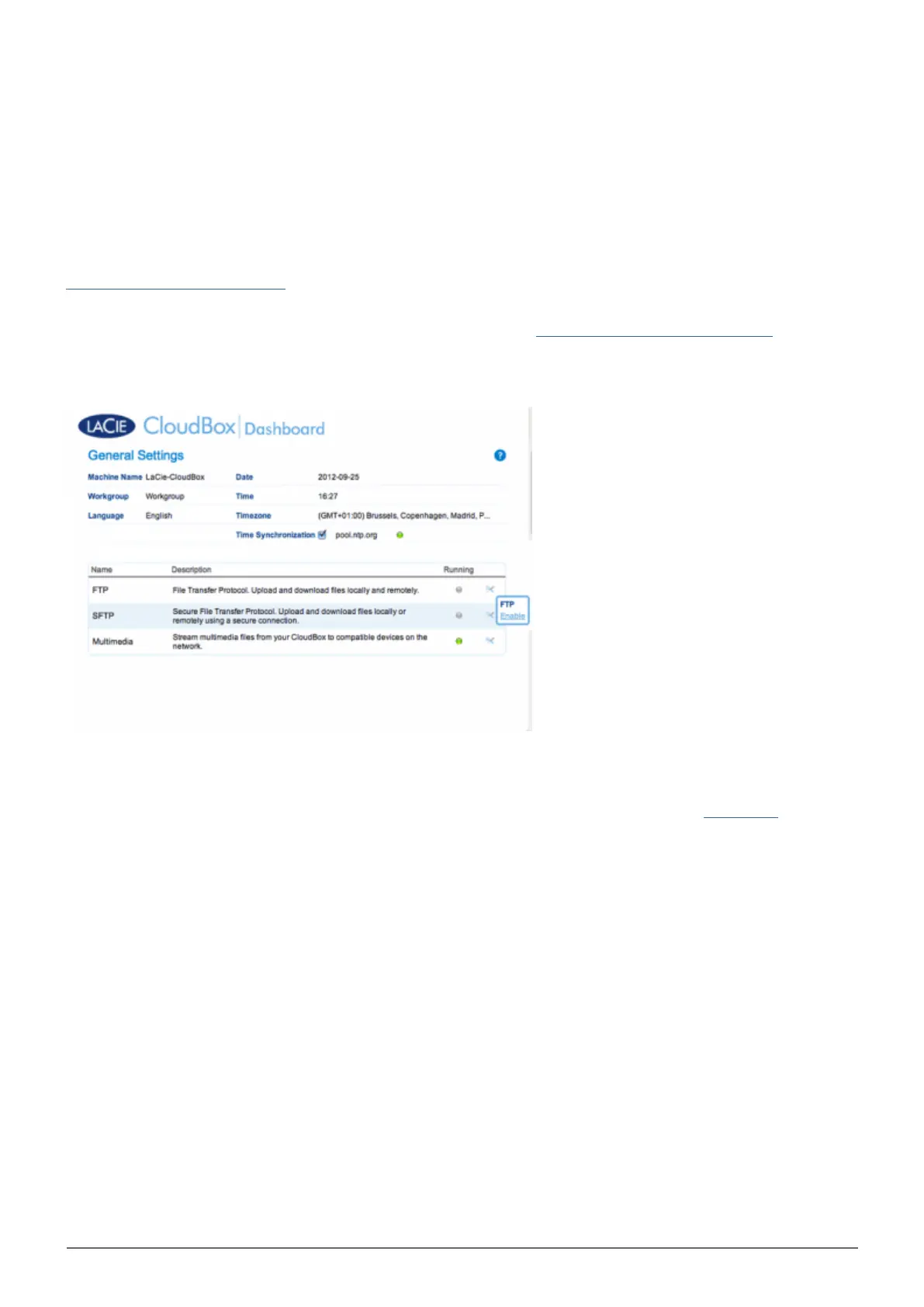
The FTP service is disabled by default but you can enable it on the Dashboard General Settings page. Click on
the wrench and screwdriver icon on the far right column to enable FTP. The light in the Running column will turn
green.
Once FTP is enabled, the LaCie CloudBox can be accessed using an internet browser or FTP client software. FTP
client software is very helpful if you wish to share, download, and upload data within a dedication application
rather than an internet browser. An example of a free FTP client software may be found at Cyberduck.















 To Next Page