CloudBox User Manual 138
HOME FTP ACCESS TO YOUR LACIE CLOUDBOX
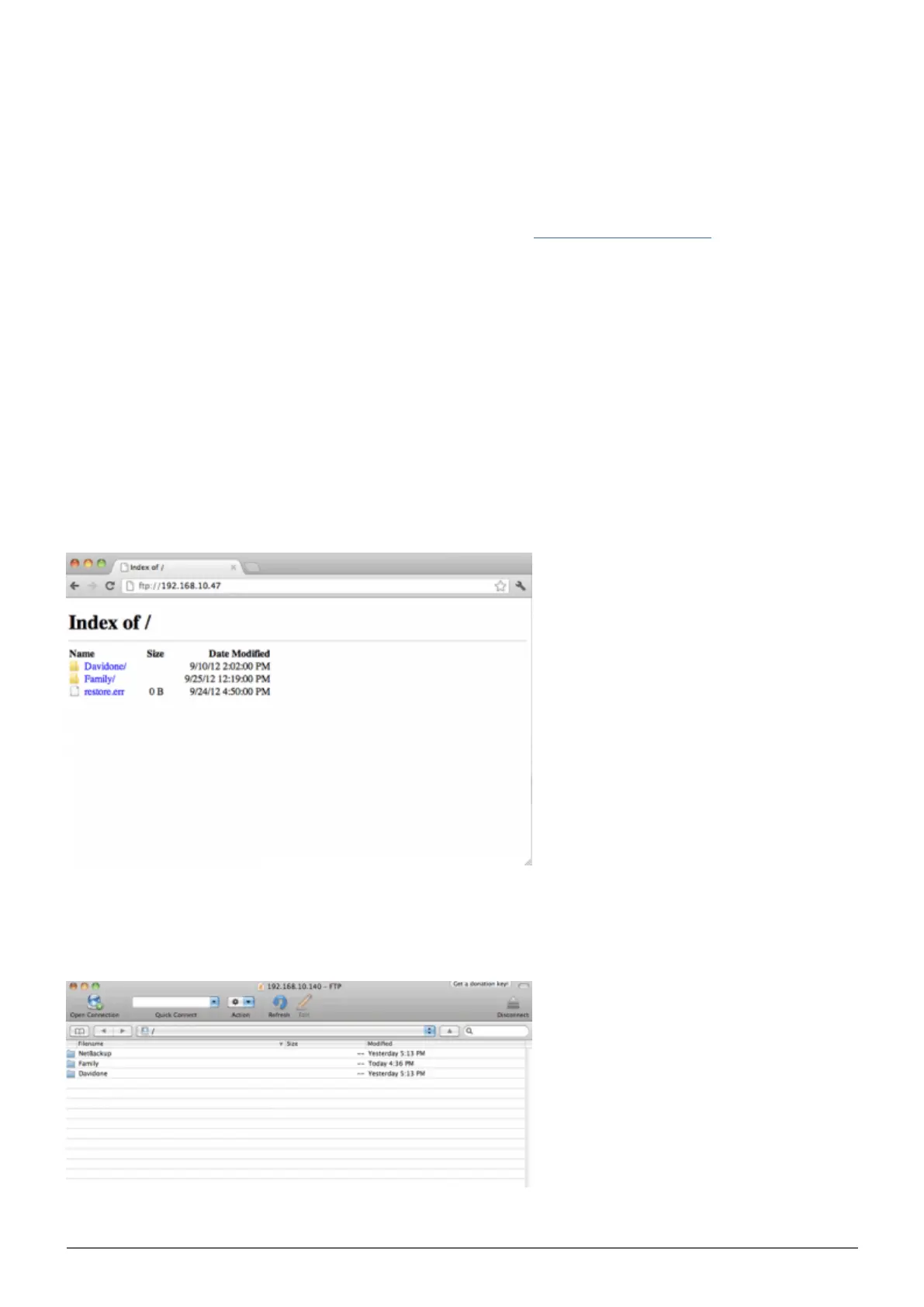
To use the FTP service on your home network, enter your LaCie CloudBox IP address or device name in the FTP
client's address field or in an internet browser's address field (See Dashboard Network page to learn how to find
your LaCie CloudBox's network IP address.):
Public Access Folders only (Family):
ftp://[IP-address] (For example, ftp://192.168.10.149)
ftp://[machine name]/ (For example, ftp://lacie-cloudbox/ or ftp://lacie-cloudbox.local/)
Public and Private Access Folders (Family and personal):
When following the directions below, please note that usernames and passwords can vary depending upon the
user. For example, the administrator's username and password are not the same as another user's name and
password.
ftp://[username:password@IP-address] (For example, ftp://admin:adminpassword@192.168.10.149)
ftp://[username:password@machine name]/ (For example, ftp://admin:adminpassword@lacie-cloudbox/ or
ftp://admin:adminpassword@lacie-cloudbox.local/)
Access files via FTP using an internet browser















 To Next Page