CloudBox User Manual 22
4.B USERS: CREATE A PERSONAL FOLDER - FIRST
PERSONAL FOLDER
The first member of the household to log onto the LaCie CloudBox Dashboard is the administrator. Please
determine the best person in the home to manage your LaCie CloudBox before following the directions below.
FIRST LOGON - ADMINISTRATOR
When logging in, use one of the computers on the same network as your LaCie CloudBox.
Launch an internet browser (Firefox, Internet Explorer, Safari, etc.).1.
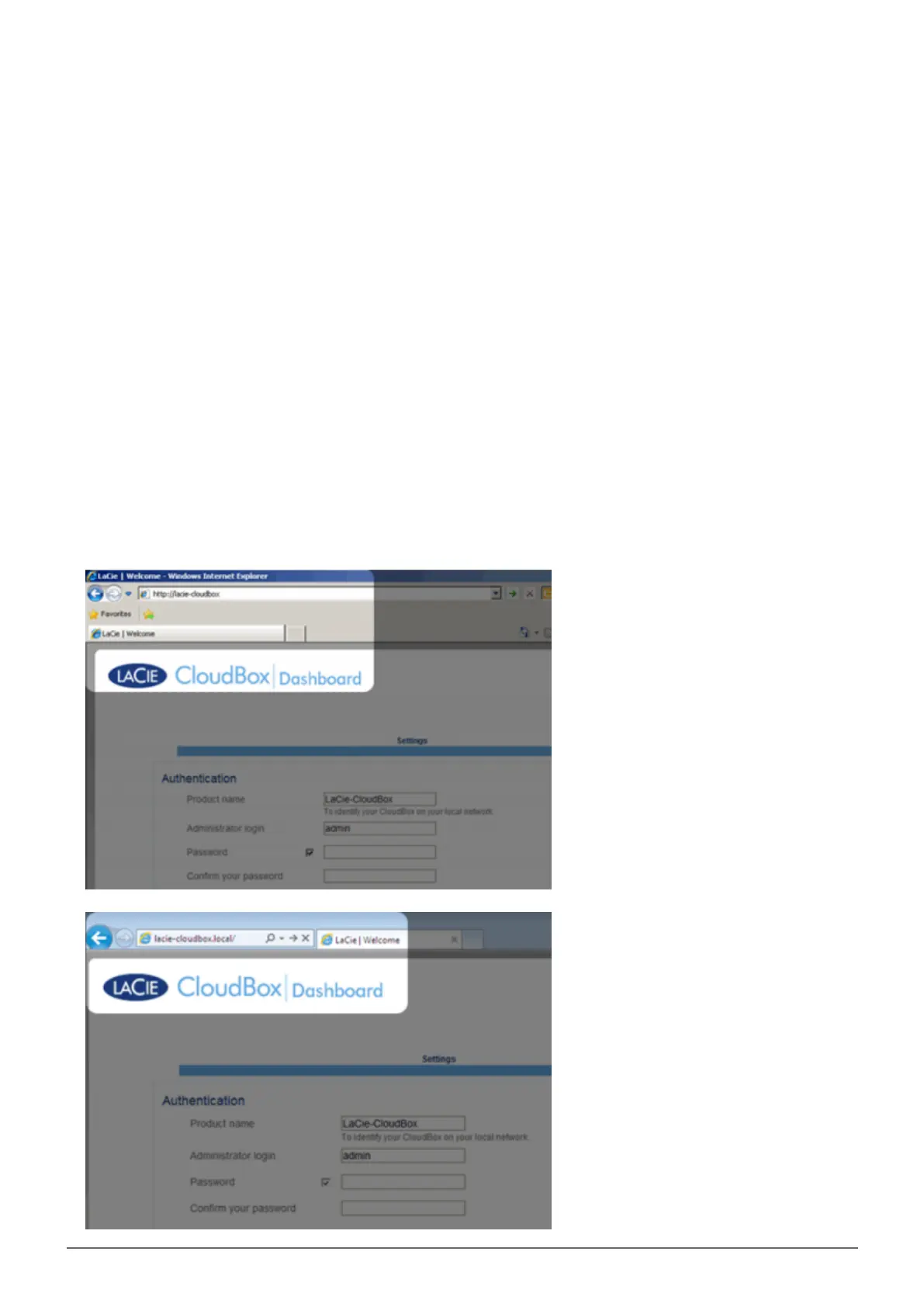
Type the name of the LaCie CloudBox in the browser's web address (URL) field. Use the default name,2.
LaCie-CloudBox, the first time you log in. Please note that the name can be different based upon your
operating system.
For example: http://[machine name] (Windows XP) or http://[machine name].local (Windows Vista/7/8
and Mac).
Windows XP















 To Next Page