CloudBox User Manual 23
Windows 7
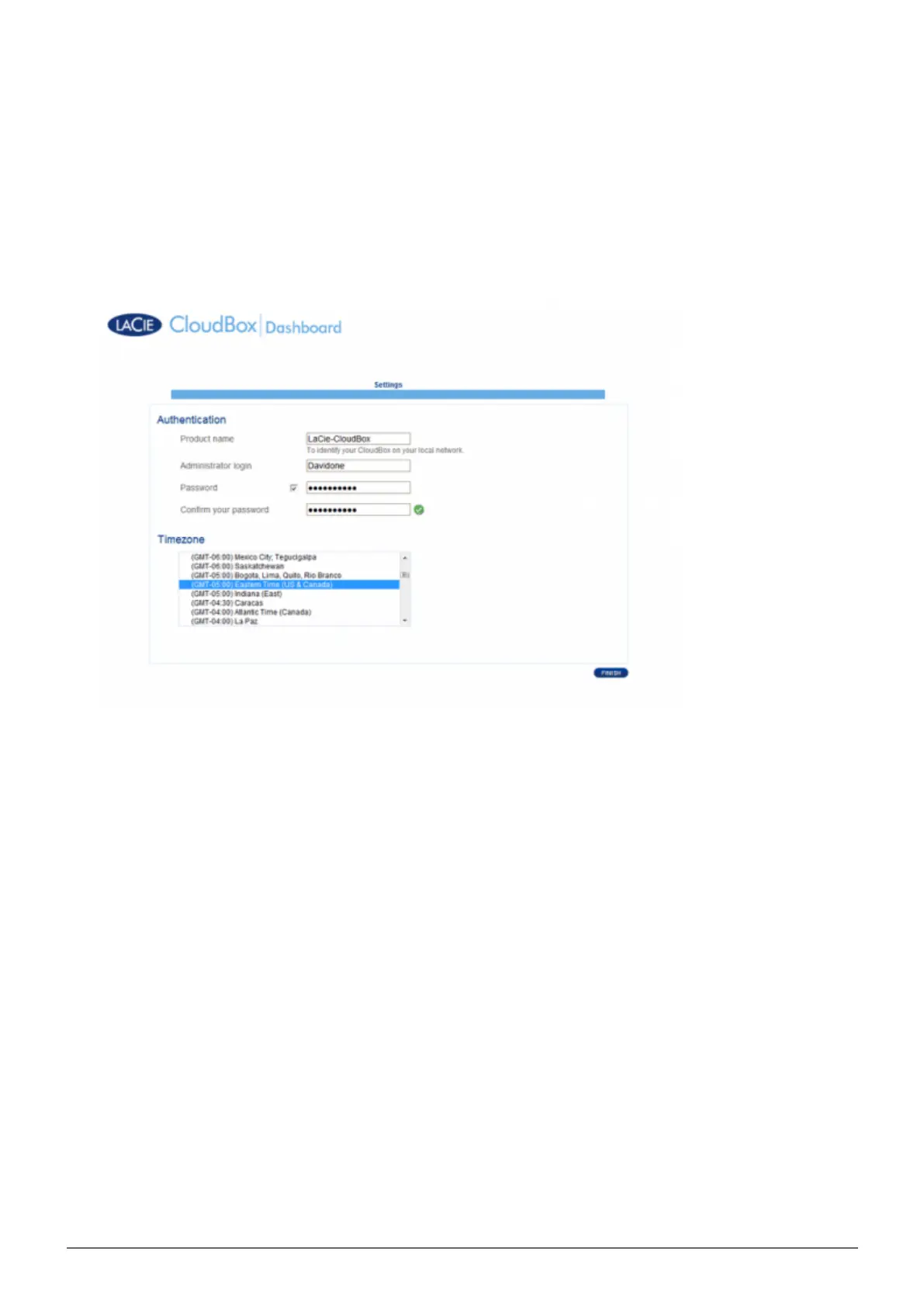
You will be prompted to complete the LaCie CloudBox Welcome page:3.
You may keep the default name of the LaCie CloudBox, LaCie-CloudBox, or enter a new name. The name is:
■
limited to 15 characters; case-sensitive; and can consist only of alphanumeric characters without spaces or
symbols.
You may keep the default administrator login name, admin, or enter a new one that includes 1-20
■
alphanumeric characters.
Choose a password from 4-20 alphanumeric characters and symbols. In subsequent logins, simply type in
■
the username and password you selected here. Click FINISH.
The Dashboard is available.4.















 To Next Page