CloudBox User Manual 24
STANDARD LOGON
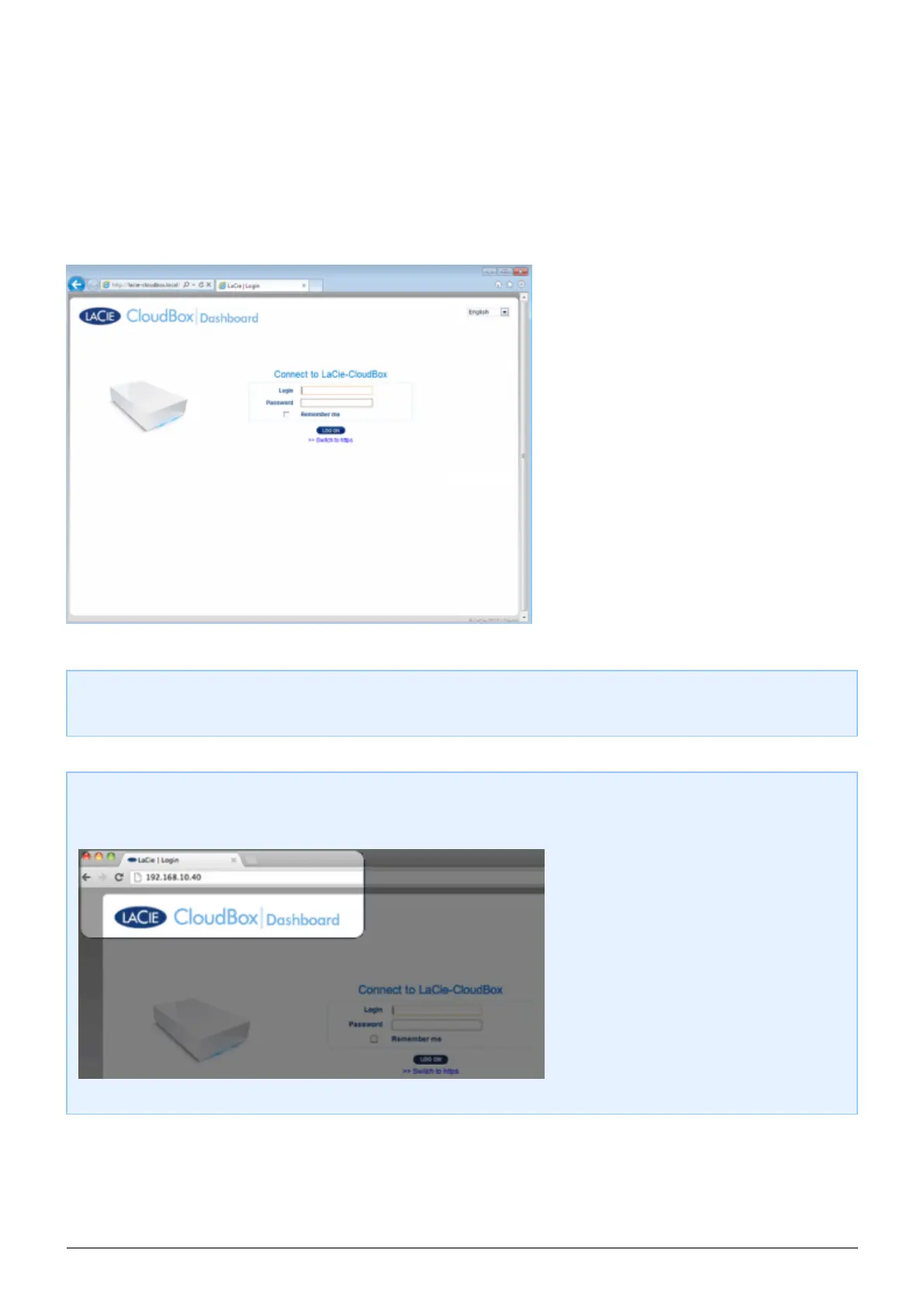
Following the completion of the Dashboard Welcome page, you will see a standard logon page each time you
access the Dashboard. The logon page prompts you for the administrator/user login and password.
Note: Any CloudBox user can log into the Dashboard using his login and password. However, only the
administrator has the right to revise settings.
Login Tip: If you know the IP address for the LaCie CloudBox, you may enter it into the browser address
field instead of the name. For example, http://[IP-address].















 To Next Page