CloudBox User Manual 32
4.F BACKUP: WINDOWS
The LaCie CloudBox supports most popular backup programs. Review this chapter for instructions on how to use
Windows Backup and LaCie Genie Timeline.
Note: The first computer backup may take several hours due to the amount of files that will be copied to the
LaCie CloudBox. Subsequent backups will be much shorter since Windows Backup and LaCie Genie Timeline
add new and revised files to the backup. This is called an incremental backup.
WINDOWS BACKUP AND RESTORE (WINDOWS VISTA/7)
Note for Windows XP users: Please go to Microsoft's support page for instructions on how to use
Windows Backup, http://support.microsoft.com/kb/308422.
Go to Start > All Programs > Maintenance > Backup and Restore.1.
Click on the link Set up backup.2.
Click Save on a network… then Browse...3.
Click on Network then choose Family on the LaCie CloudBox.4.
Windows requires that you enter a Username and Password. See the note below regarding the password.5.
Click Next.6.
Use the Windows default or browse for specific folders. Click Next after you have made your selection.7.
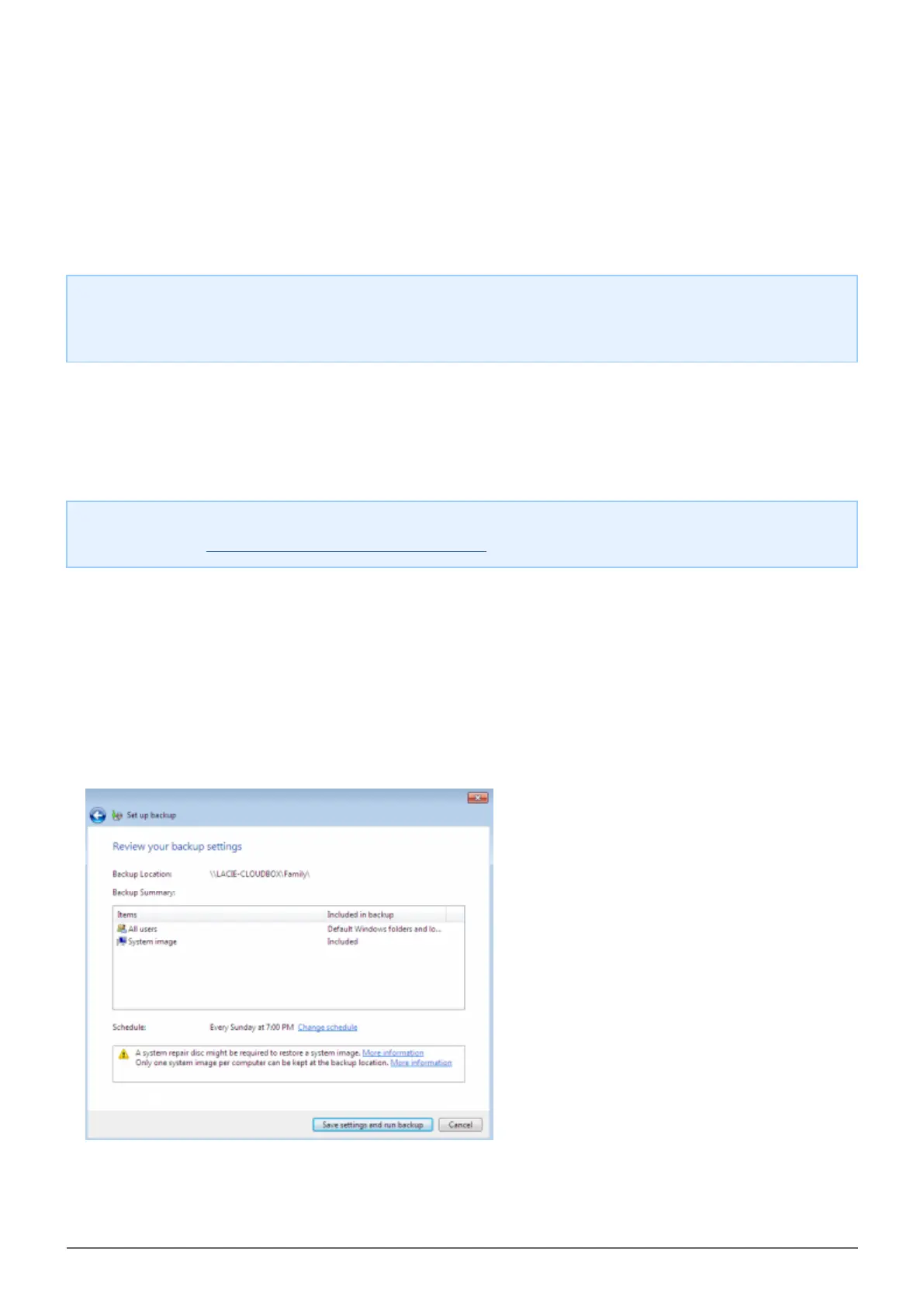
Click on Save settings and run backup to begin the backup.8.















 To Next Page