CloudBox User Manual 74
5.B NAVIGATE THE LACIE CLOUDBOX DASHBOARD
CENTRAL PANE AND WIDGETS
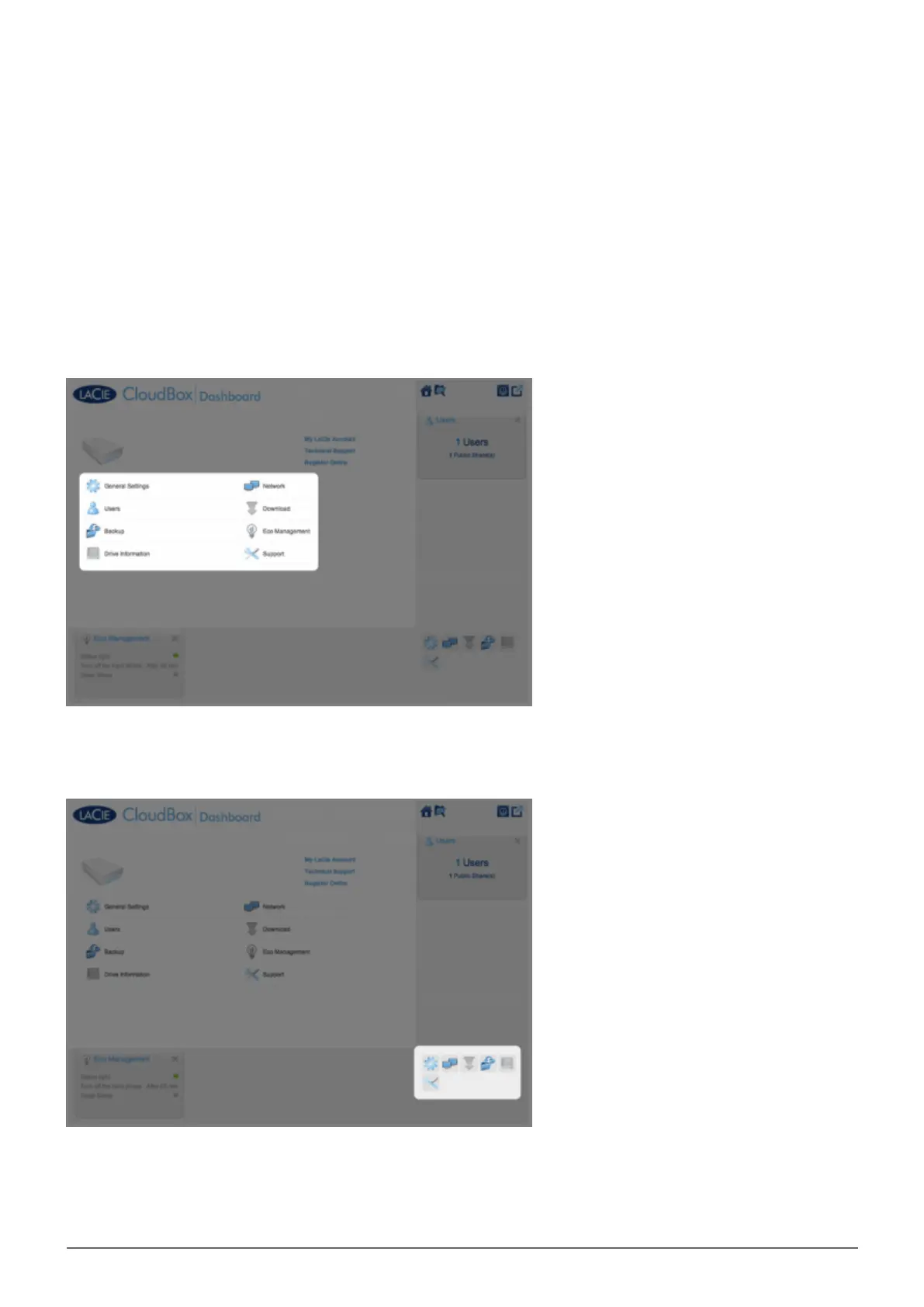
The Dashboard Homepage has a central pane with links to specific management pages. Click once on a link (for
example, General Settings) to view or revise its parameters.
The smaller icons on the lower right are called widgets. The icons inside the widgets are easy to match with the
names in the center pane of the Dashboard Homepage. You can also click on a widget to revise settings.
The default layout for the Dashboard displays two open widgets, Eco Management and Users, with the rest
organized on the bottom right corner. You may reorganize the Dashboard layout by opening other widgets
around the central pane. Drag a widget out of the right corner and drop it next to another open widget. For















 To Next Page