CloudBox User Manual 75
example, you can drag the Network widget (the icon with two monitors) under the Users widget. An open widget
shows a summary of the information contained in the management page.
To minimize a widget, click the X next to its title.
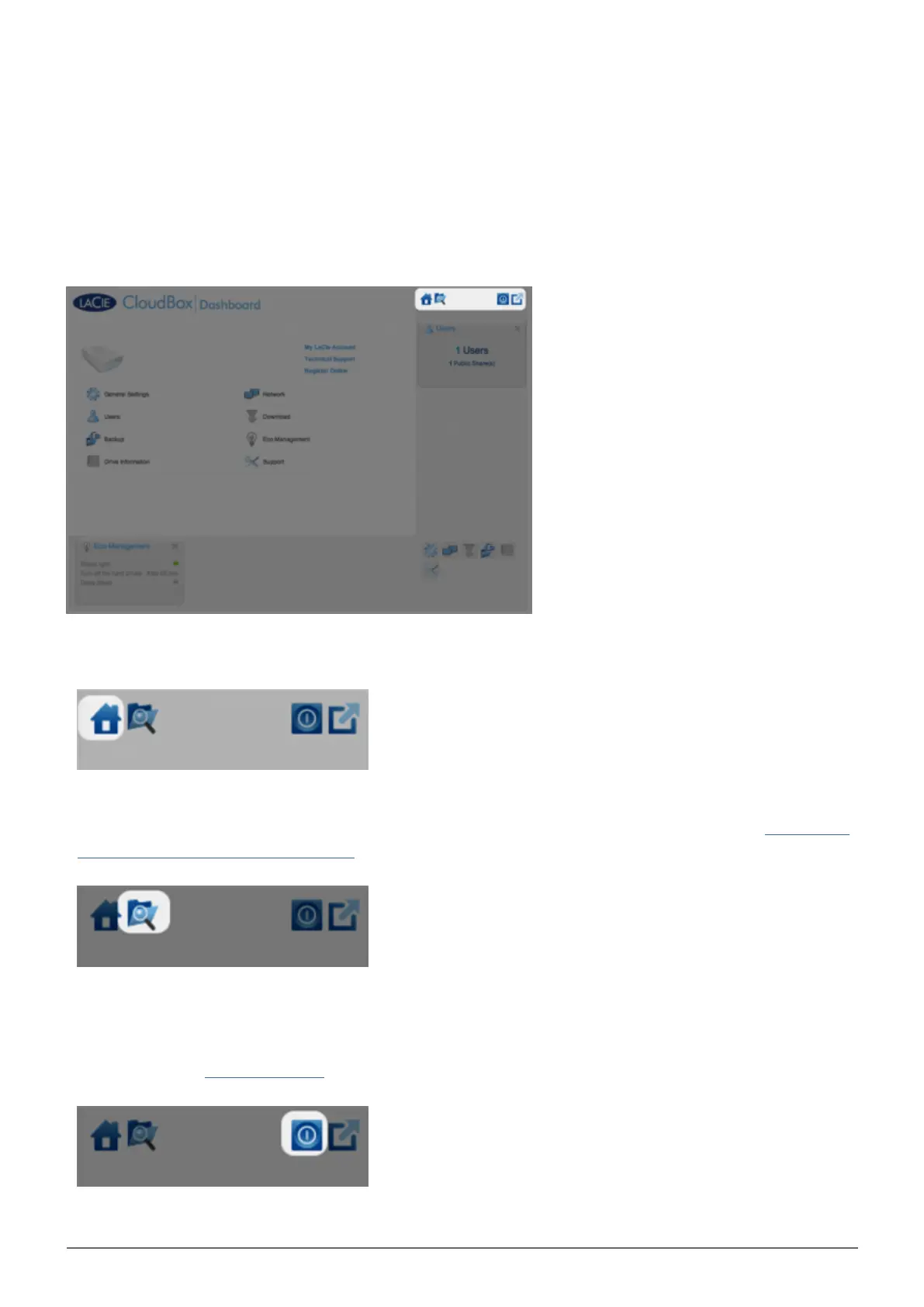
Static Icons: Home, File Browser, Shutdown Options, and Logout
The icons in the upper right corner are static and will remain available on every management page.
Home: Click once to return to the home page.
■
File Browser: Click once on the folder and magnifying glass icon to access the File Browser. See Access Files
■
Online with the Dashboard File Browser for further details.
Shutdown Options: Click once on the power icon to choose between Deep Sleep Mode, Restart, and
■
Shutdown. By default, Deep Sleep Mode is grey and unavailable. For further details on enabling deep sleep
mode, please see Conserve Energy.















 To Next Page