CloudBox User Manual 85
5.E BACK UP YOUR CLOUDBOX USING THE DASHBOARD
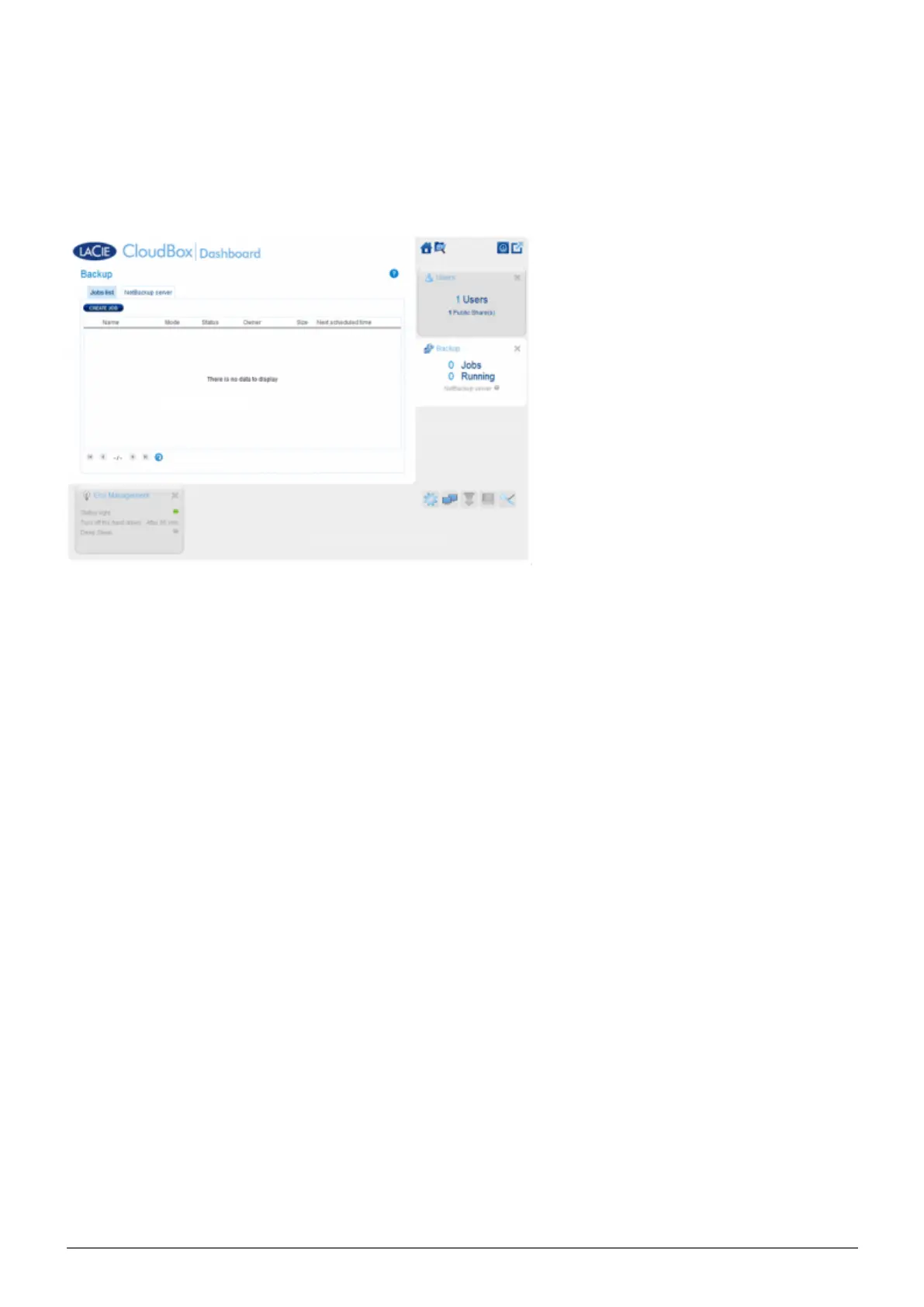
The Backup page helps the administrator and users configure Backup and Restore Jobs of data stored on the
LaCie CloudBox. A backup job can be:
An automated backup that runs daily, weekly, or monthly.
■
A restore of all or select files from a backup.
■
The Backup page features a Backup & Restore Wizard to guide you through the setup. Types of backup for
public and private access folders:
Local (Folder-to-Folder): User Folder A on a LaCie CloudBox to Family on the same LaCie CloudBox. When you
■
back up files from one folder to another folder on the same CloudBox, the system keeps up to 10 copies of the
backup job. Each iteration of a backup job has a specific date and time giving you the flexibility to restore
earlier versions of files. This can be helpful if someone has deleted or made revisions to a document and you
wish to revert to an earlier version.
Remote Network Backup (Home): A folder on the LaCie CloudBox to a folder on a second LaCie network
■
attached storage (NAS) on your home network. For example, User Folder A on LaCie CloudBox A in your home
to LaCie CloudBox B in your home.
Remote Network Backup (Offsite): A folder on the LaCie CloudBox to a folder on a second LaCie network
■
attached storage (NAS) outside of your home. For example, Private Access Folder A on LaCie CloudBox A in
your home to LaCie CloudBox B at a friend's home.
Backup Examples:
Backup: To prevent data loss due to drive failure, fire, flood, or theft, you wish to back up folders on a LaCie
CloudBox in your home to a LaCie CloudBox at your parents' home. You can use the Backup page to set up a
remote backup to a LaCie CloudBox that is in another location (offsite).
Restore: Someone in the household accidentally deleted an important term paper from his personal folder.
Thankfully, he backed up his personal folder every night onto the Family folder on the same LaCie CloudBox.
Use the Backup page to begin a Restore Job to retrieve the missing document.















 To Next Page