CloudBox User Manual 86
Important info: Depending upon the amount of data you intend to backup and the speed of your network,
the first backup may take several hours or, in the case of offsite backups, several days.
Folders or Shares?: In general, this user manual refers to the Family folder and private access folders as
folders. The public access folder and private access folders on your LaCie CloudBox may also be called
shares. A share is a common networking term used to describe a particular volume, partition, or folder.
SET UP A LOCAL BACKUP (FOLDER-TO-FOLDER)
Local
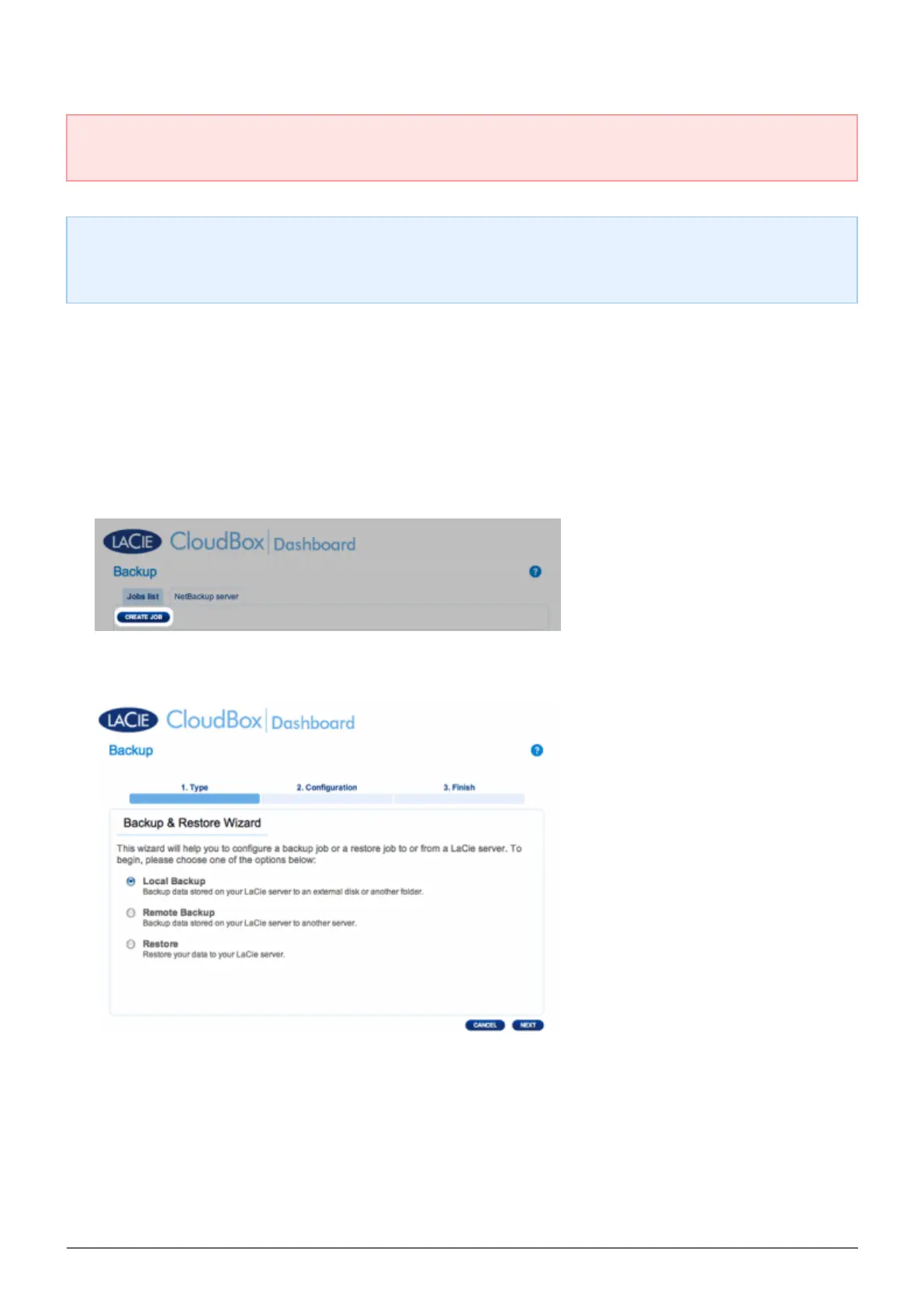
Choose the Backup page in the Dashboard.1.
Click the CREATE JOB button.2.
Select Local Backup then click Next.3.
Under Source on the left, select the Internal Share(s) you wish to backup. In this example, we will choose4.
Davidone.















 To Next Page