CloudBox User Manual 93
Remote Backup: Home
Set up
Before following the instructions below, please make certain that:
The Destination NAS is connected to the same network as your LaCie CloudBox and that it is powered on.
■
The NetBackup Share has been enabled on the Destination NAS.
■
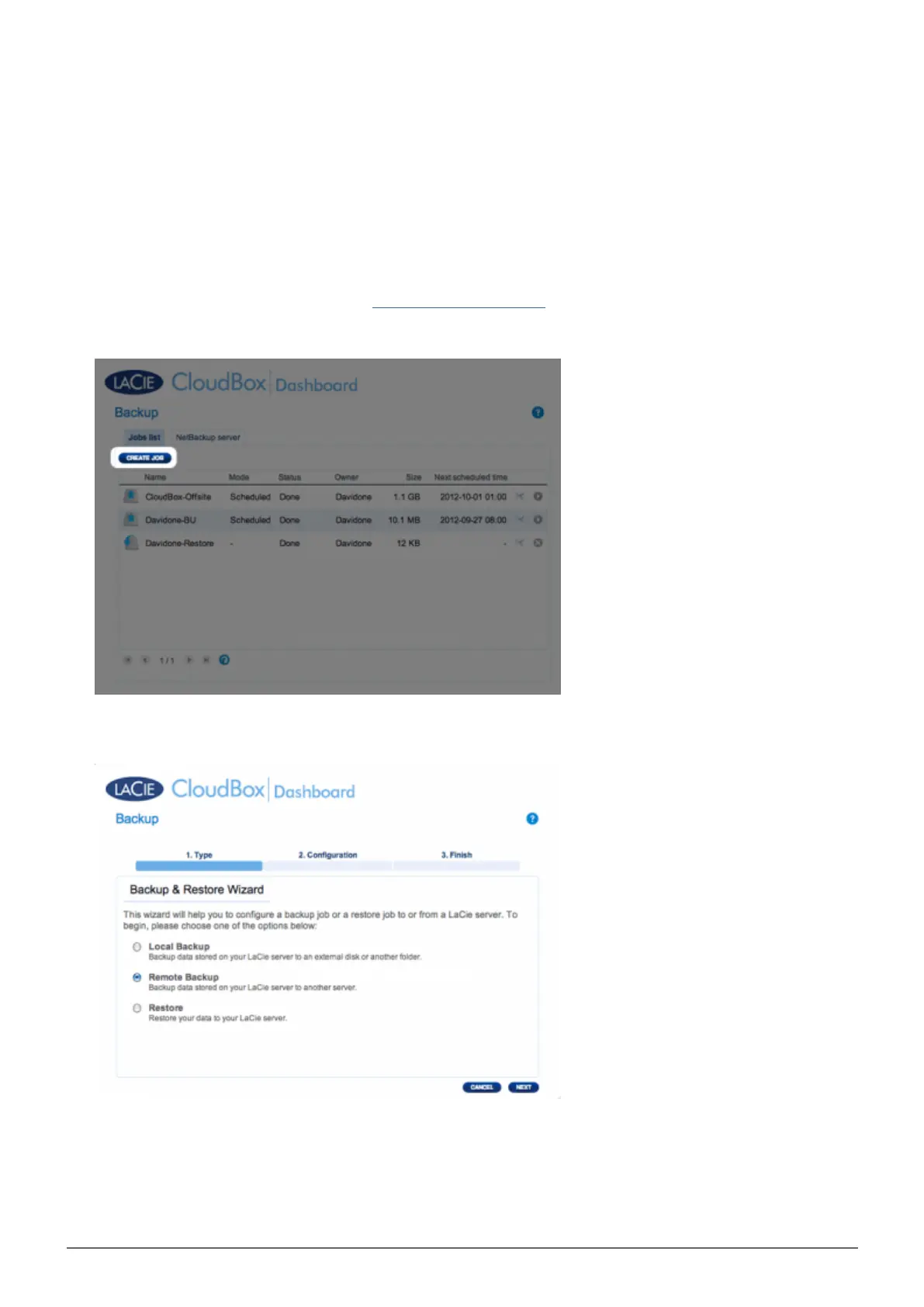
Go to your LaCie CloudBox Dashboard (Log on to the Dashboard) to select the Backup page.1.
Click the CREATE JOB button. to launch the Backup & Restore Wizard.2.
Select Remote Backup and click NEXT.3.
Select the share(s) you want to back up. Please note that shares are also called folders.4.















 To Next Page