CloudBox User Manual 94
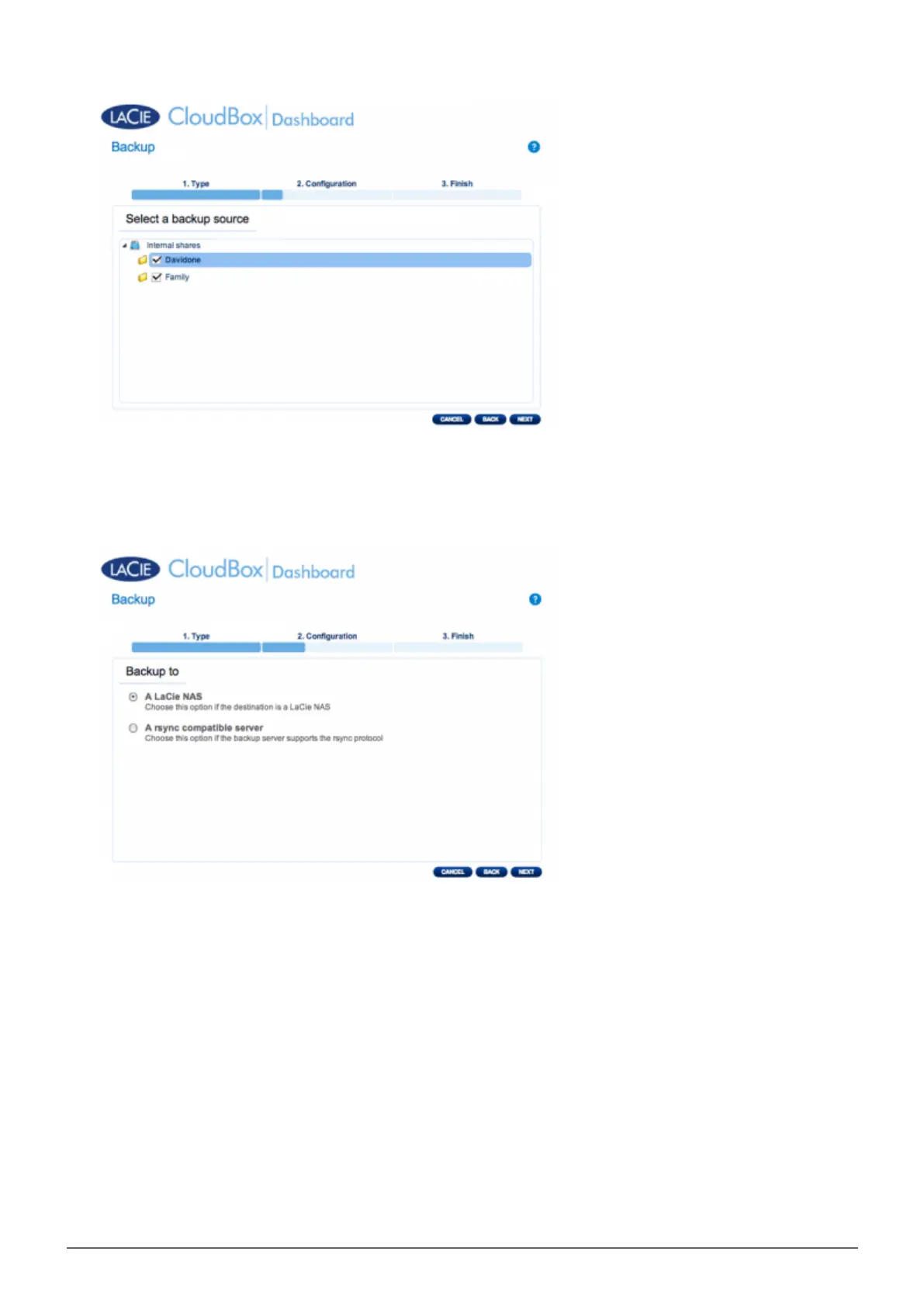
Select A LaCie NAS to back up to another LaCie CloudBox or another LaCie network storage device. The5.
steps that follow do not cover backups to third-party network storage devices that are compatible with sync.
If you are backing up to an rsyinc compatible server, please follow the directions provided by the Dashboard.
Click NEXT.6.
The second LaCie CloudBox or LaCie NAS that you are using as a Destination NAS should appear. Select it7.
and enter the NetBackup password for the Destination NAS. Click NEXT. (See the section on NetBackup for
further information on the Destination NAS password.)















 To Next Page