LaCie Network Space • DESIGN BY NEIL POULTON Administration
User Manual page 27
Safely Removing an Attached Exter-4.4.2.
nal Disk
Log in to the LaCie Network Space NAS administration page 1.
(see section 4.1. Accessing the NAS Administration Page).
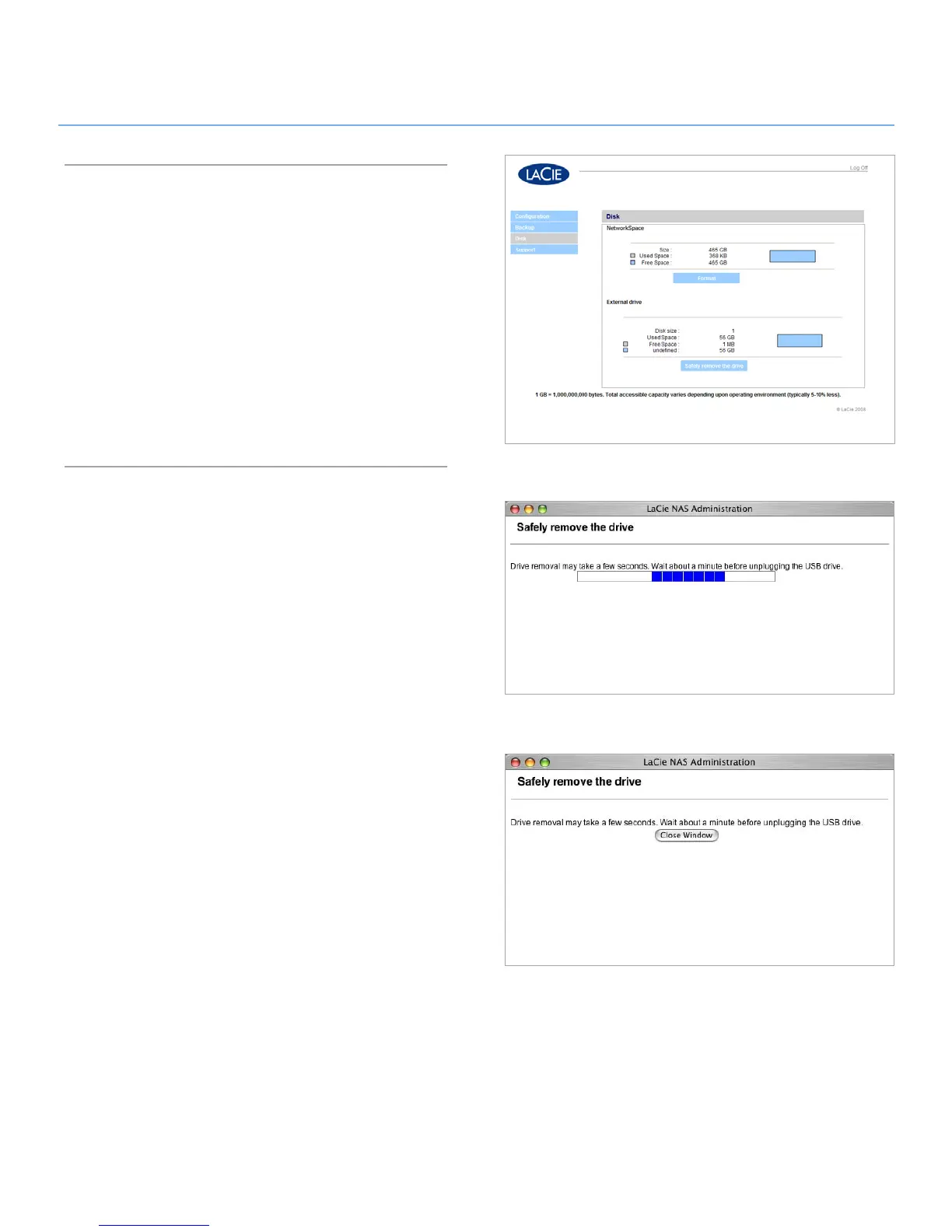
Click
2. Disk on the Configuration page (Fig. 4.4.2-A).
Click
3. Safely remove the drive under “External drive.” Click
OK. A progress window will appear (Fig. 4.4.2-B).
Click the
4. Close Window button (Fig. 4.4.2-C) when it ap-
pears. It is now safe to disconnect the external disk’s USB
cable or USB key from the LaCie Network Space.
Figure 4.4.2-B
Figure 4.4.2-A
Figure 4.4.2-C













 To Next Page