LaCie Network Space • DESIGN BY NEIL POULTON Setup
User Manual page 11
2.3. Connect with LaCie Ethernet Agent
LaCie Ethernet Agent detects all network attached storage de-
vices on your network and gives you easy ways to connect to or
configure them.
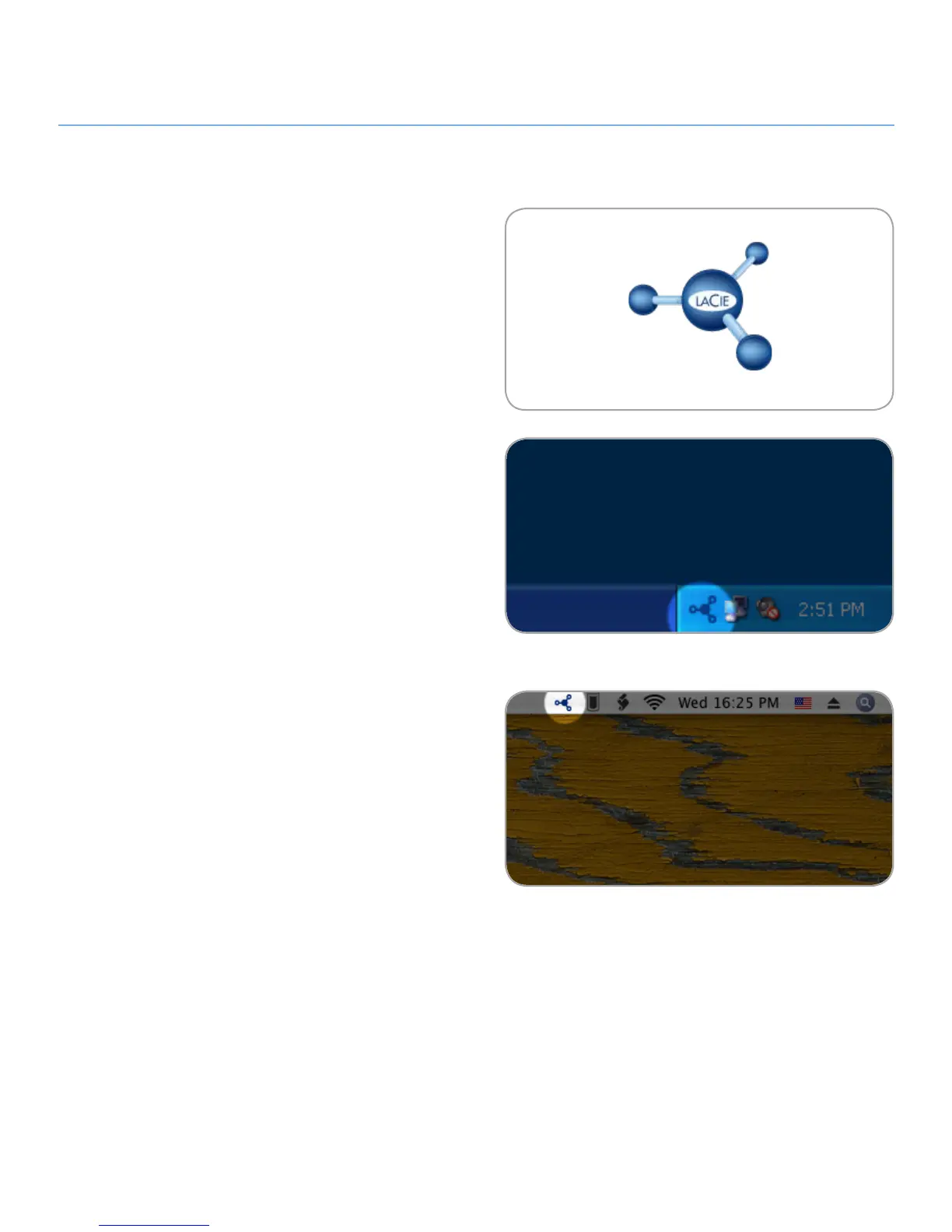
Once installed and running, Ethernet agent will appear in your
task bar (Windows users, Fig. 2.3-A) or in the menu bar (Mac
users, Fig. 2.3-B) and automatically search for storage devices
on your network. When a new device is found, an info bubble
containing the name of the device will appear.
When Ethernet Agent finds your LaCie Network Space, you can
connect to any of the shares on the LaCie Network Space, log in
to the NAS administration page, or configure the LaCie Network
Space’s network settings, all from the Ethernet Agent menu.
Install LaCie Ethernet Agent:
Insert the LaCie Network Space CD-ROM into your com-1.
puter’s CD-ROM drive.
Windows users, the CD should appear in My Computer.
2.
Mac users, the CD should appear on the desktop. Double-
click the CD icon, then double-click “LaCie Ethernet Agent
Setup”.
Follow the Wizard to complete installation.
3.
(continued on next page)
Figure 2.3-A
Figure 2.3-B
LaCie Ethernet Agent Icon













 To Next Page