Rugged RAID User Manual 22
Setup
LaCie Setup Assistant does not prevent you from using your computer's native disk utility program to format or
partition your LaCie drive. You can follow LaCie Setup Assistant through completion and then use Disk
Management for Windows or Disk Utility for Mac to reformat your drive. If you format the device using your
operating systems hard drive utility, the user manual and utilities must be downloaded from the LaCie website:
www.lacie.com/support/.
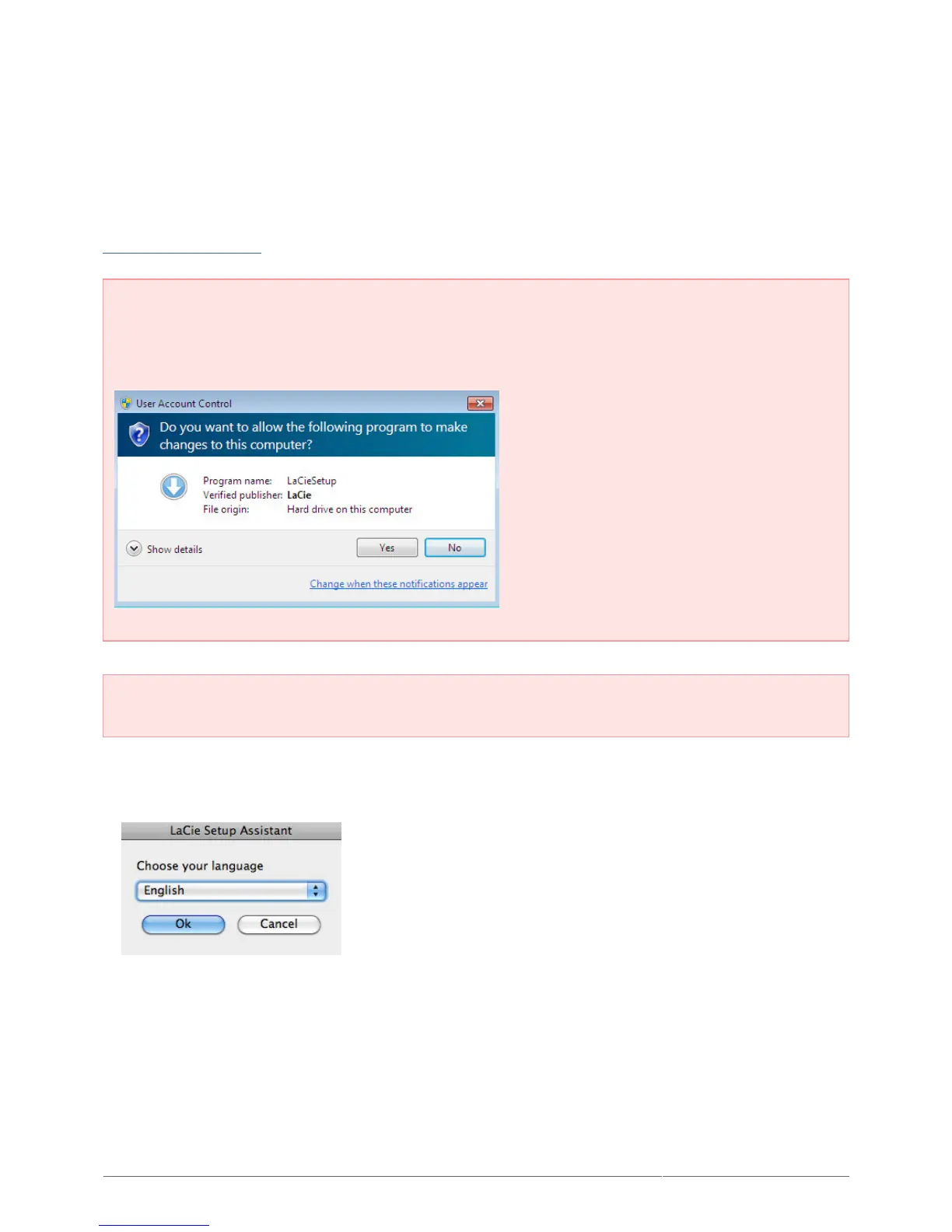
Important info for Windows users: While running LaCie Setup Assistant, you may see a User Account
Control dialogue asking if you wish to change your computer's settings. This is a normal request when
formatting a disk or installing certain software, such as Genie Timeline. To successfully complete LaCie
Setup Assistant, LaCie recommends that you agree to change the settings.
Important info for Mac users: You may be prompted to enter your computer’s administrator password to
continue with LaCie Setup Assistant.
Follow the on-screen instructions as listed below to format your device and install software utilities:
Select your language.1.
Read the license agreement before choosing Next. Selecting Next confirms that you accept the license2.
agreement.












 To Next Page