Rugged RAID User Manual 23
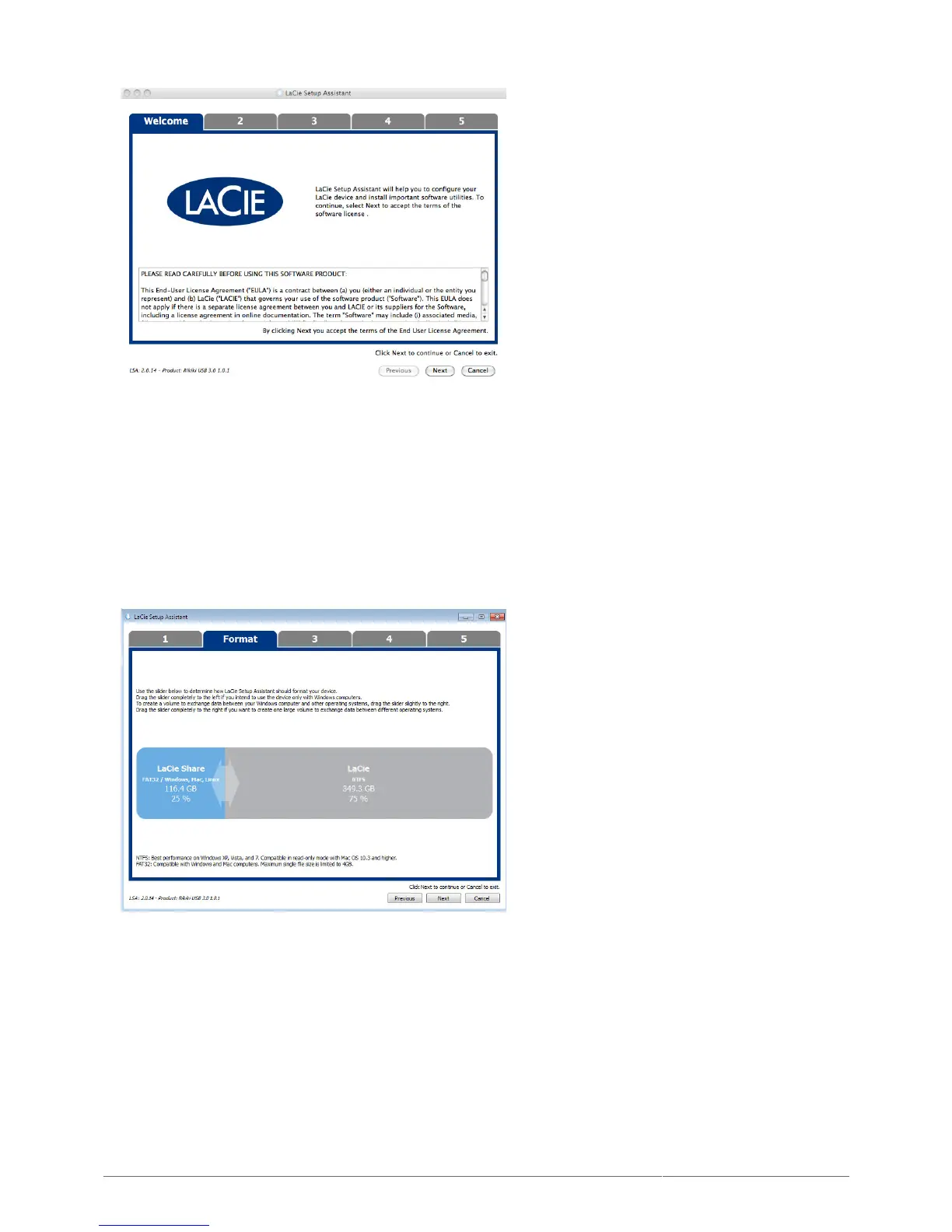
Use the slider to partition your LaCie device. You can:3.
Move the slider all the way to left. Doing so creates a single partition for use with your operating system.
■
The partition format is NTFS for Windows or HFS+ for Mac.
Keep the slider at its current position or adjust it to the left. Doing so creates two partitions, one for use
■
with your operating system only and the other for use with Windows and Mac. The first partition’s format is
NTFS for Windows or HFS+ for Mac. The second partition’s format is FAT32. Note on FAT32: While FAT32
partitions can be used on Windows and Mac, it has a file size limitations of 4GB. Further, FAT32 is not
optimized for performance with Windows and Mac.
Choose Next to format the device.4.
Windows












 To Next Page