EasyManua.ls Logo

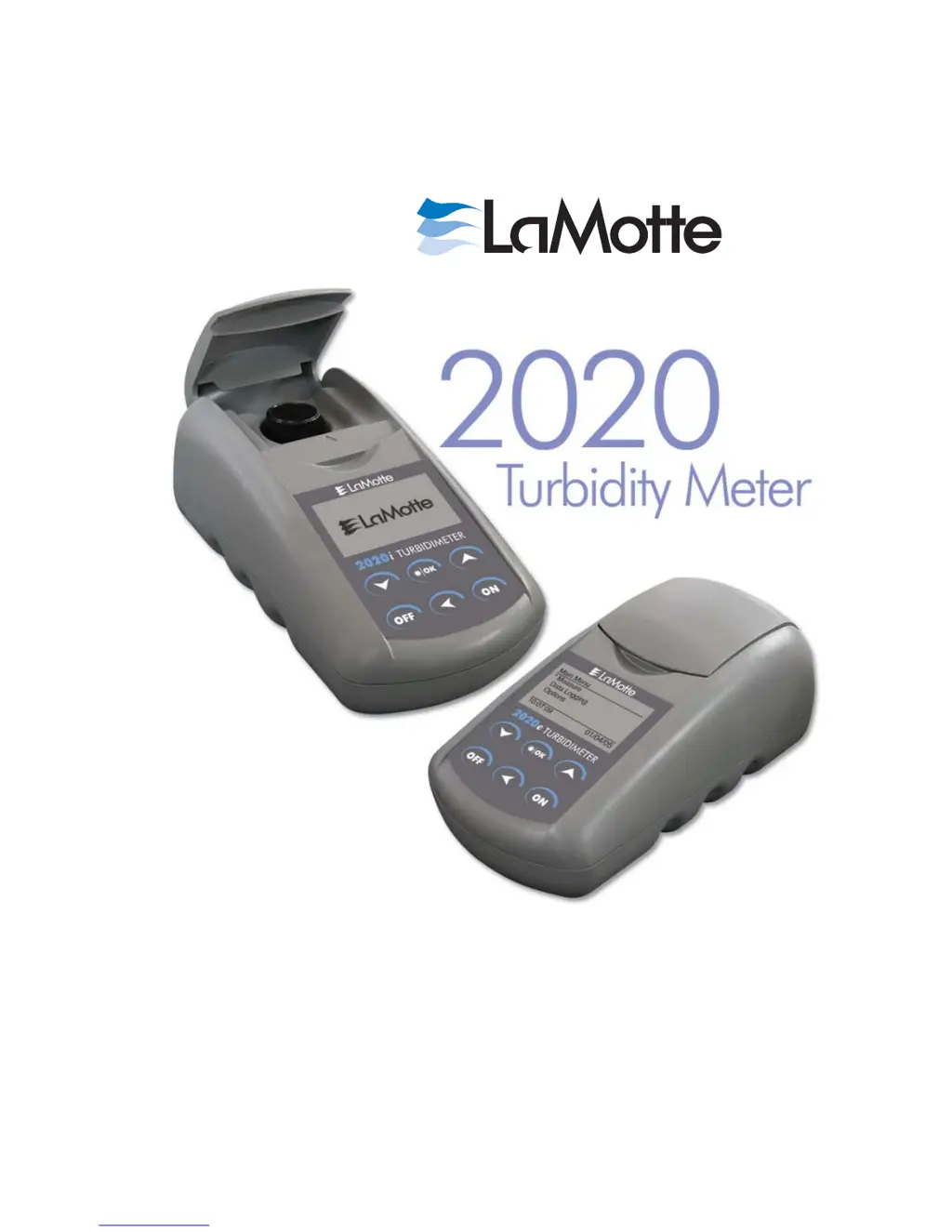
LaMotte 2020e - User Manual

LaMotte 2020e
44 pages
Print Icon
To Next Page IconTo Next Page
Loading...
2020e Code 1979-EPA
2020i Code 1979-ISO
Version 1.5 Code 1979-MN 12-07
e
/i

Questions and Answers

  • A
    angel88Aug 11, 2025
    Why LaMotte 2020e gives usually large negative or positive readings when performing calibration?
    • J
      Jennifer JohnsonAug 12, 2025
      Large negative or positive readings during calibration usually indicate that incorrect standards were used. Use a fresh 0.0 standard in a clean, labeled vial. Reset the meter to factory default settings, and then recalibrate the meter.
  • S
    Stephen MillerAug 19, 2025
    What to do if LaMotte 2020e shows '>' on display?
    • A
      amyjacksonAug 19, 2025
      If the display shows '>', it means the sample is outside the acceptable range. Dilute the sample and test again.
  • N
    nielsenchristinaAug 27, 2025
    What to do if LaMotte 2020e Measuring Instruments freezes?
    • S
      Steven NewtonAug 27, 2025
      If the meter freezes, it may be because the lid was opened when a reading was being taken. Close the lid, read again, unplug the adapter, and then plug the adapter back in to reset.
  • E
    elizabethbrownSep 3, 2025
    How to reset LaMotte Measuring Instruments if lost in meter menus?
    • J
      Jennifer WoodSep 3, 2025
      To reset the meter, turn it off. Hold down the *IOK button and press the ON button. Release both buttons. Press *IOK to select the default settings. The meter will turn off, and the factory settings will be restored.

LaMotte 2020e Specifications

General IconGeneral
DetectorSilicon Photodiode
DisplayLCD
Light SourceLED
Power SupplyAC adapter
Operating Temperature0 to 50°C
Weight0.45 kg

Related product manuals