LANCOM Wireless DSL – LANCOM Wireless ADSL
Chapter 3: Basic configuration
39
EN
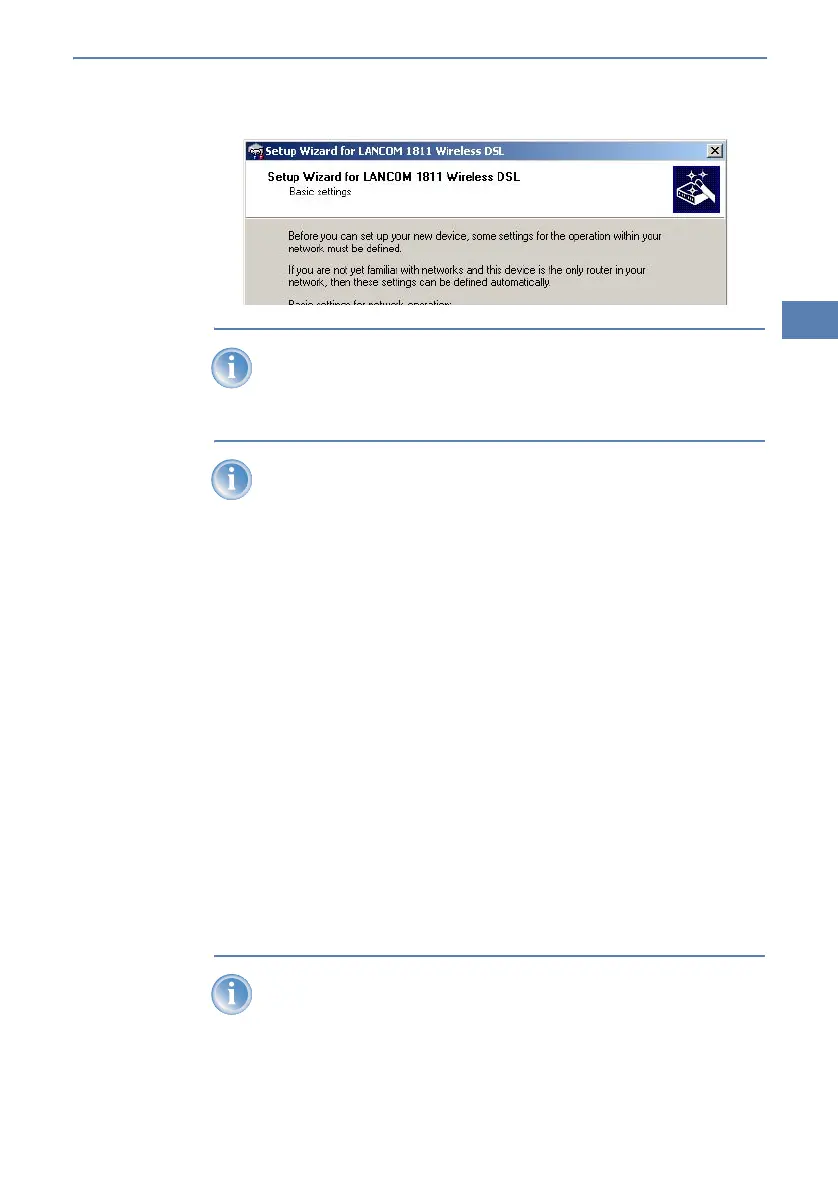
If the setup wizard does not start automatically, start a manual search
for new devices on all ports (if the LANCOM Wireless DSL is connected
via a serial port) or in the network (Device Find).
If you cannot access an unconfigured LANCOM Wireless DSL, the
problem may be due to the netmask of the LAN: with less than 254
possible hosts (netmask > '255.255.255.0'), please ensure that the IP
address 'x.x.x.254' is located in your own subnet.
If you have chosen automatic TCP/IP configuration, please continue with
Step 햵.
햳 If you would like to configure the TCP/IP settings manually, assign an
available address from a suitable address range to the LANCOM Wireless
DSL. Confirm your choice with Next.
햴 Specify whether or not the router should act as a DHCP server. Make your
selection and confirm with Next.
햵 In the following window, specify the password for configuration access.
Note that the password is case-sensitive and ensure that it is sufficiently
long (at least 6 characters).
In addition, you may specify whether the device may only be configured
from the local network or whether remote configuration via the WAN (i.e.
a remote network) is also permissible.
Please note that enabling this will also permit remote configuration
via the Internet. You should always make sure that the configuration
access is protected with a password.



 To Next Page