LANCOM Wireless DSL – LANCOM Wireless ADSL
Chapter 7: Sending faxes with LANCAPI
66
EN
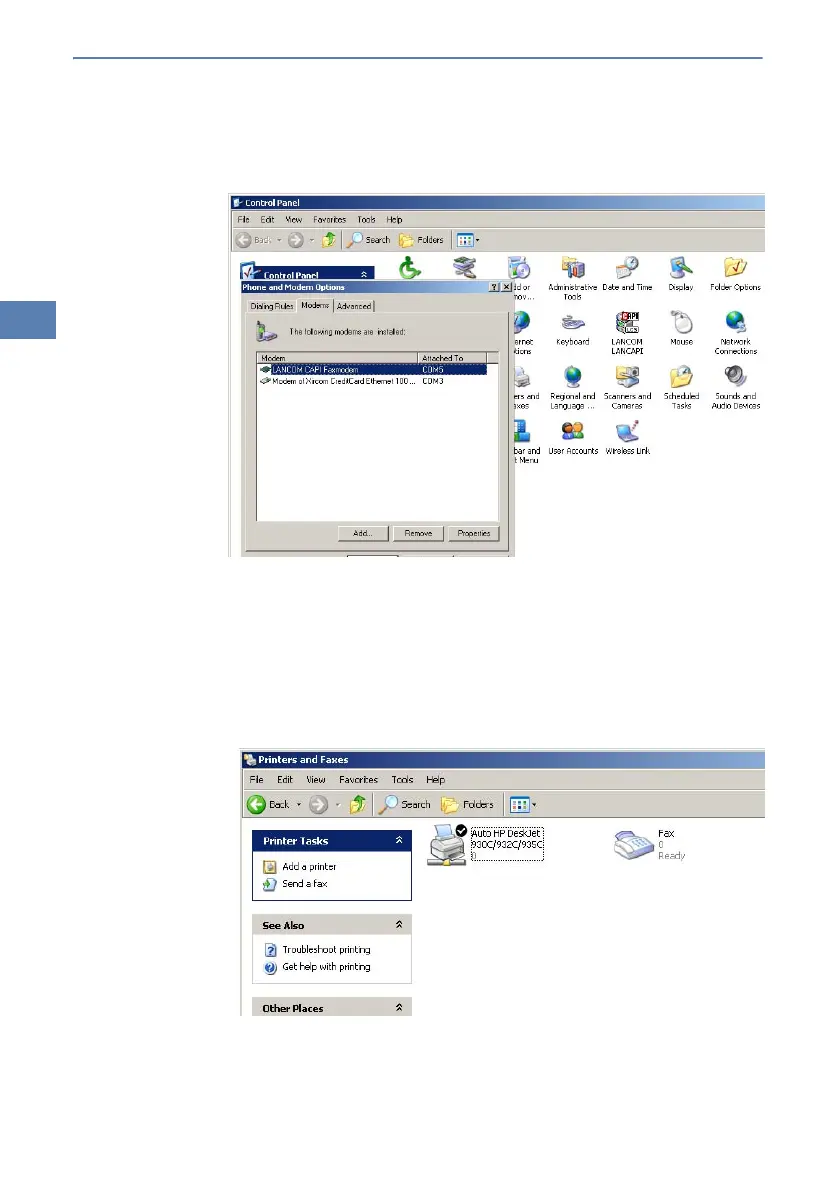
When the installation was successful, the LANCOM CAPI fax modem is
entered into the Phone and Modem Options of the control panel.
7.2 Installation of the MS Windows fax service
햲 Select the option Printers and Faxes from the control panel.
햳 Select the option Set up faxing from the window ’Printers and Fax’. Fol-
low, if necessary, the instructions of the installation tool. Into the recent
window, an icon will appear for the newly installed fax printer.



 To Next Page