LANCOM Wireless DSL – LANCOM Wireless ADSL
Chapter 7: Sending faxes with LANCAPI
67
EN
For checking the installation, click with the right mouse button on the fax-icon
and select Properties. The LANCOM CAPI fax modem should now be
entered into register 'devices'.
7.3 Sending a fax
After installing all required components, you have several possibilities to send
a fax from your workstation PC. If you have already an existing data file, you
can send it directly from your respective application. If you only want to send
a short message, select the MS Windows fax service. You can use of course
any other fax software alternatively.
7.3.1 Send a fax with any given office application
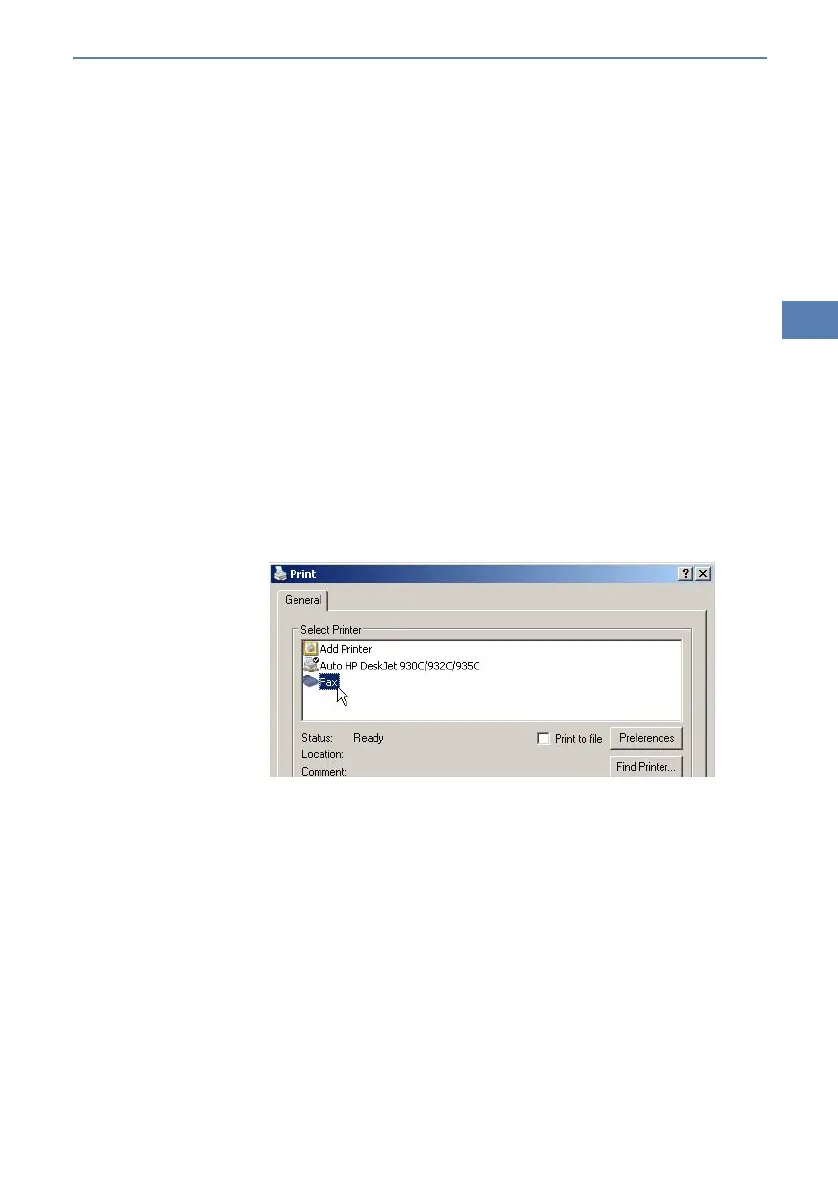
햲 Open as usual a document in your office application and select the menu
item File/Print.
햳 Adjust the fax device as printer.
햴 Click on OK. A wizard appears, that will guide you through the remaining
sending process.
7.3.2 Send a fax with the MS Windows fax service
햲 Open the window ’Printers and Faxes’ from the control panel.
햳 Double click with the left mouse button the icon of the fax device.



 To Next Page