LANCOM Wireless DSL – LANCOM Wireless ADSL
Chapter 5: Linking two networks
55
EN
Remote Windows workgroups do not appear in the Windows Network
Neighbourhood, but can only be contacted directly (e.g. via Find
Computers).
5.2 Instructions for LANconfig
Perform the configuration on both routers, one at a time.
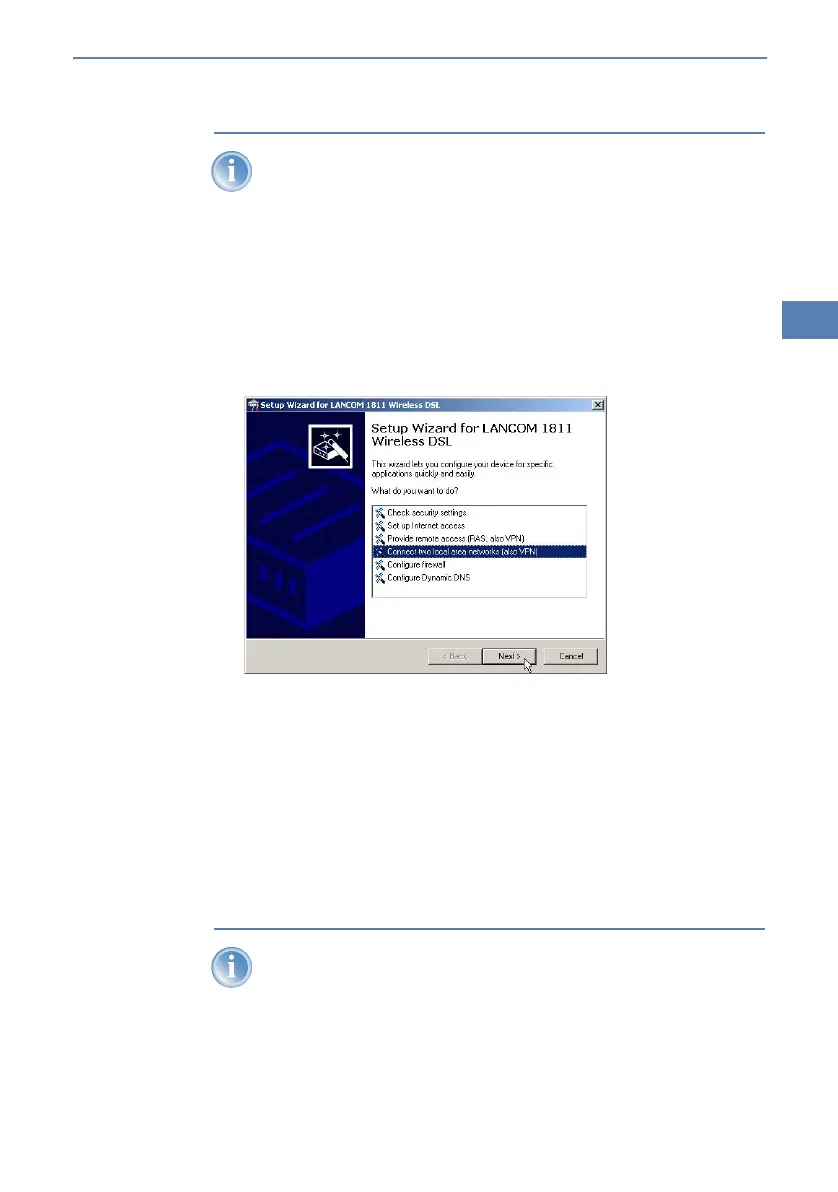
햲 Launch the 'Connect two local area networks' wizard. Follow the wizard's
instructions and enter the required information.
햳 The wizard will return a message to indicate that it has all the information
it needs. Close the wizard with Finish.
햴 After finishing the configuration of both routers, you can test the network
connection. Try to contact a computer in the remote LAN (e.g. with a
ping
). The LANCOM Wireless DSL should automatically set up a connec-
tion to the remote station and contact the required computer.
5.3 Instructions for WEBconfig
Under WEBconfig, the coupling of networks via VPN cannot be con-
figured using the wizard. It can only be set up in the expert configu-
ration. For details, please see the reference manual.
Perform the configuration on both routers, one at a time.



 To Next Page