LANCOM Wireless DSL – LANCOM Wireless ADSL
Chapter 5: Linking two networks
56
EN
햲 From the main menu, launch the 'Connect two local area networks' wiz-
ard. Follow the wizard's instructions and enter the required information.
햳 The wizard will return a message to indicate that it has all the information
it needs. Close the wizard with Terminate.
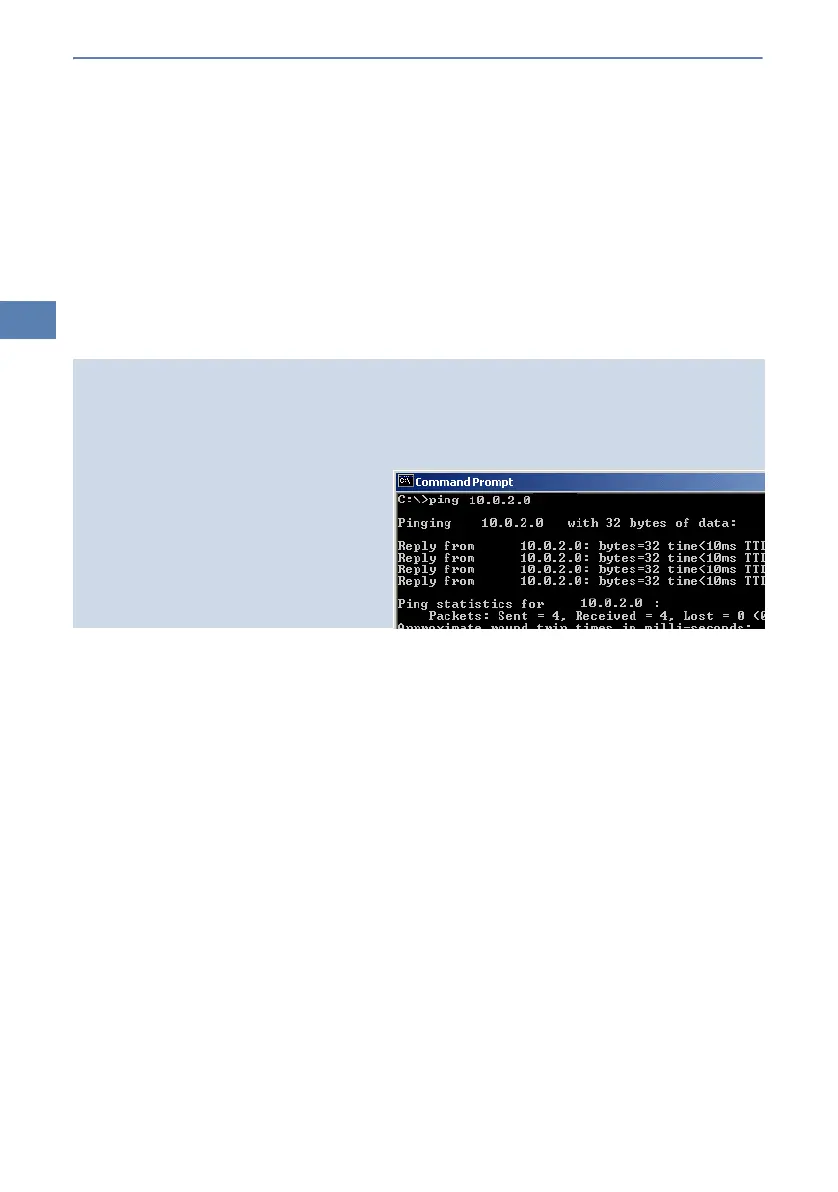
햴 After finishing the configuration of both routers, you can test the network
connection. Try to contact a computer in the remote LAN (e.g. with a
ping
). The LANCOM Wireless DSL should automatically set up a connec-
tion to the remote station and contact the required computer.
Ping – quick testing for TCP/IP connections
To test a TCP/IP connection, simply send a
ping
from your computer to a computer in the
remote network. For more information on the 'ping' command, please see the documentation
of your operating system.
IPX and NetBIOS connection can be
tested by searching for a remote Novel
Server or a computer in the remote Win-
dows workgroup from your computer.



 To Next Page