LANCOM Wireless DSL – LANCOM Wireless ADSL
Chapter 6: Providing dial- up access
61
EN
access computers in the remote network (via Find Computers, not
through the Network Neighbourhood).
6.2 Settings for the dial-in computer
6.2.1 Dial-up via VPN
For dialing into a network via VPN a workstation requires:
an Internet access
a VPN client
LANCOM Systems offers the LANCOM VPN Client on the LANCOM CD. It can
be run under Windows 2000 and Windows XP. A detailed description of the
LANCOM VPN Client and a description of its installation can also be found on
the CD.
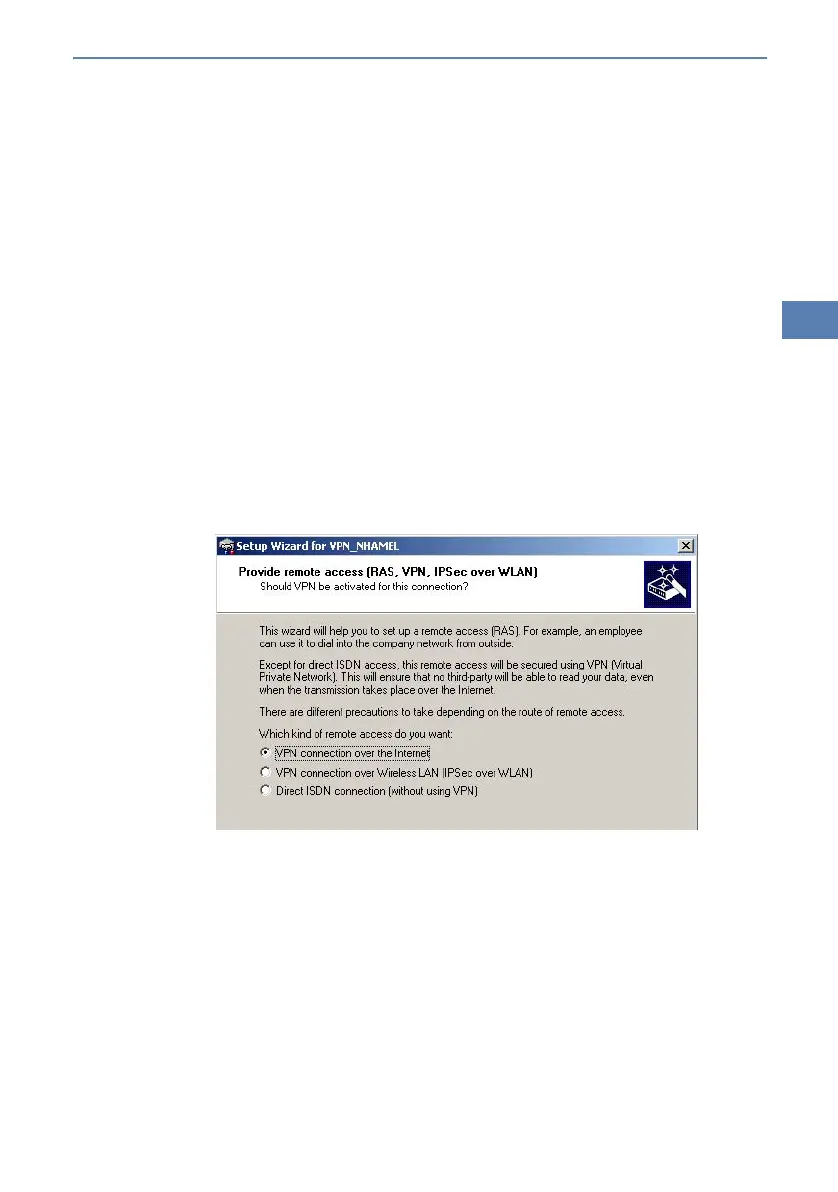
For configuring a new profile, select the option 'Configure VPN Remote Access
(IPSec over PPTP)' in the LANCOM VPN Client configuration wizard.
The wizard asks then for the values that have been defined during the instal-
lation of the RAS access in the LANCOM Wireless DSL.



 To Next Page