LANCOM Wireless DSL – LANCOM Wireless ADSL
Chapter 10: Troubleshooting
85
EN
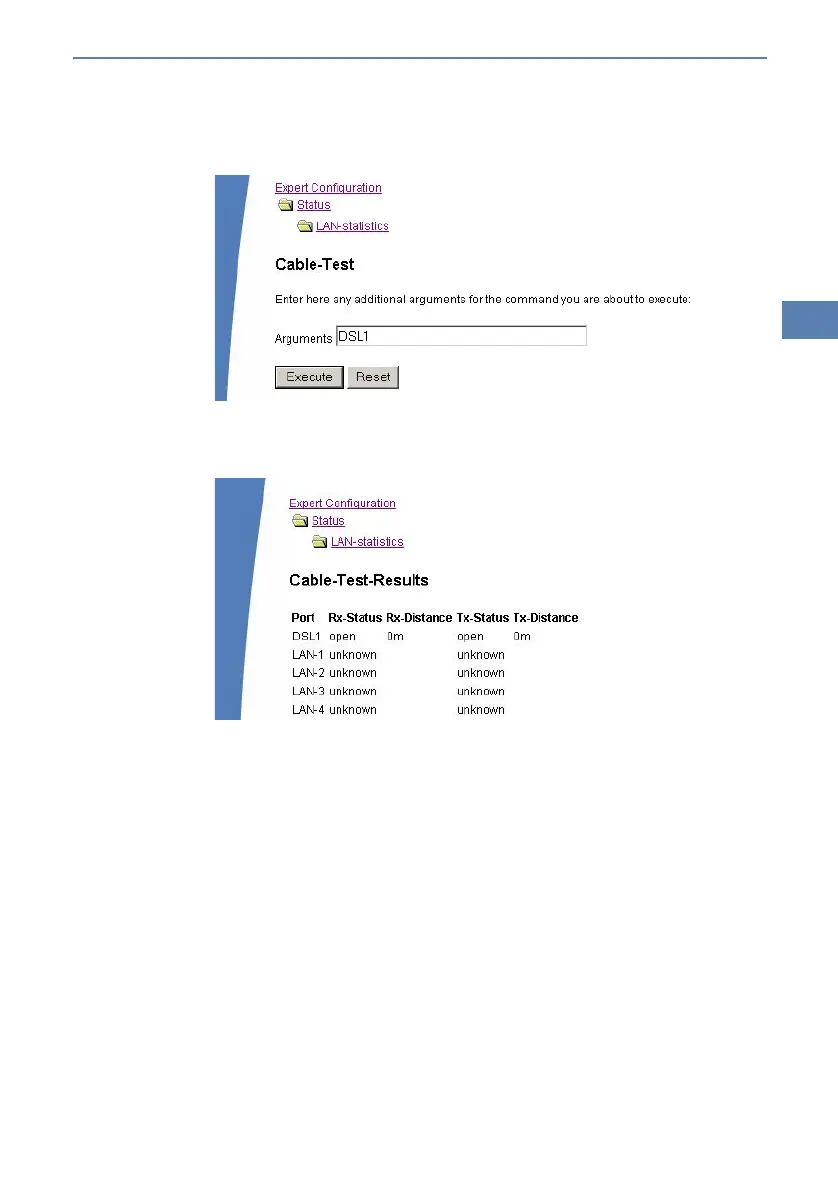
tested (e.g. “DSL1” or “LAN-1”). Pay attention to the correct spelling of the
interfaces. Start the test for the specified interface by clicking on Execute.
Change then to menu item Expert configuration Status LAN statis-
tics Cable test results. The results of the cable test for the individual
interfaces are show up in a list.
The following results can occur:
OK: Cable plugged in correctly, line ok.
open with distance “0m”: No cable plugged in or interruption within less
than 10 meters distance.
open with indication of distance: Cable is plugged in, but defect (short-
circuited) at the indicated distance.
Impedance error: The pair of cables is not terminated with the correct
impedance at the other end.



 To Next Page