Registering Addresses and Users for Facsimile/Scanner Functions
80
5
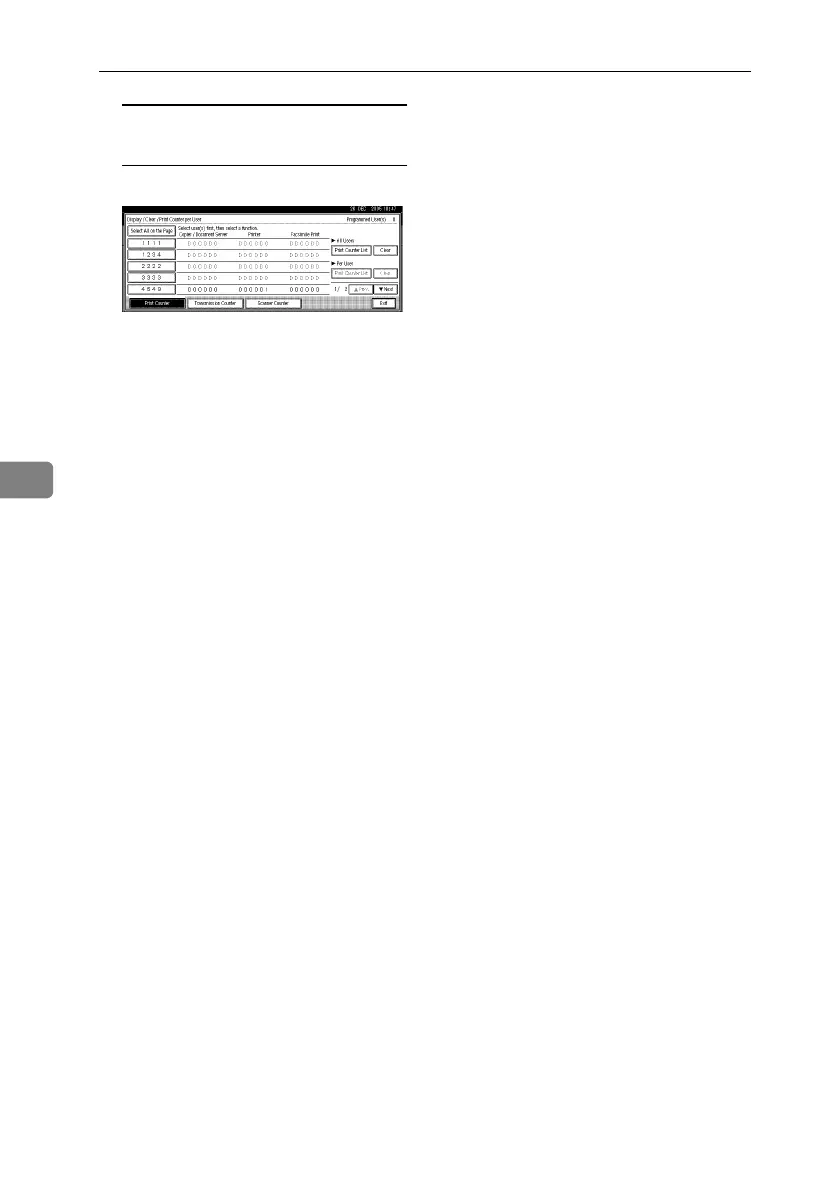
To clear the number of prints for
all user codes
A Press [Clear] under All Users.
B Select the function usage you
want to clear from [Print Coun-
ter], [Transmission Counter], and
[Scanner Counter].
C Press [OK].
F Press [Exit].
G Press the {User Tools/Counter} key.
RuC4_EN_gsg-F_FM_forPaper.book Page 80 Tuesday, April 5, 2005 12:06 PM



 To Next Page