116
4
Supported Software
Smart Guardian
The Smart Guardian utility is capable of monitoring the system’s tempera-
ture, fan speed, voltage, etc. and allows you to manually set a range
(Highest and Lowest Limit) to the items being monitored. If the settings/
values are over or under the set range, a warning message will pop-up.
The utility can also be configured so that a beeping alarm will sound
whenever an error occurs. We recommend that you use the “Default Set-
ting” which is the ideal setting that would keep the system in good work-
ing condition.
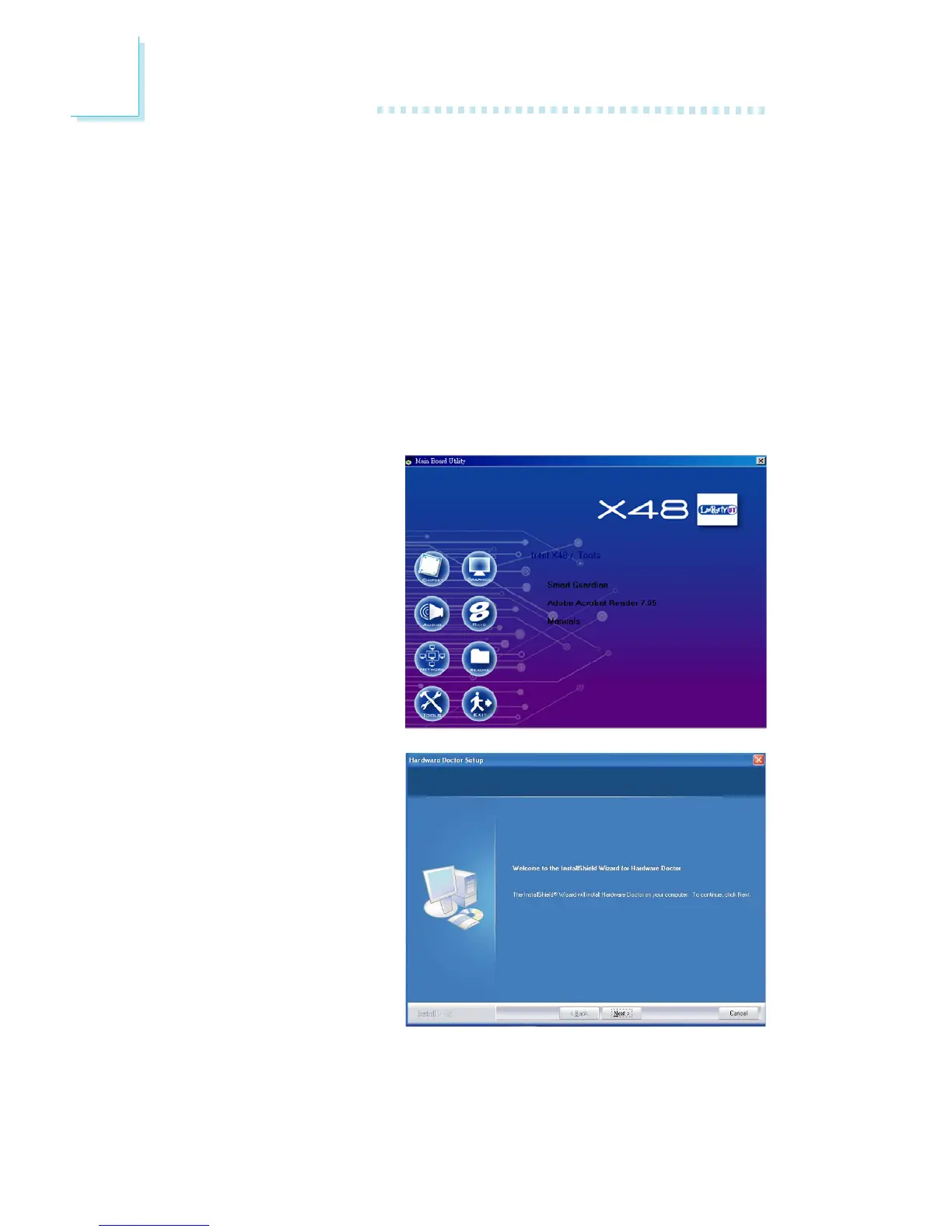
On the left side of the autorun screen, click the “TOOLS” icon.
1. Click “Smart Guardian”
on the main menu.
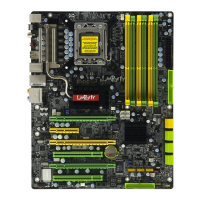
2. Setup is now ready to
install the utility. Click
Next.


 To Next Page