57
3
BIOS Setup
Date
The date format is <day>, <month>, <date>, <year>. Day displays
a day, from Sunday to Saturday. Month displays the month, from
January to December. Date displays the date, from 1 to 31. Year
displays the year, from 1994 to 2079.
Time
The time format is <hour>, <minute>, <second>. The time is based
on the 24-hour military-time clock. For example, 1 p.m. is 13:00:00.
Hour displays hours from 00 to 23. Minute displays minutes from
00 to 59. Second displays seconds from 00 to 59.
Standard CMOS Features
Use the arrow keys to highlight “Standard CMOS Features” then
press <Enter>. A screen similar to the one below will appear.
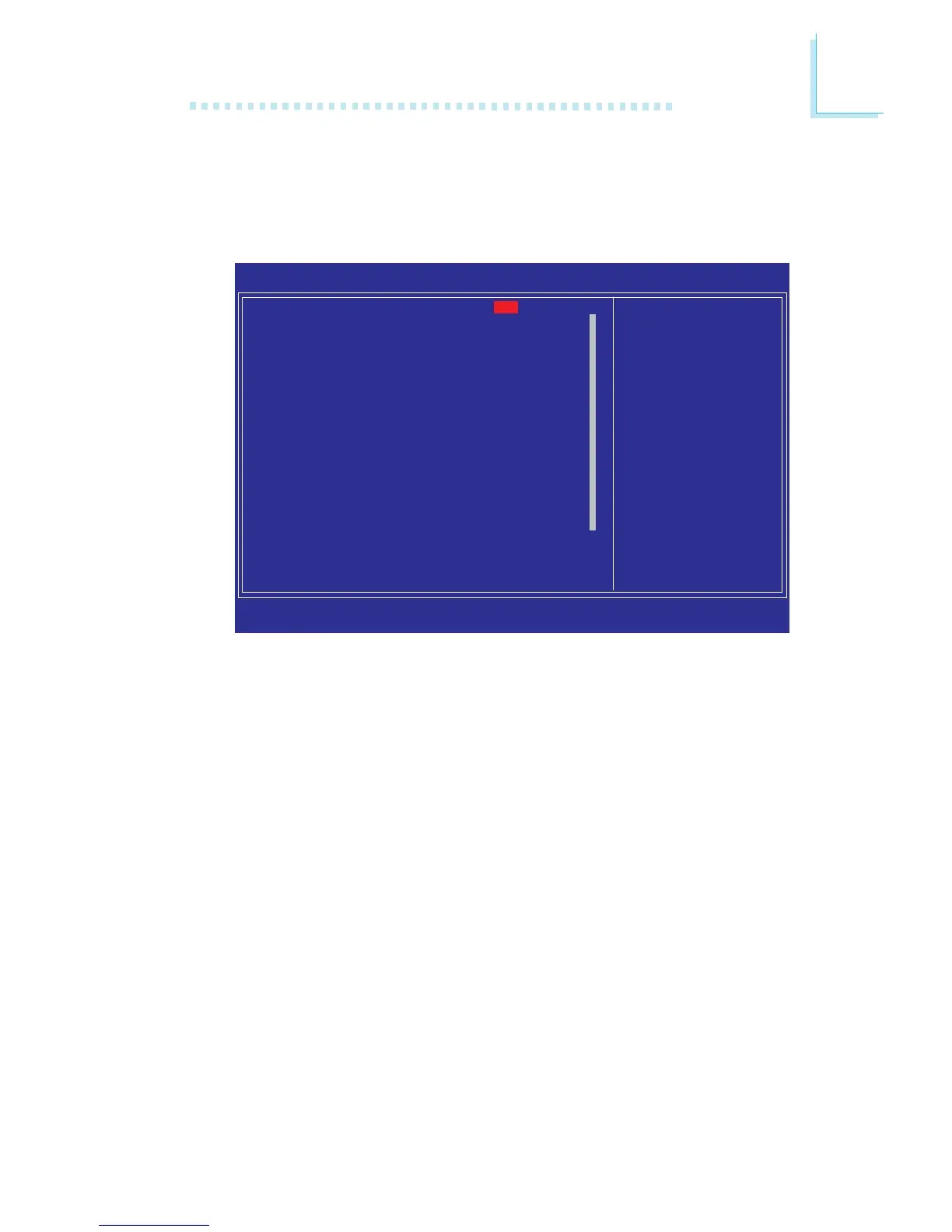
The screen above list all the fields available in the Standard CMOS Features
submenu, for ease of reference in this manual. In the actual CMOS setup, you have
to use the scroll bar to view the fields. The settings on the screen are for
reference only. Your version may not be identical to this one.
Date <mm:dd:yy>
Time <hh:mm:ss>
X IDE Channel 0 Master
X IDE Channel 0 Slave
X IDE Channel 1 Master
X IDE Channel 1 Slave
X IDE Channel 2 Master
X IDE Channel 3 Master
X IDE Channel 4 Master
X IDE Channel 4 Slave
X IDE Channel 5 Master
X IDE Channel 5 Slave
Drive A
Halt On
Base Memory
Extended Memory
Total Memory
Phoenix - AwardBIOS CMOS Setup Utility
Standard CMOS Features
Item Help
Menu Level
X
Change the day, month,
year and century
↑↓→←: Move Enter: Select F1: General Help+/-/PU/PD: Value F10: Save ESC: Exit
F5: Previous Values F6: Fail-Safe Defaults F7: Optimized Defaults
640K
1046528K
1047552K
Tue, Oct 30 2007
20 : 20 : 30
None
None
None
None
None
None
None
None
None
None
1.44M, 3.5in.
All, But Keyboard
X
X


 To Next Page