EasyManua.ls Logo

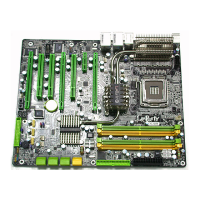
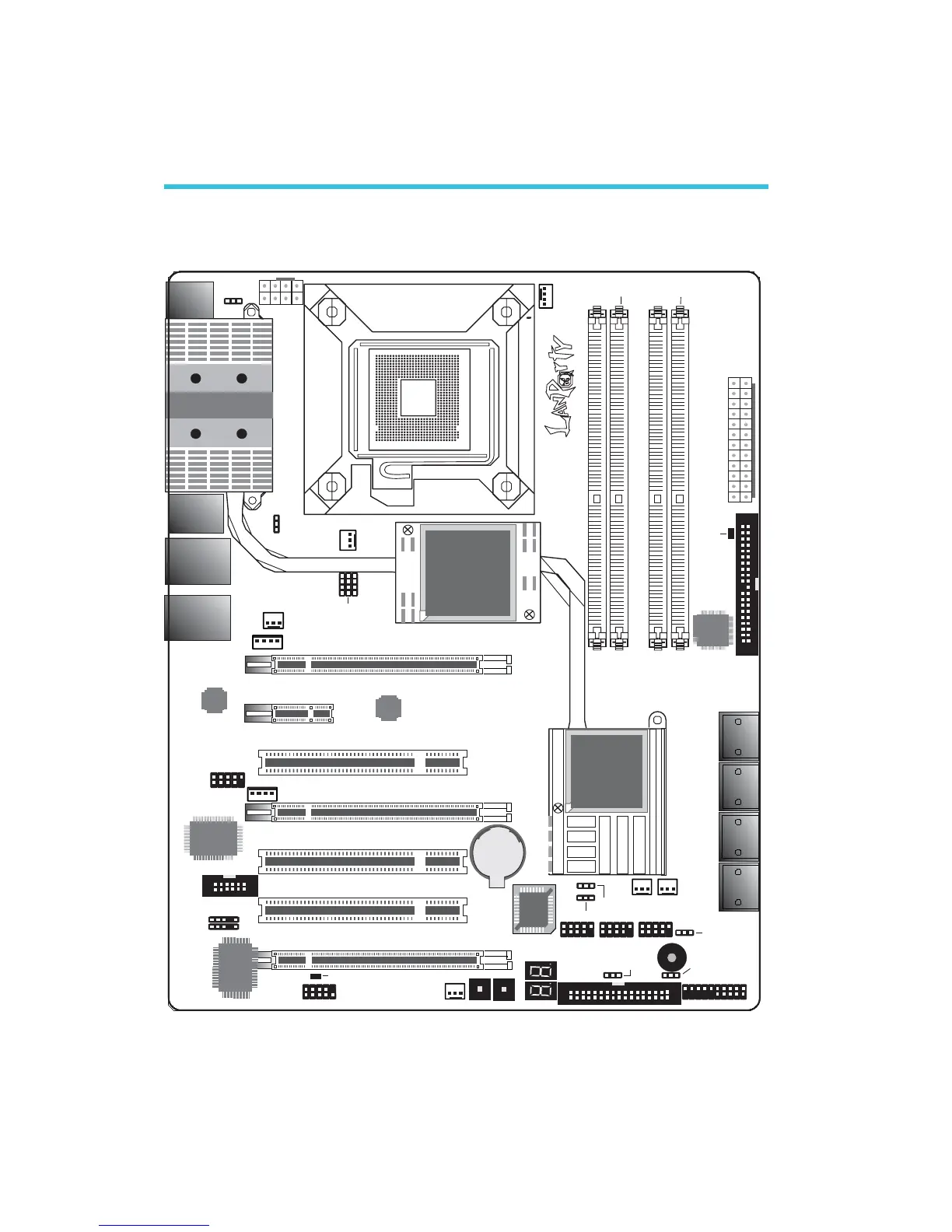
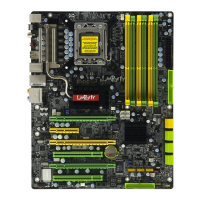
LanParty X48 - Chapter 2: Hardware Installation; System Board Layout Overview

LanParty X48
141 pages
Print Icon
To Next Page IconTo Next Page
To Previous Page IconTo Previous Page
Loading...
16
2
Hardware Installation
Chapter 2 - Hardware Installation
System Board Layout
C217
SATA 5
SATA 6
SATA 3
SATA 4
SATA 1
SATA 2
SATA 7
SATA 8
1
Front panel
1
1
1
1
1
1
1
1
1st fan
System
fan
BIOS
USB 4-5
1
USB 2-3
USB 0-1
1
1
Mouse
KB
1
PS/2 power
select (JP7)
LAN 2
USB 7USB 6
LAN 1
USB 9USB 8
1394-0
USB 11USB 10
Marvell
88E8053
1
3rd fan
5V/12V
1
1
COM
1
1
IrDA
CIR
1
Bernstein audio
5V/12V
power
1
1
1394-1
PCI 2
PCI 3
PCIE 3
PCI 1
PCIE 1
PCIE 4
IDE
1
1
13
2412
ATX
power
DIMM 1
DIMM 2 DIMM 4
DIMM 3
PCIE 2
2nd fan
1
Reset Power
1
USB 6-11 power
select (JP5)
NB fan
1
JP15
JP13
JP14
CPU FSB select
1
1
CPU
fan
12V power
1
Socket 775
Intel
ICH9R
Intel
X48
DRAM
Power
LED
Standby Power LED
FDD
Battery
Speaker on/off
(JP8)
Safe boot
(JP1)
Clear
CMOS (JP2)
Secondary RTC
reset (JP12)
USB 0-5 power
select (JP6)
JMicron
JMB363
Marvell
88E8052
VIA
VT6307
ITE
IT8718F

Table of Contents

Related product manuals