98
3
BIOS Setup
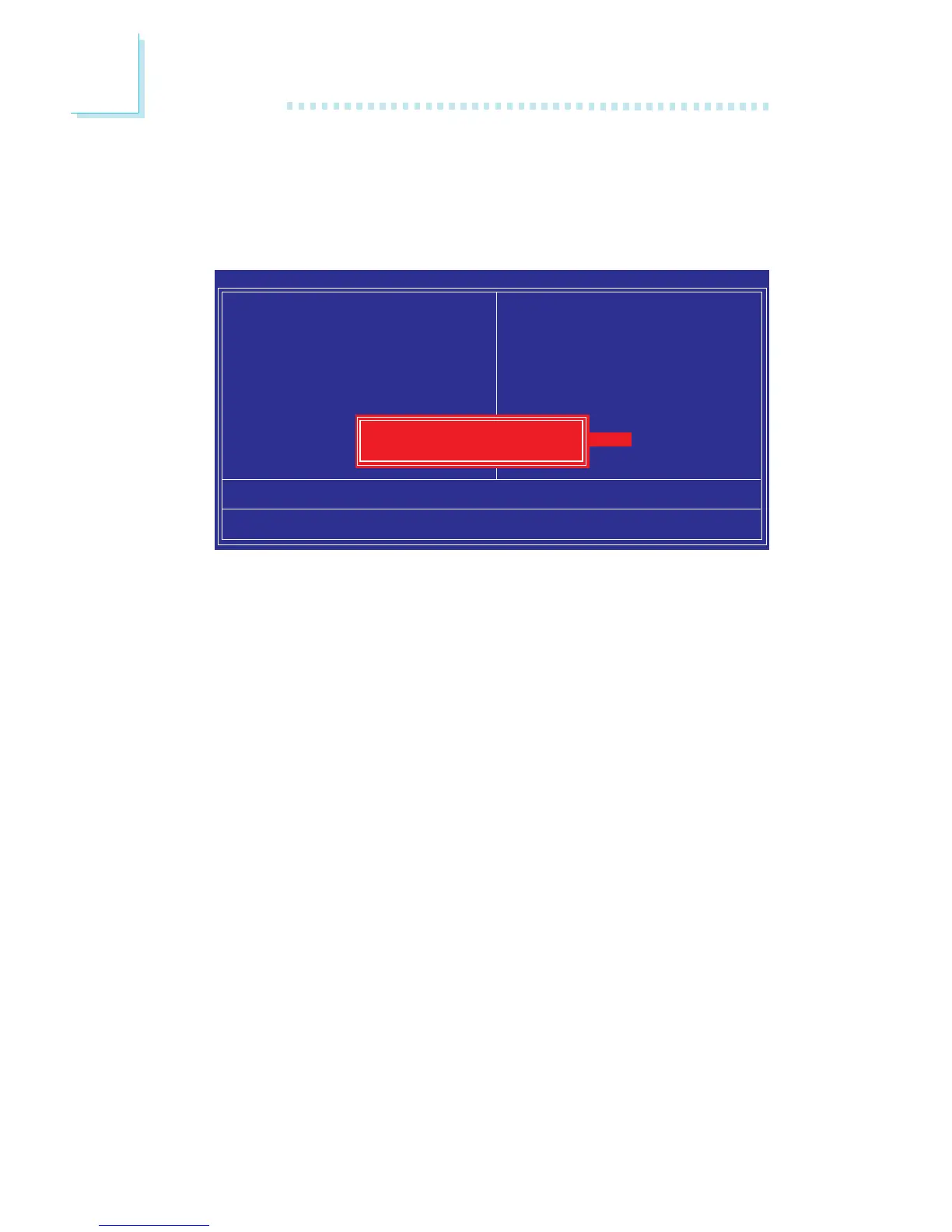
Exit Without Saving
When you do not want to save the changes you have made, high-
light “Exit Without Saving” and press <Enter>.
Type “Y” and press <Enter>. The system will reboot and you will
once again see the initial diagnostics on the screen. If you wish to
make any changes to the setup, press <Ctrl> <Alt> <Esc> simulta-
neously or <Del> aft
er memory testing is done.
Phoenix - AwardBIOS CMOS Setup Utility
Esc : Quit
F10 : Save & Exit Setup
↑ ↓ → ← : Select Item
Load Fail-Safe Defaults
X Standard CMOS Features
X Advanced BIOS Features
X Advanced Chipset Features
X Integrated Peripherals
X Power Management Setup
X PnP/PCI Configurations
X PC Health Status
X Genie BIOS Setting
X CMOS Reloaded
Load Optimized Defaults
Set Supervisor Password
Set User Password
Save & Exit Setup
Exit Without Saving
Quit Without Saving (Y/N)? N


 To Next Page