123
5
RAID
Step 5: Install the Intel Matrix Storage Manager
The Intel Matrix Storage Manager can be installed from within Windows. It
allows RAID volume management (create, delete, migrate) from within the
operating system. It will also display useful SATA device and RAID volume
information. The user interface, tray icon service and monitor service allow
you to monitor the current status of the RAID volume and/or SATA
drives. It enables enhanced performance and power management for the
storage subsystem.
1. Insert the CD into a CD-ROM drive.
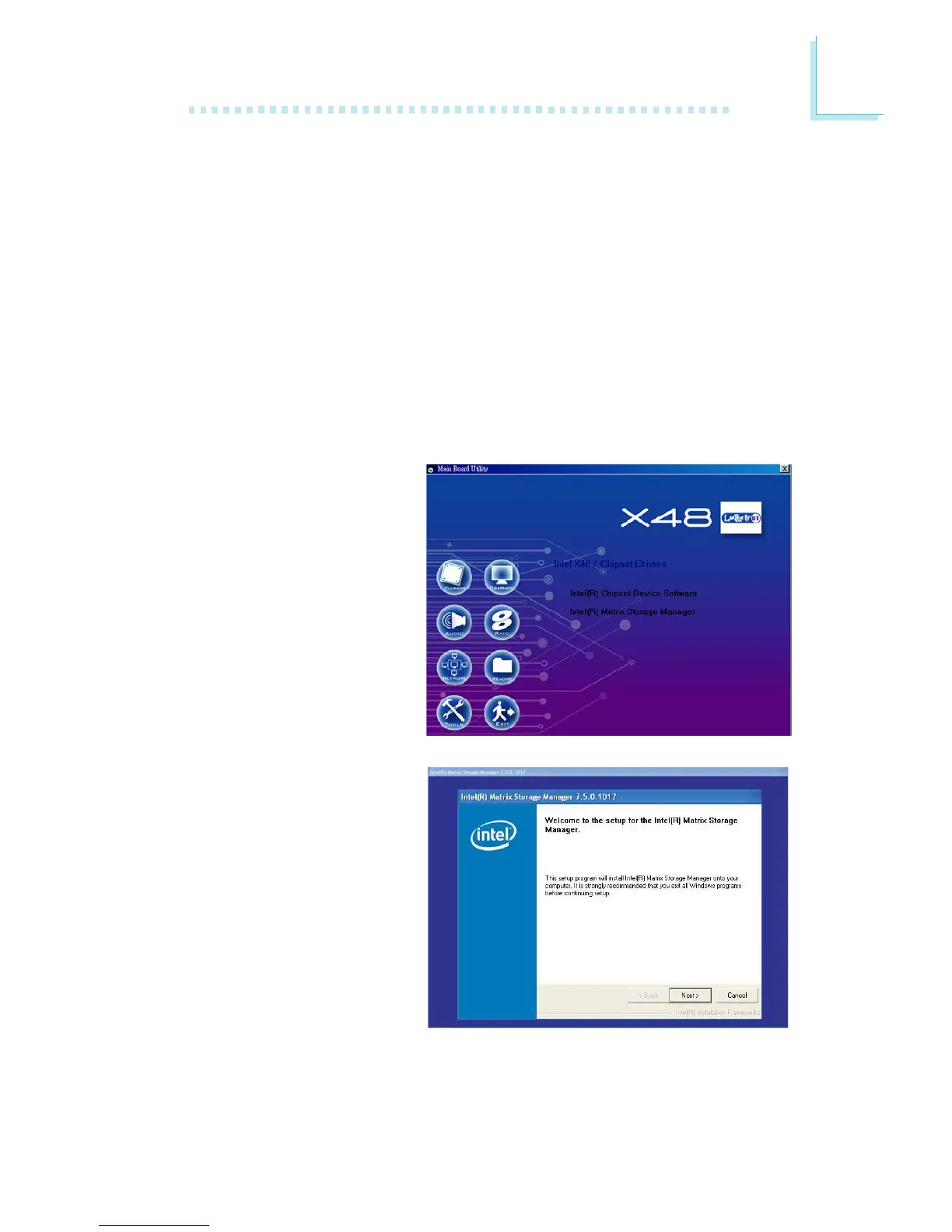
2. On the left side of the autorun screen, click the “CHIPSET” icon.
3. Click “Intel(R) Matrix
Storage Manager” on the
main menu.
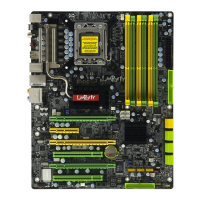
4. Setup is now ready to
install the utility. Click
Next.


 To Next Page