131
6
ATI CrossFire Technology
CrossFire Setup
Note:
The system board used in the following illustrations may not
resemble the actual board. These illustrations are for reference
only.
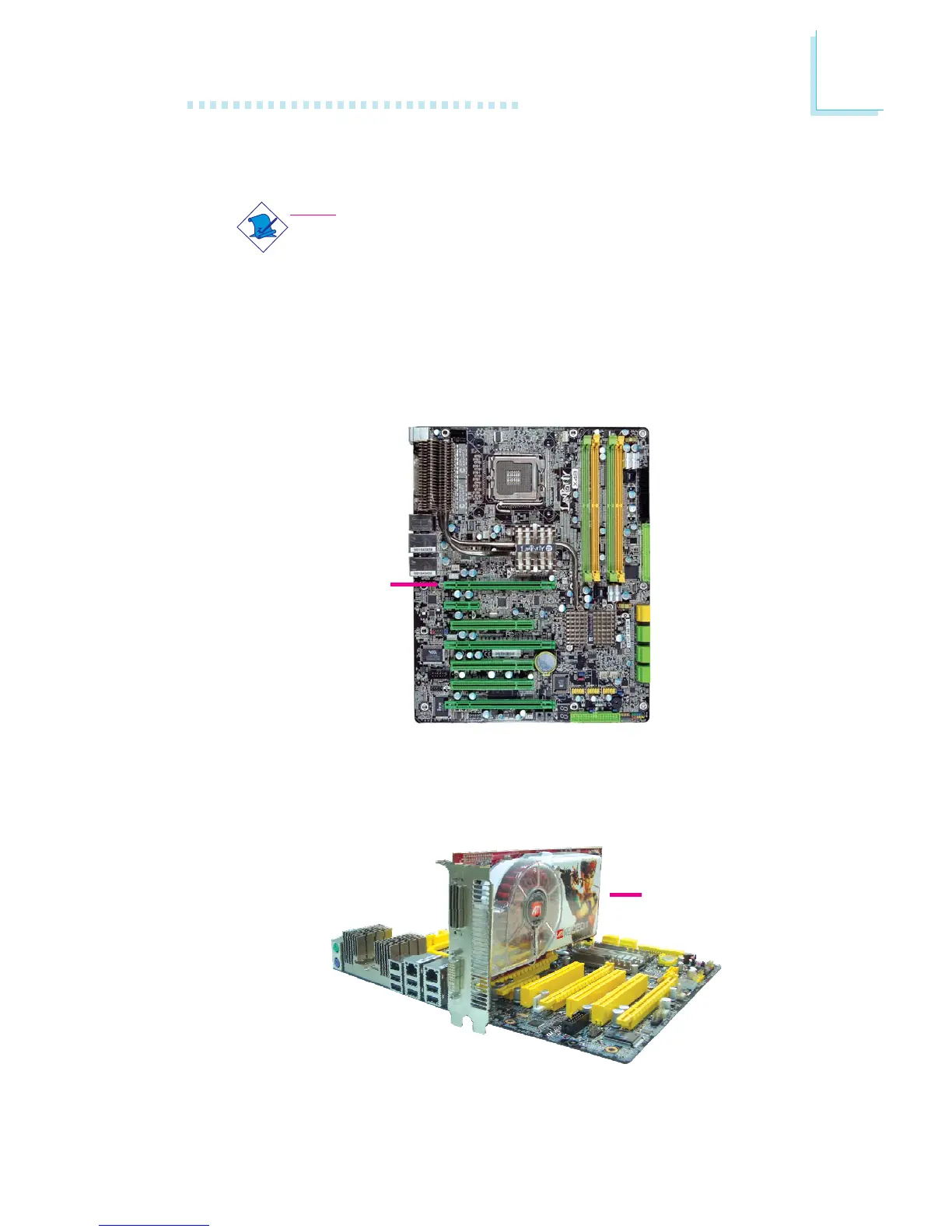
PCIE 1
3. Align the CrossFire Edition graphics card (Master) above the
PCIE 1 slot then press it down firmly until it is completely seated
in the slot.
4. Secure the graphics card with the screw you removed in step 2.
CrossFire Edition
graphics card
1. Power-off the system and monitor then unplug the power cord.
2. Remove the screw of the bracket that is opposite the PCIE 1
slot then remove the bracket.


 To Next Page