28
! Select lens?
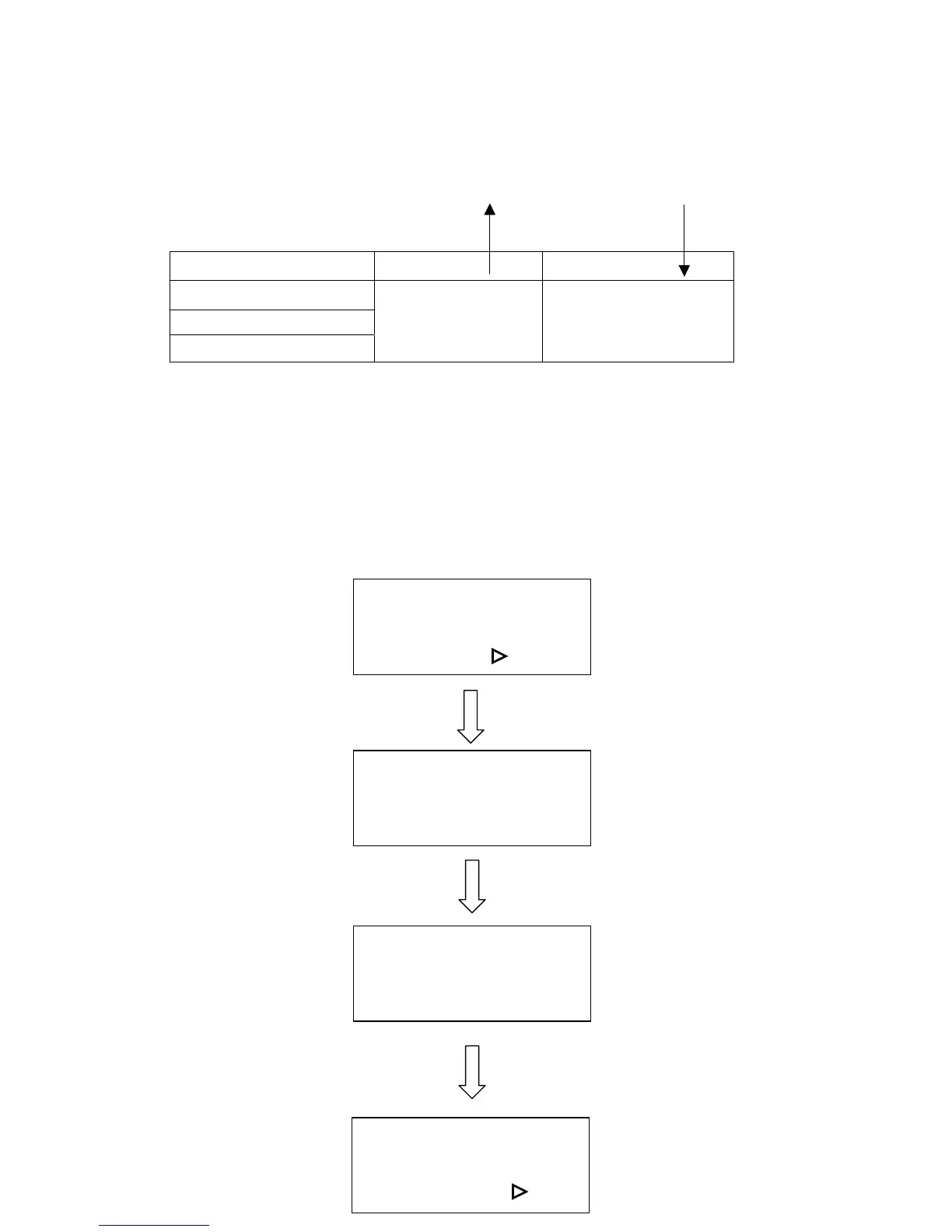
There are four different lenses for use on the LaserPro VENUS as follows:
Focal Length Resolution Cutting capability
1.5” standard
2.0” optional
2.5” optional
High
Low
Thin
Thick
The longer the focal length, the bigger the beam spot size. The high resolution lens
is designed for precision engraving, while the low resolution lens is mostly applied
for cutting due to its lower beam divergence which results in a straighter cut in thick
materials. However, using higher resolution takes longer time for engraving.
The large spot size of low resolution lens can spreads the laser’s heat over a larger
area, which helps minimize melting thus can be applied to engrave certain kinds of
plastics.
Select lens?
Yes: ENTER
End operation: Esc
Select unit? :
1.5 inch (38.1mm)**
Ok: ENTER
Change: △
△△
△ or ▽
▽▽
▽
△
△△
△ or ▽
▽▽
▽
x.x inch (xx.xmm)**
Ok: ENTER
Change: △
△△
△ or ▽
▽▽
▽
After changing lens, press
AUTO FOCUS and the
new focal length will be
saved automatically.
Select unit?
Yes: ENTER
End operation: Esc
Set EOF alarm? :
ENTER
Replace lens of
2.0 inch
2.5 inch



 To Next Page