42
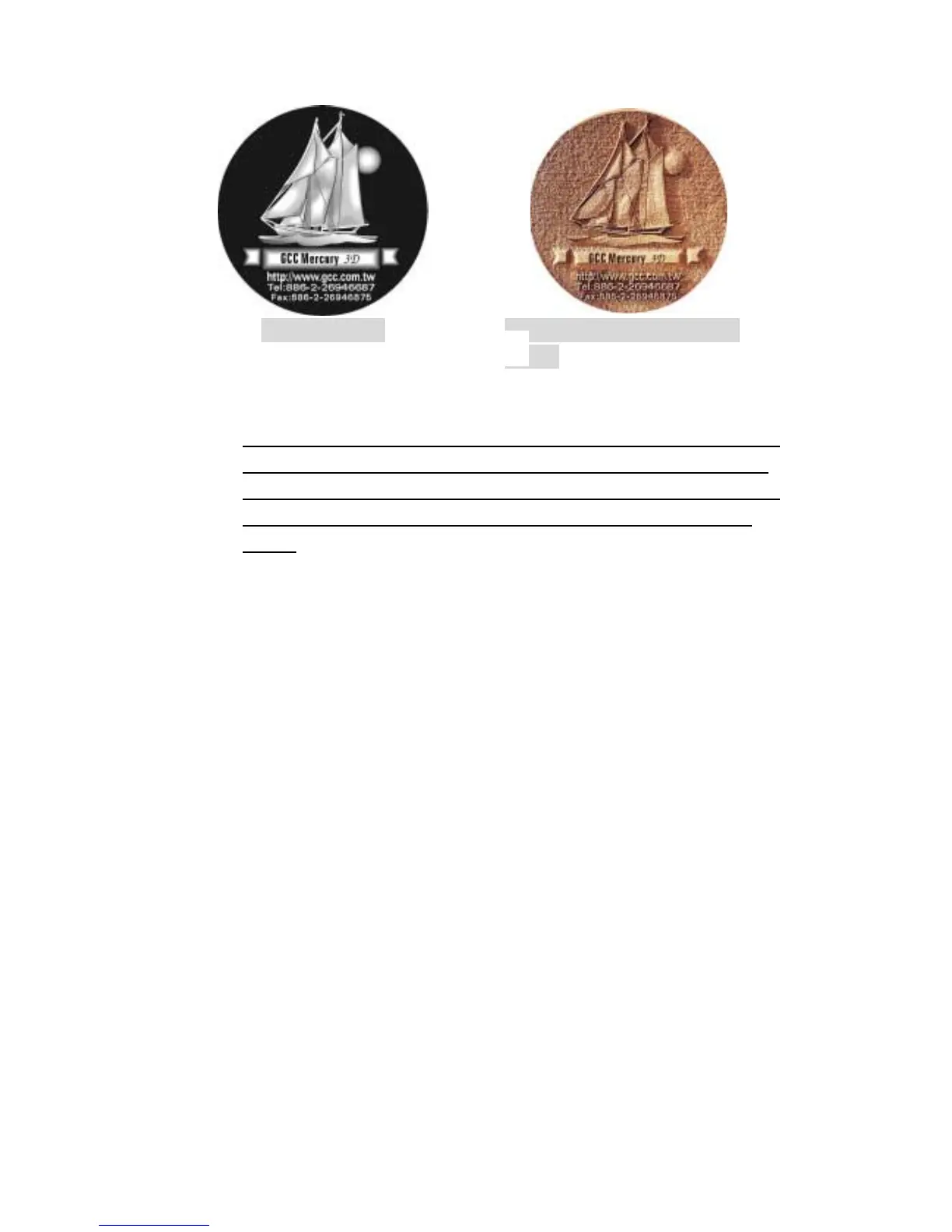
3D Image File
12. Sample/ Material: Density
Board
! Manual color fill
Each power and speed setting can be linked to certain color on the layout.
Totally 16 color settings are available. The desired color can be adjusted
by changing the ratio of Red, Green and Blue (refer to Fig.8). If the speed
or power is set to 0, the corresponding color area or vector line will be
invalid.
! 3D effect
With this function, we can get the sculpture effect. The engrave image must
have gray levels (refer to Fig.10). The engrave image is effected by PPI, DPI,
power and speed setting.
! Stamp Mode
Mainly used in rubber stamp production. Create a slope base of stamp
characters by setting up the stamp parameter (refer to Fig. 11). Normally
the pitch number for engraving a 2~3mm thick rubber pad can be set at 0.2 or
0.3. The smaller the pitch number, the sharper the slope. If setting the pitch
number at a very big value, it may take for a very long time for the math
calculation.
Fig. 10



 To Next Page