48
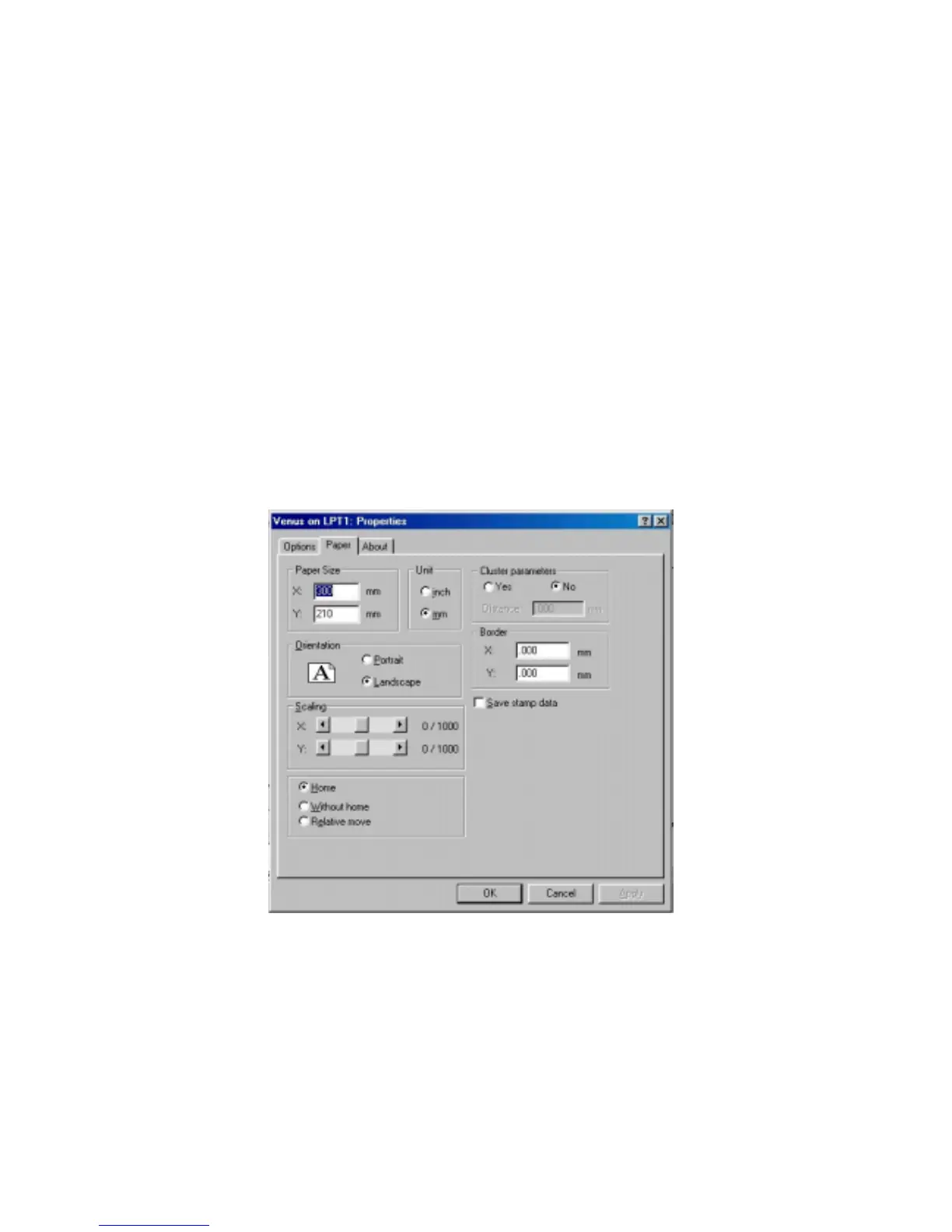
! Paper Size: Set up the working size for engraving.
! Scaling Function
Apply this function to adjust the difference in size between the object in the page
of software and the real object engraved. Scale can be adjusted up to ± 50/1000.
Positive value is to enlarge the size, negative to reduce. For examples, adjust the
scale by +10 to enlarge the object’s size by 10/1000.
! Position Mode:
#
Home: Focus carriage goes back to the upper right position after finishing a
job.
#
Without Home: Focus carriage stops at the last position of a data file.
#
Relative Move: You can place the focus carriage at any place you want to
start a job. When finishing a job, the focus carriage will move back to the
original starting point.
Fig.17
! Cluster
In order to reduce the working time, the output movement can be
clustered under stamp mode.
As for Fig.17, suppose the “Distance” you specified is D and the distance
between graph A & B is X (refer to Fig. 18). If you chose the function
“Cluster” and X > D, the output movement will be route b. If you don’t
chose “Cluster” or even you chose “Cluster” and X ≤ D, the output



 To Next Page