49
movement will be route a.
! Border
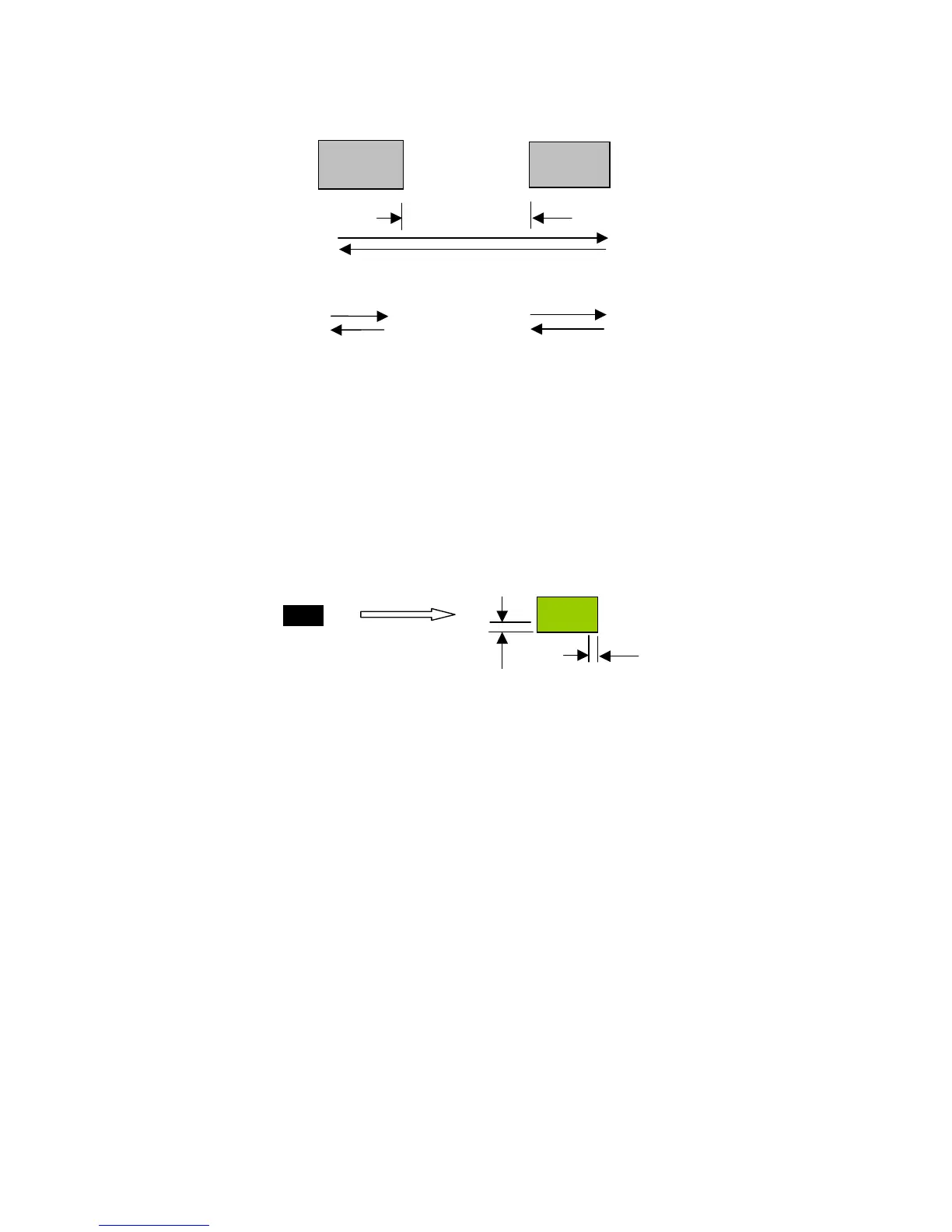
You can add border at image edge for a better output of the stamp image
(refer to Fig. 19).
You must select “Image Invert” (refer to Fig. 16) under stamp mode when
using border. As for Fig.17, you can specify the border X and Y. If you
chose the “Cluster” and want to have border, the border X and Y must be
less than the “Distance” D you specified.
origin
Add border
X
Y
Fig. 19
route a
route b
A
B
Fig. 18
X



 To Next Page