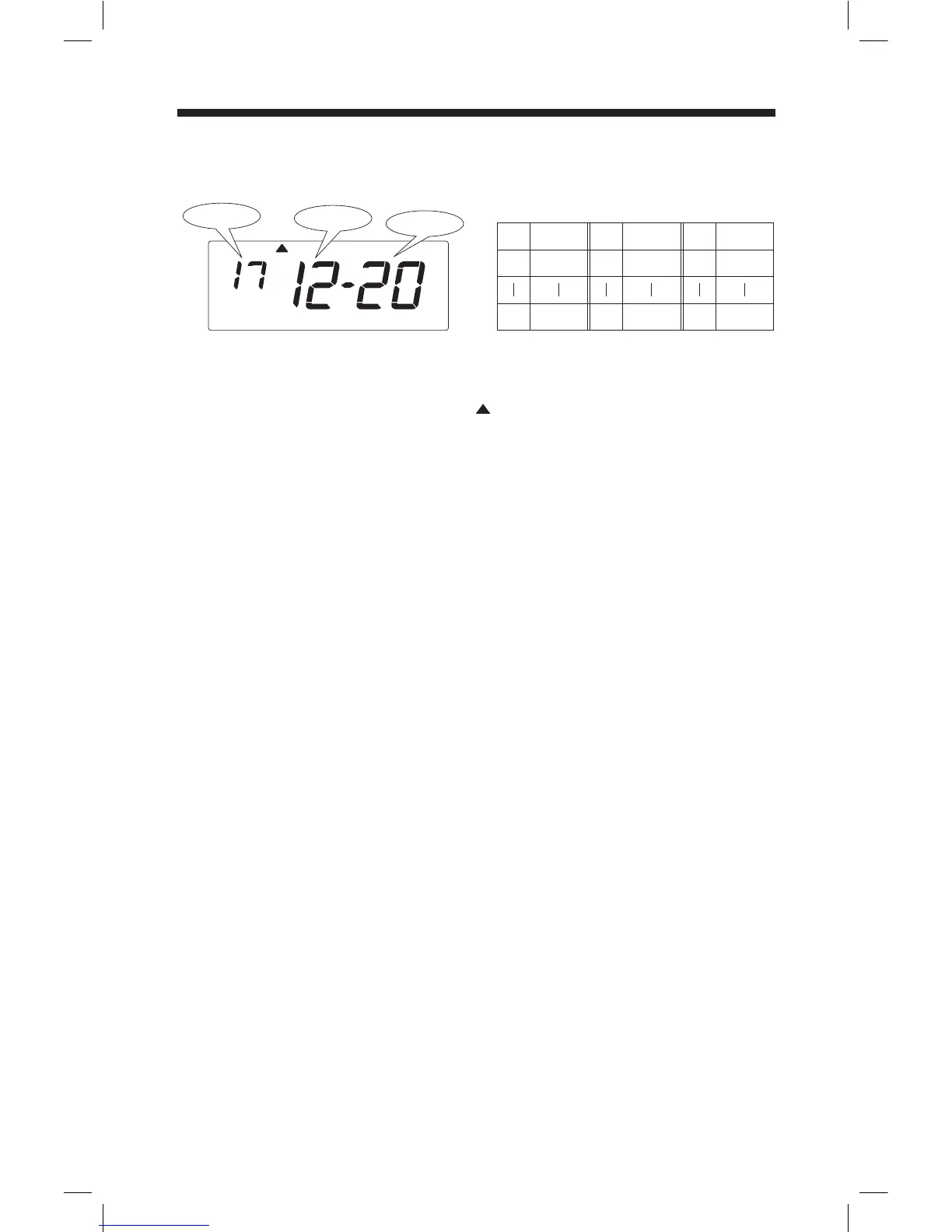
Setting the Date
Below image shows an example of December 20, 2017.
Remove the cover, and press [SETTING] button to enter setting mode.
Note: When "9999" appears on display, input the password first.
Press [DATE/TIME] button, and position " " under "DATE" mark.
Press [+] or [-] button to adjust number to the last two digits of current year, and press
[SET] button to accept.
Set the current month and date in the same manner.
Press [SETTING] button to exit setting mode, and attach the cover.
Note: If you press [DATE/TIME] button before pressing [SETTING] button, you can
continue setting for date and time.
No.
1
31
Date
1
31
Selectable numbers and Options
No.
1
12
Month
January
Decembe
r
No.
00
99
Year
2000
2099
Date
Year
Month
DATE
14



 To Next Page