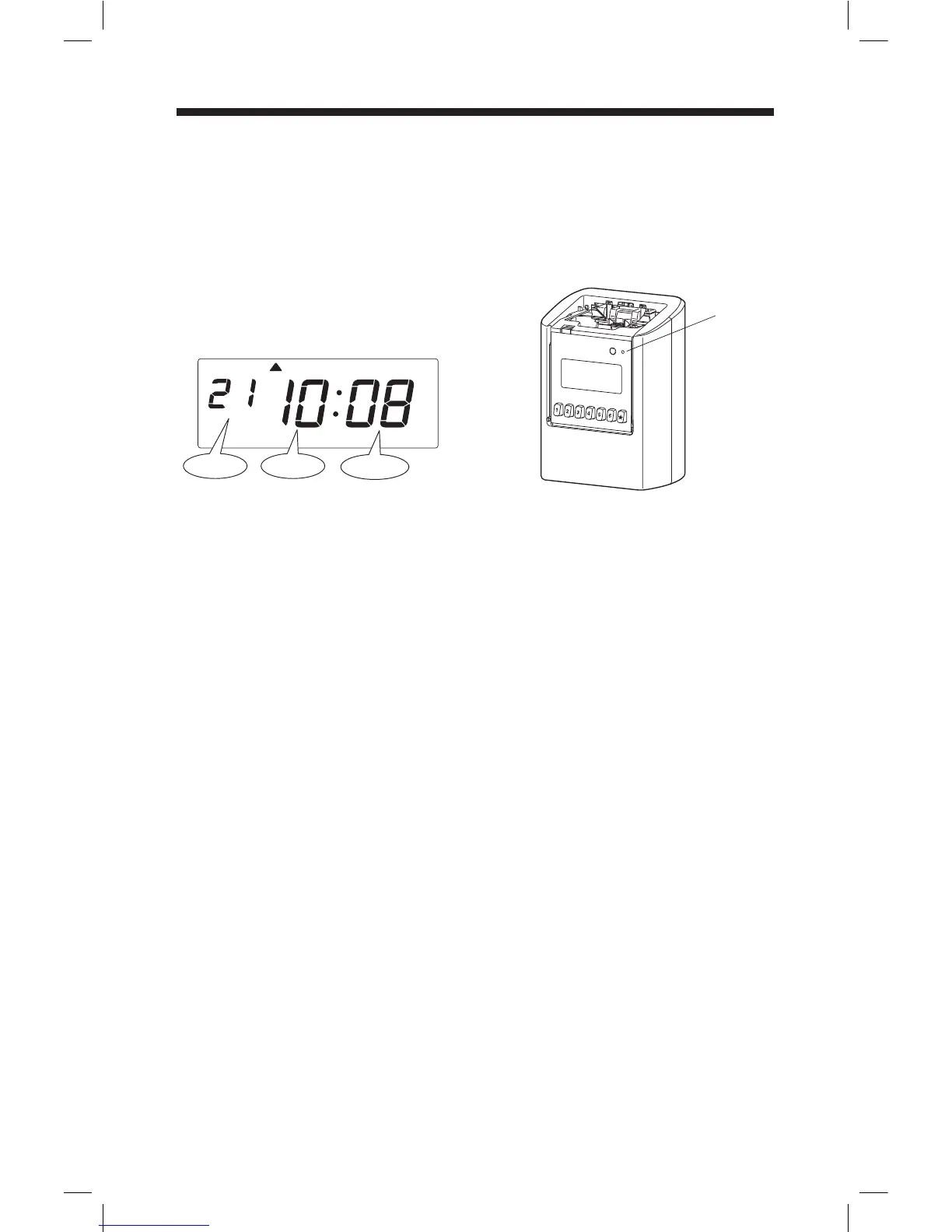
Reset for Initialization
Remove the cover, and push [RESET] switch with a pointed implement.
Note: Any setting shall be kept.
After you press a RESET switch, date
and time is shown on the display.
[RESET]
BUTTON
Hour
Minute
Mo
Date
All settings including weekly programs will be deleted when the reset is done.
It's strongly recommended to print out setting list before reset.
26



 To Next Page