Setting the Print Format
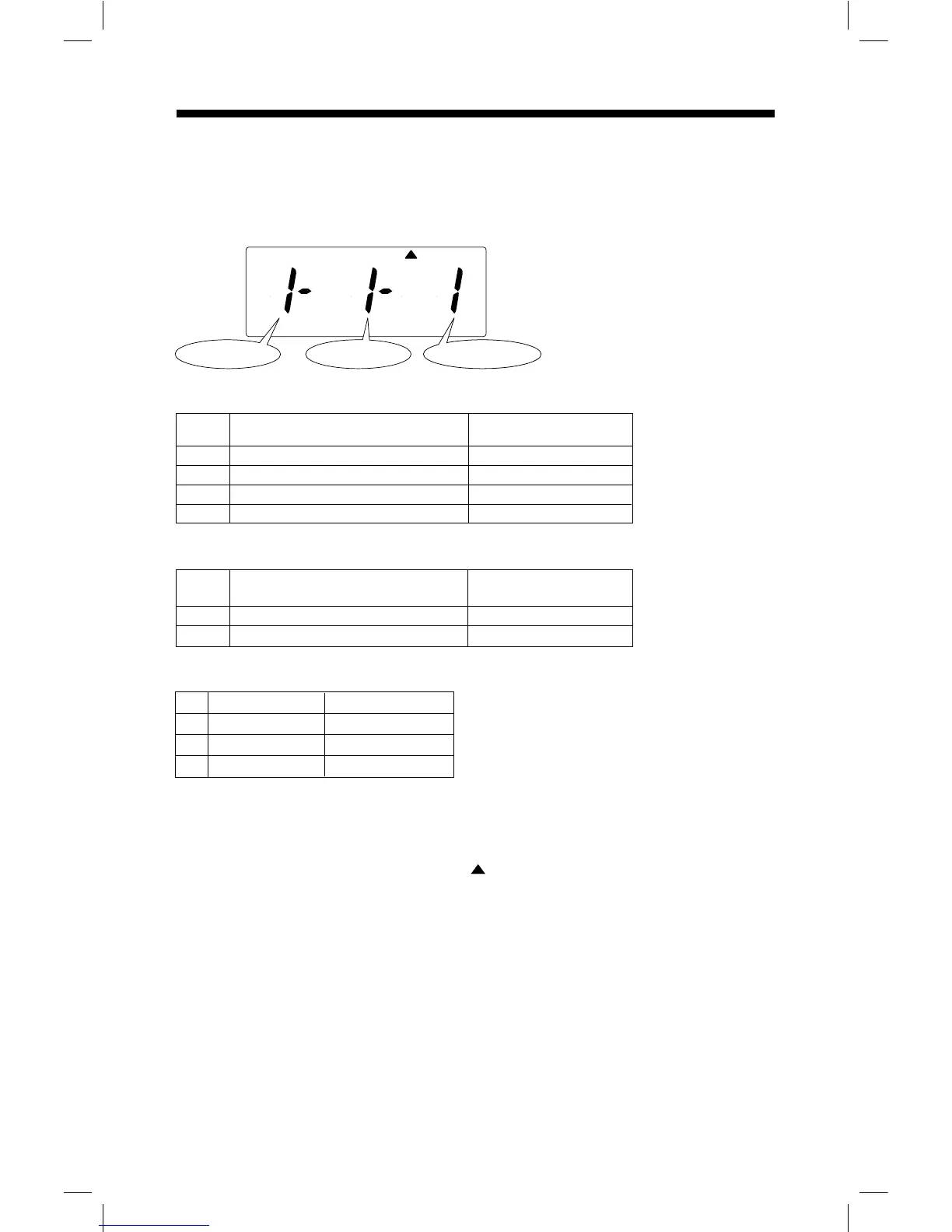
Below image shows an example that "Date, 24hour", "Regular Minutes" and
“English Language” are chosen.
Remove the cover, and press [SETTING] button to enter setting mode.
Note: When "9999" appears on display, input the password first.
Press [FUNCTION] button, and position " " under "PRINT FORMAT" mark.
Press [+] or [-] button to select number of Print Format, and press [SET] button to accept.
Press [+] or [-] button to select number of Minute Type, and press [SET] button to
Press [+] or [-] button to select number of Language, and press [SET] button to accept.
accept.
Press [SETTING] button to exit setting mode, and attach the cover.
Note: If you press [FUNCTION] button before pressing [SETTING] button, you can
continue setting for function.
1
2
3
4
15 : 30
Mo 15 : 30
3 : 30 P
Mo 3 : 30 P
Date, 24hour
Day of the week, 24hour
Date, 12hour
Day of the week, 12hour
Print FormatNo. Example:
Print Format: Selectable numbers and Options
1
2
8 : 43
8.71
Regular Minutes (1/60)
Hundredths (1/100)
Minute Type Print Example:No.
Minute Type: Selectable numbers and Options
Print Format Minute Type Language Type
PRINT
FORMAT
12 12
Language
English
Spanish
French
No.
1
2
3
Example:Thursday
TH 15:30
JU 15:30
JE 15:30
Language Type: Selectable numbers and Options
17



 To Next Page