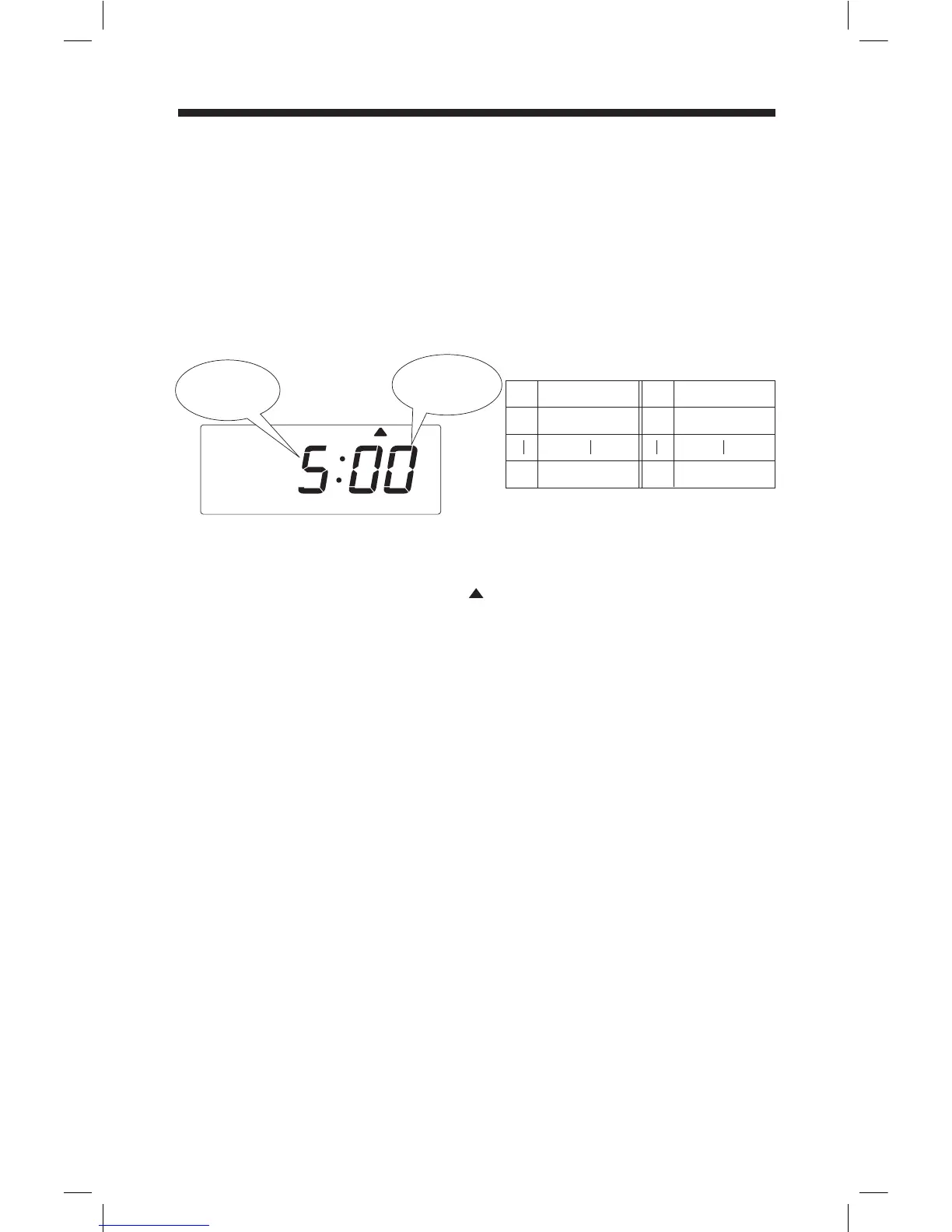
Below image shows an example that Day Advance Time is set to 5:00AM.
Remove the cover, and press [SETTING] button to enter setting mode.
Note: When "9999" appears on display, input the password first.
Press [FUNCTION] button and position " " under "MAX IN" mark.
Press [+] or [-] button to select hour of the line shift time, and press [SET] button to
accept.
Set the minute of the line shift time in the same manner.
Press [SETTING] button to exit setting mode, and attach the cover.
Note: If you press [FUNCTION] button before pressing [SETTING] button, you can
continue setting for function.
Hour
12AM
11PM
No.
0
23
No.
00
59
Minute
00
59
Selectable numbers and Options
Hour of
the line
shift time
Minute of
the line
shift time
If Non-Calculating Mode is selected, Max-In changes to the Day Advance
Time. The day advance time refers to the time when printing shifts to the next
line on a time card for the next day. With this function, you can adjust from
what time to what time of the day will be regarded as the same day on a time
card.
Setting the Max In
(Non-Calculating Mode)
MAX IN
19



 To Next Page