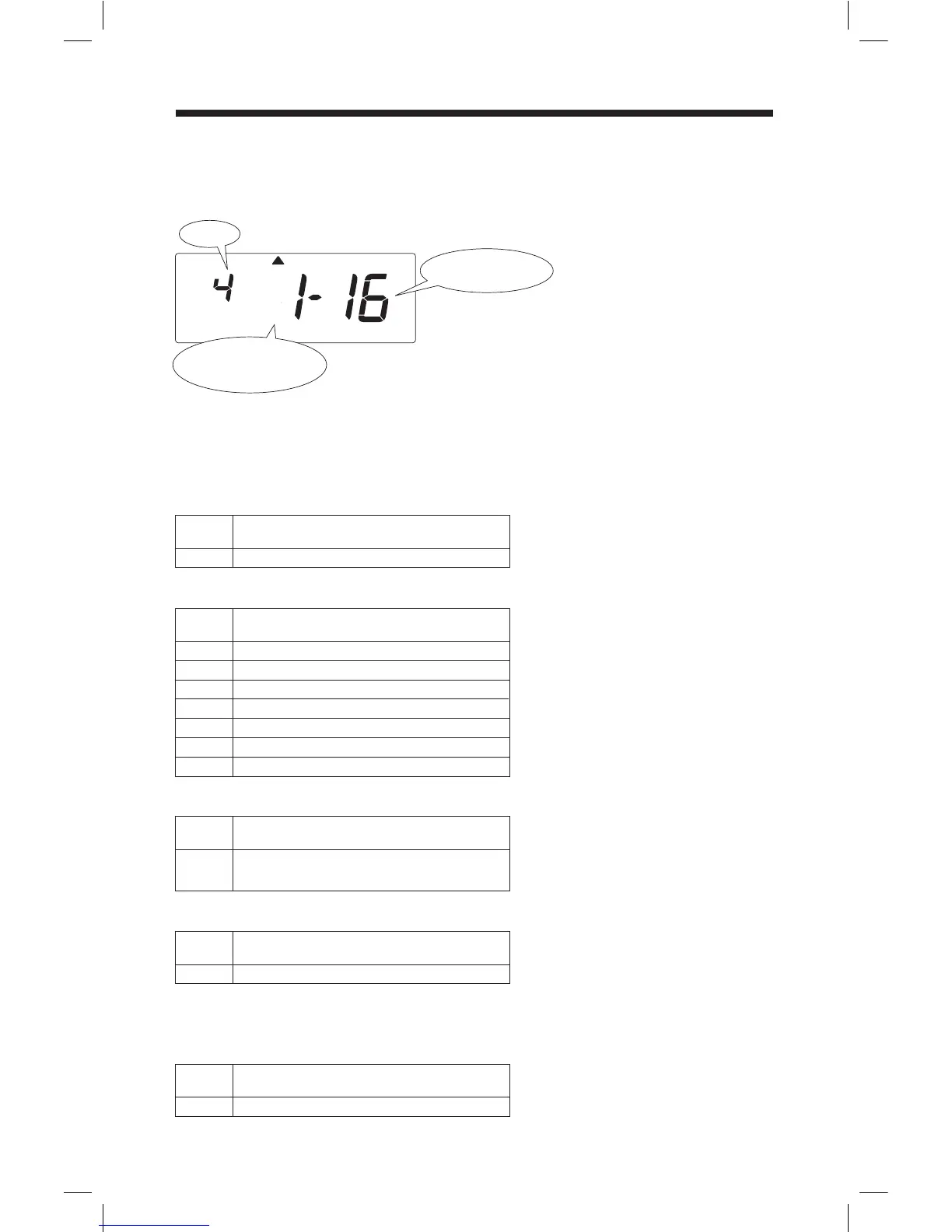
Setting the Pay Period Starting Dates / Days
1st Starting Date
Example below shows Calculating Semi-Monthly Pay Period that begins in the
1st and 16th of every month.
Set the Pay Period start date / day based on the pay period you selected in the
Option setting. Note that 1st Starting Date setting is only available if you
selected a Semi-Monthly period. (Options 4 or 9)
Option
1st Starting Date
(Semi-monthly only)
MODE
Starting Date/Day
1 .. 31
Date of month
Starting DateNo.
Monthly Pay Period
1
2
3
4
Sunday
Monday
Tuesday
Wednesday
5
6
7
Thursday
Friday
Saturday
Starting DayNo.
Weekly Pay Period
1 .. 31
Start date of current pay period
(will determine day of week and maintain)
Starting DayNo.
Bi-Weekly Pay Period
1 .. 31
Start date of 2nd pay period in month
Starting DateNo.
Semi-Monthly Pay Period
1 .. 31
Start date of 1st pay period in month
Starting DateNo.
Semi-Monthly Pay Period (only)
16



 To Next Page