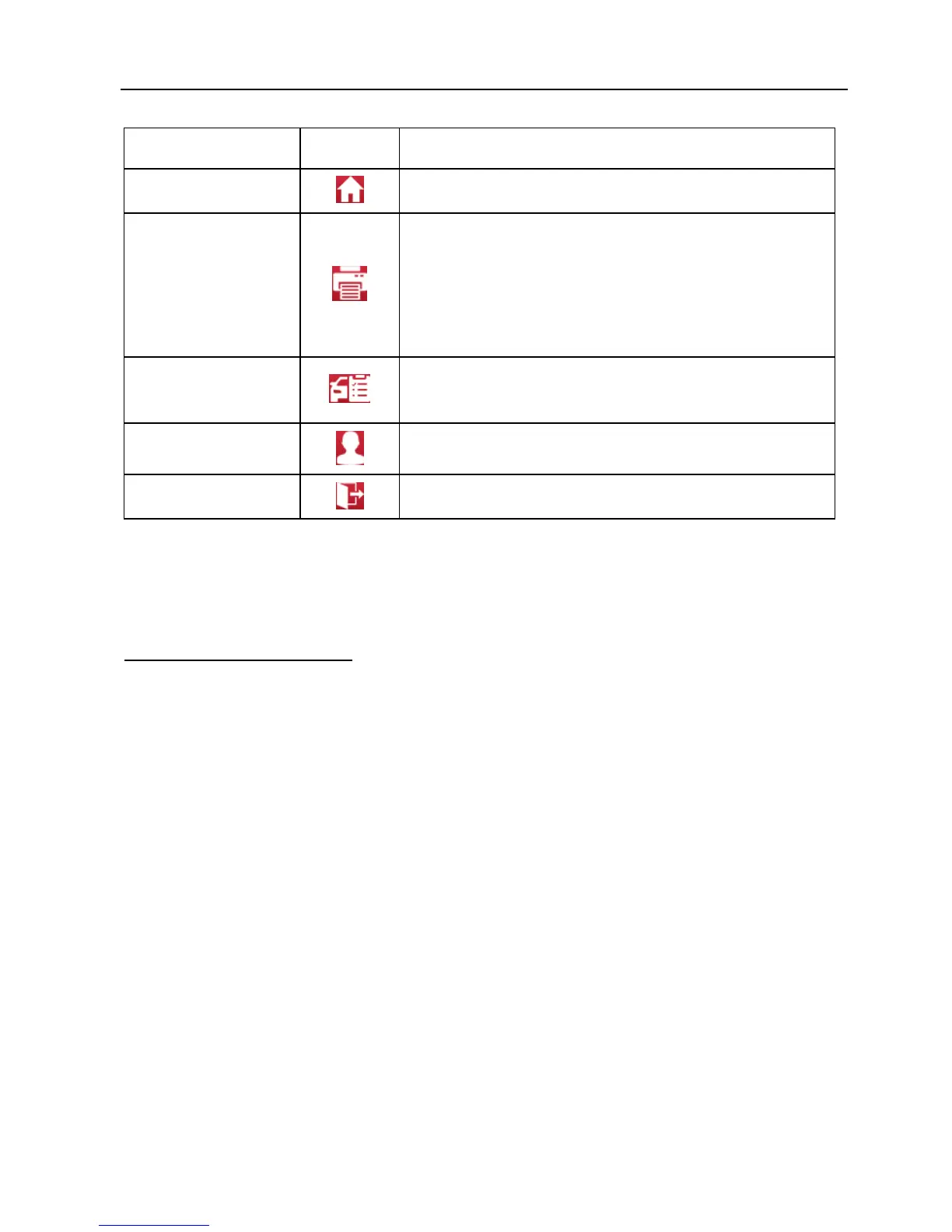
Description
Home
Returns to Job menu screen.
Print
Tap to print the current screen. To perform
printing, you need to purchase an extra Wi-Fi
printer manufactured by LAUNCH separately
and then properly configure the wireless printer
following the steps described in Chapter 9.8.3.
Quick access to personal center.
Exit
To exit the diagnostic application.
4.3 Connections
4.3.1 Preparation
Normal testing conditions
Turn on the vehicle power supply.
Throttle should be in a closed position.
4.3.2 DLC location
The DLC (Data Link Connector) is typically a standard 16 pin connector where
diagnostic code readers interface with the vehicle’s on-board computer. The
DLC is usually located 12 inches from the center of the instrument panel (dash),
under or around the driver’s side for most vehicles. If Data Link Connector is not
located under dashboard, a label should be there telling location. For some
Asian and European vehicles, the DLC is located behind the ashtray and the
ashtray must be removed to access the connector. If the DLC cannot be found,
refer to the vehicle’s service manual for the location.















 To Next Page