LAUNCH X-431 PRO (DBSCar V) User Manual
51
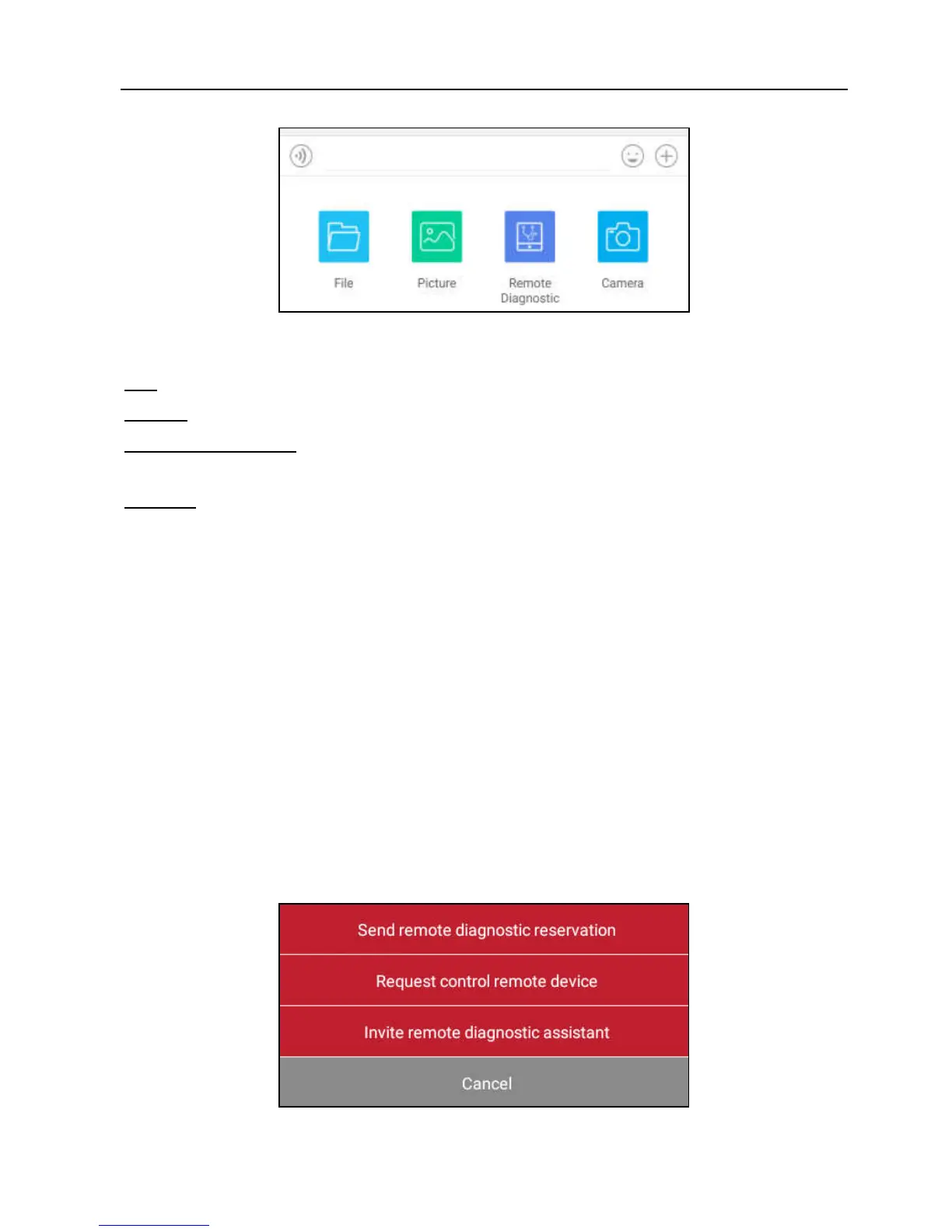
Fig. 5-33
File: Choose diagnostic reports or local files to send.
Picture: Choose screenshots or pictures to send.
Remote Diagnostic: To start a remote diagnostic session. For details, refer to
Chapter 5.3.4.
Camera: Open camera to take pictures.
5.3.4 Launch Remote Diagnosis (Device-To-Device)
The X-431 PRO handset is allowed to launch remote diagnosis with other
diagnostic tools (including but not limited to the X-431 PRO) of Launch family,
which are equipped with this module.
* Note: Before performing this operation, please make sure the following no matter
which side sends the remote request:
Turn on the vehicle power supply.
Throttle should be in a closed position.
The X-431 PRO should be properly connected to the vehicle’s DLC and a successful
communication is required.
In Fig. 5-33, tap “Remote Diagnostic”, a pull-down menu including the following
options appears:
Fig. 5-34















 To Next Page