LAUNCH X-431 PRO (DBSCar V) User Manual
23
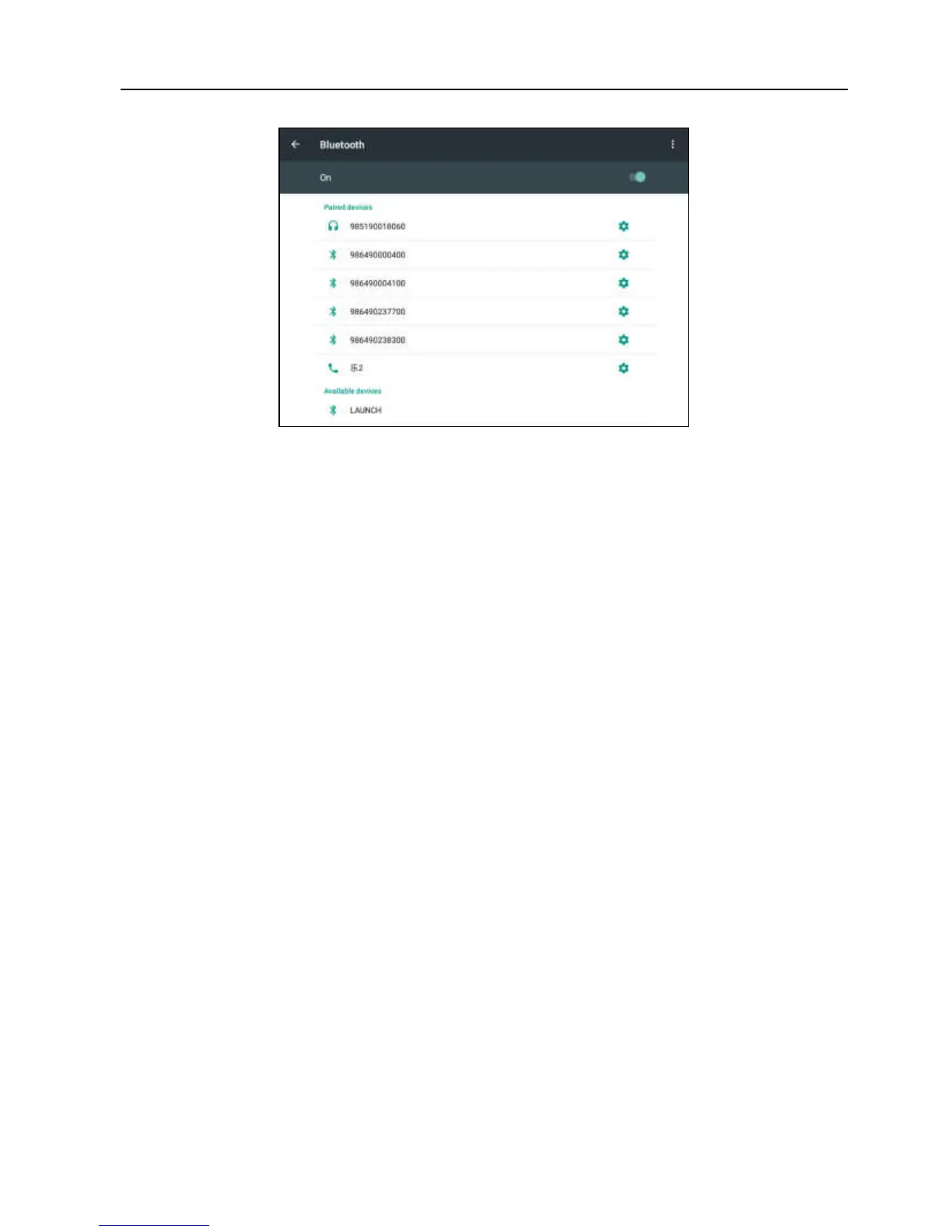
Fig. 4-13
4. Tap the desired VCI connector to pair and match. By default, the Bluetooth
name of the connector is 98********00 (where ******** stands for 8 digits.).
5. If the Bluetooth pair request pops up on the screen, enter the request pin
code (default code: 0000 or 1234).
6. Once the connector is paired with the X-431 PRO handset, it will be shown
under the paired device tab.
Note: In case no Bluetooth setting is done before diagnostic software is launched, you
can also configure it in process of vehicle diagnosis.















 To Next Page